Integrations
Works with what
you already use
Sales post to your books, leads arrive from your ads and lab results land on the chart, with nothing typed twice. Payments, email, social, exams, prescribing and labs each connect from one page.




Payments
Stripe
Card payments at the desk and by text.
- Readers and Tap to Pay on iPhone at checkout
- Texted payment links and deposits on bookings
- Every sale, refund and dispute on the client, payouts by location
To connect. Sign in to Stripe from Integrations. A new account takes about ten minutes; an existing one connects as is.
See Stripe in Tepali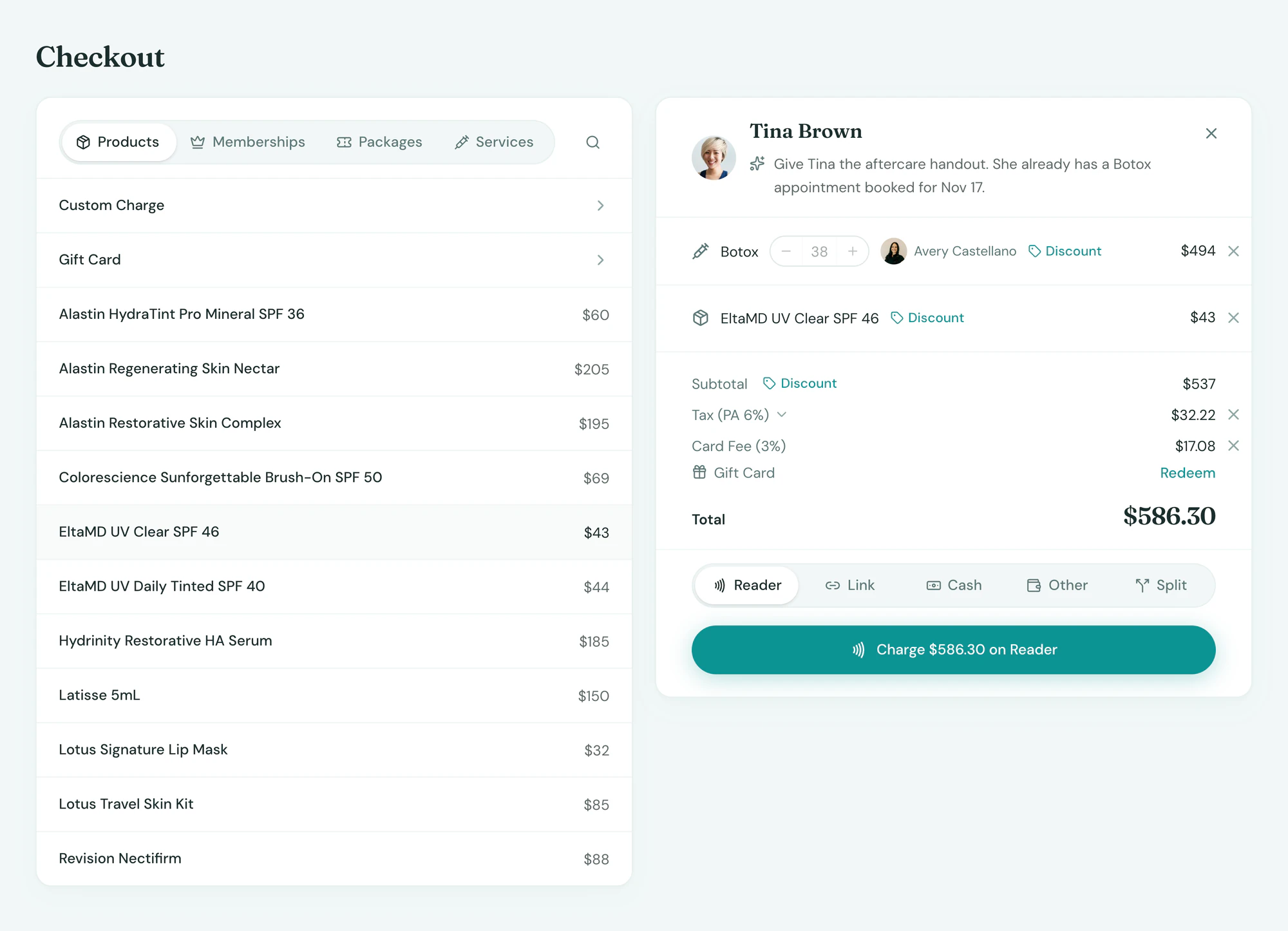
Payments
Affirm
Pay over time on texted payment links.
- Affirm as an option on every payment link
- Approval and settlement back on the sale
- Paid in full to you; the client pays Affirm monthly
To connect. One switch in Integrations once Stripe is connected. Affirm runs through your Stripe account.
See Affirm in Tepali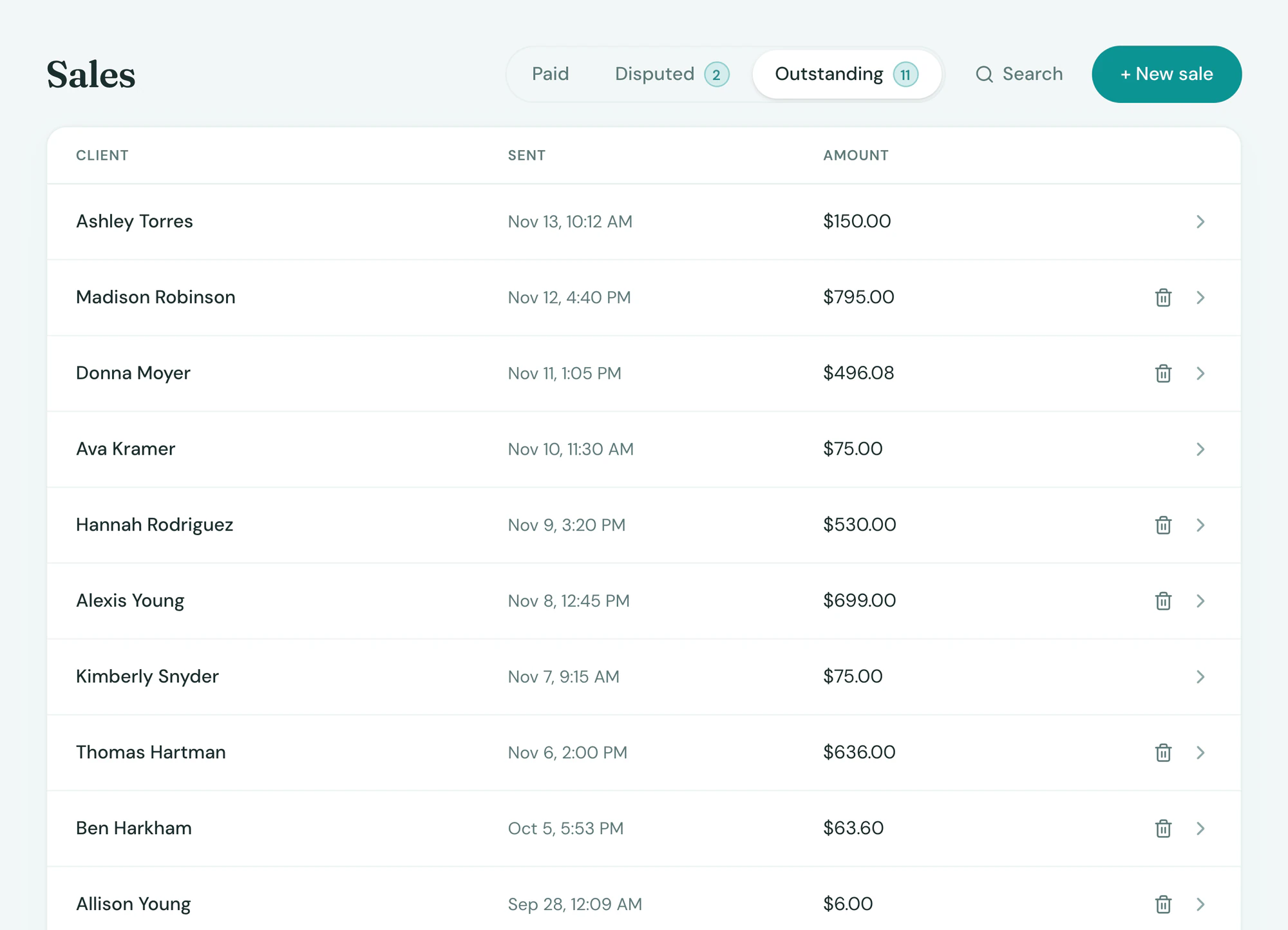
Payments
Authorize.net
A second merchant account for the services Stripe won’t take.
- Any service, product or membership plan you set to bill through it
- Cards saved at Authorize.net for recurring plans and refills
- Every charge on the same sale, receipt and daily report as the Stripe side
To connect. We open the merchant account with you through Organic Payment Solutions, then you enter the keys from Integrations and choose which items bill through it. Everything else stays on Stripe.
See Authorize.net in Tepali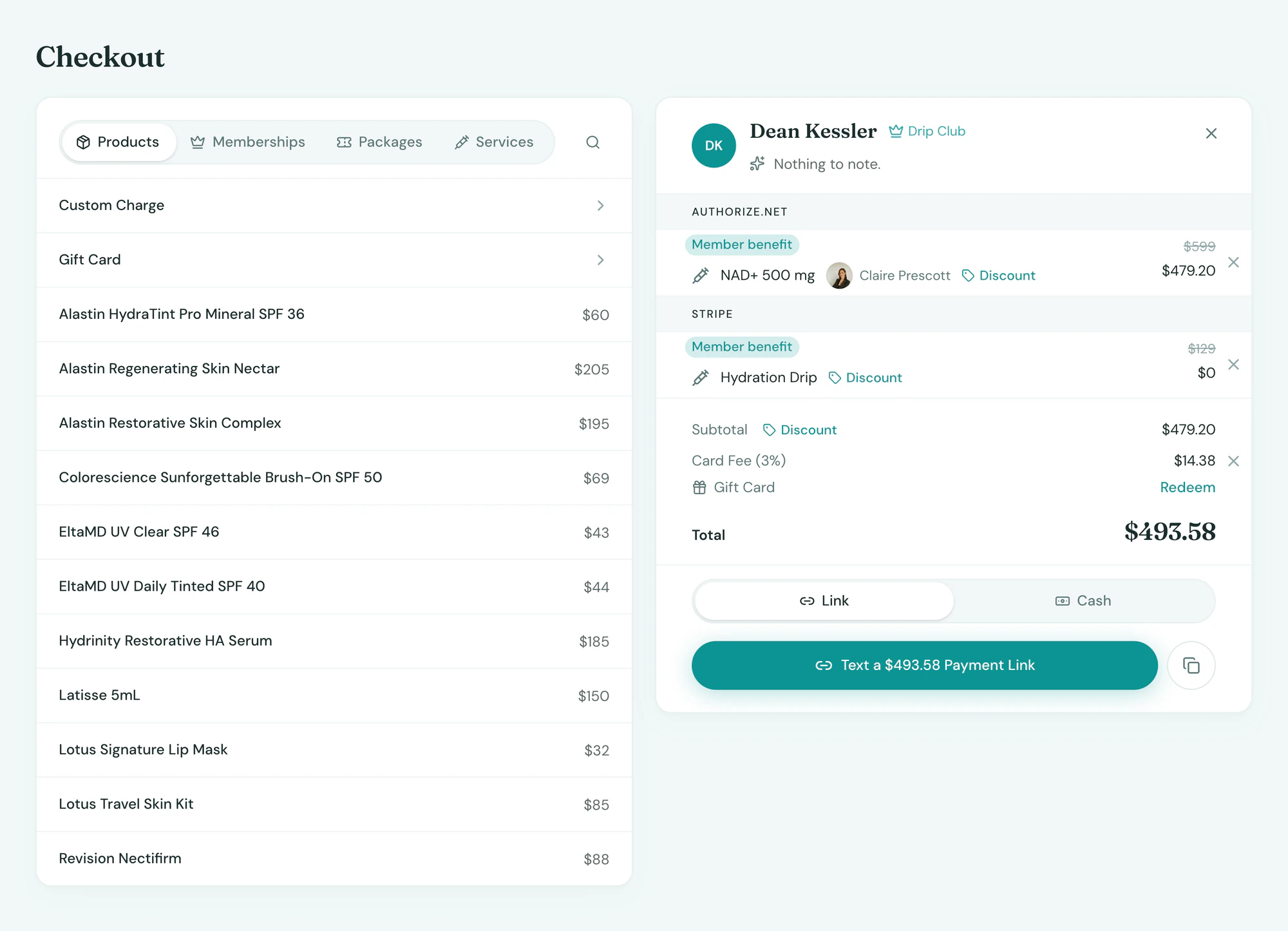
Accounting
QuickBooks
Daily sales posted to your books.
- One journal entry per location per day
- Sales, tax, tips and processing fees, split the way your accountant wants
- Refunds and gift card liability handled
To connect. Sign in to QuickBooks Online from Integrations and pick the accounts. Entries post every night from then on.
See QuickBooks in Tepali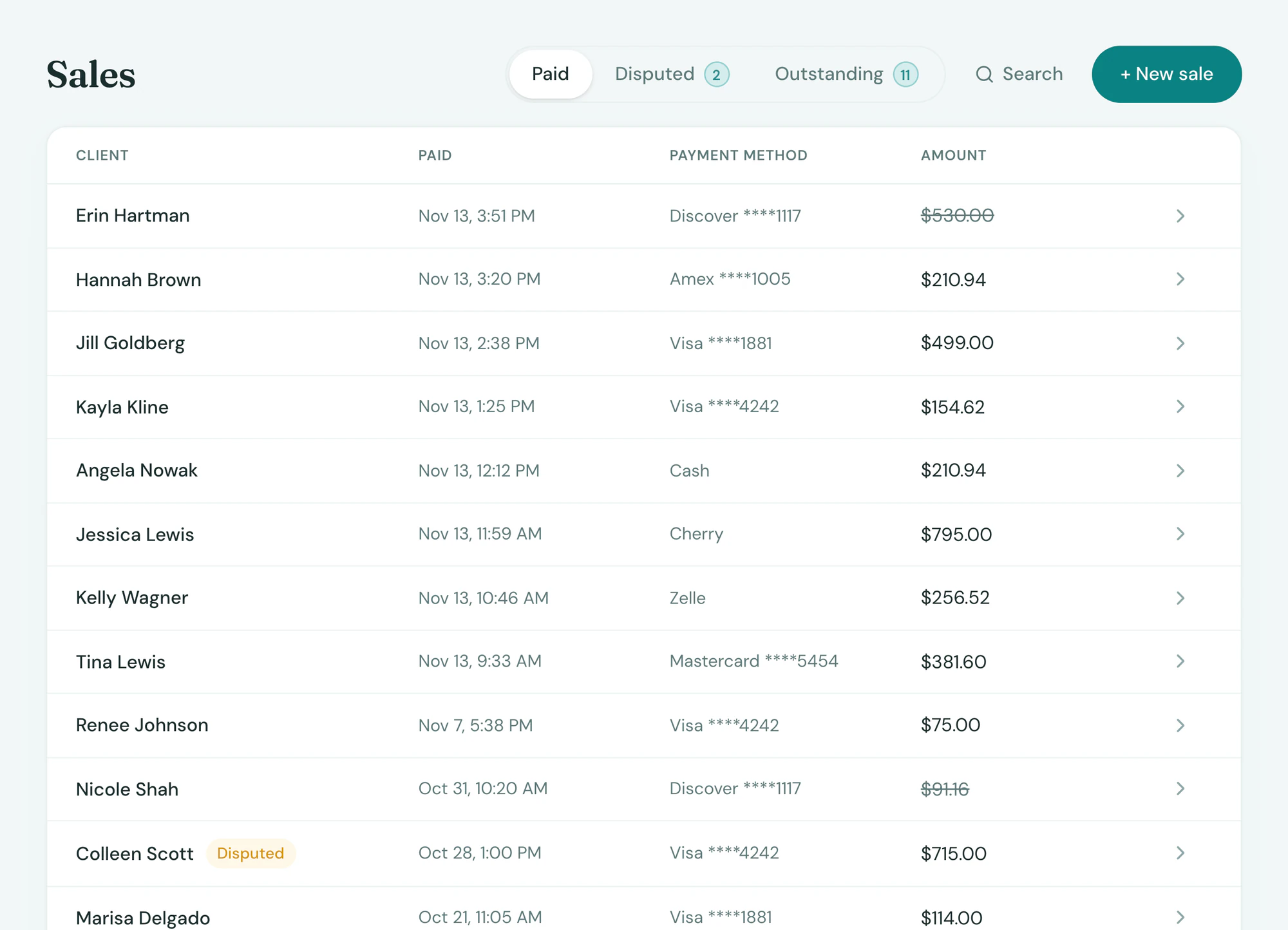
Gmail
A location’s mailbox inside the inbox.
- Email from clients lands on their thread, beside their texts and DMs
- Replies send from the location’s own address
- Campaign sends and replies logged on the client
To connect. Sign in with Google from Integrations, once per location. Google Workspace and plain Gmail both work.
See Gmail in Tepali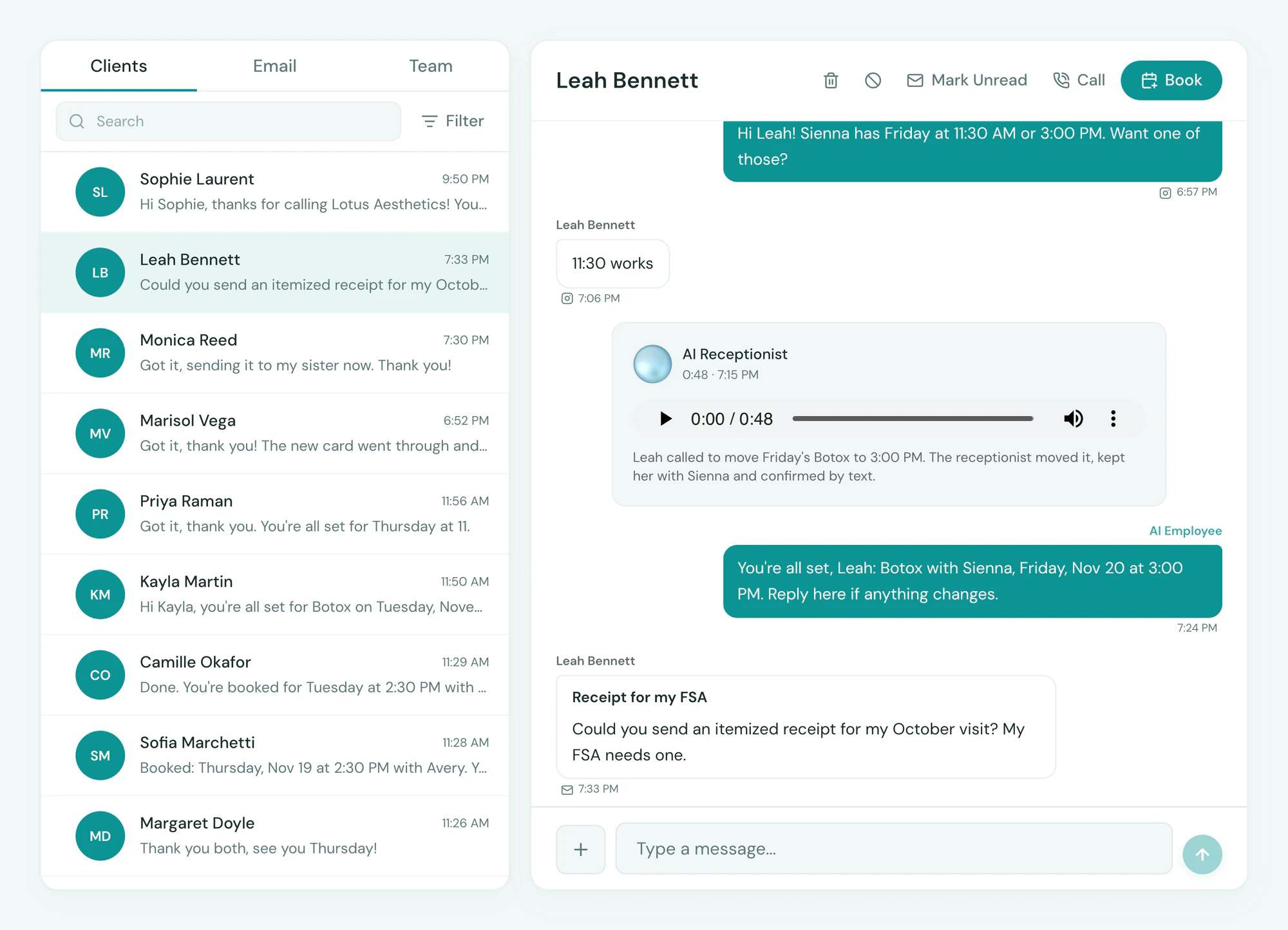
Marketing
Instagram & Facebook
DMs in the inbox, leads from your ads.
- Instagram and Messenger conversations in the shared inbox
- Lead ads straight into Leads, campaign attached
- Ad spend against the revenue it produced
To connect. Sign in to Facebook from Integrations and choose the Page and Instagram account. One sign-in covers both.
See Instagram & Facebook in Tepali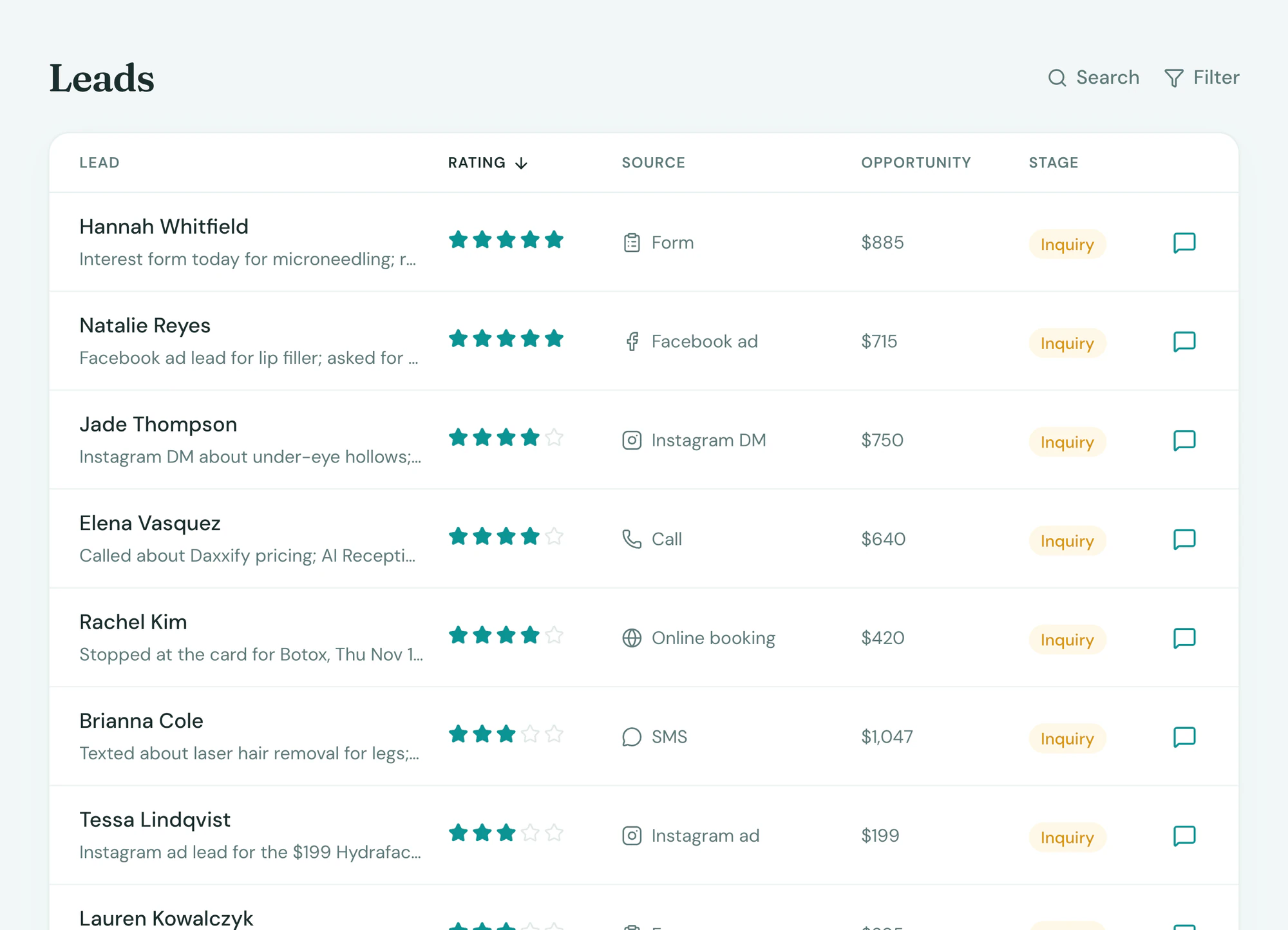
Clinical
DoseSpot
E-prescribing from the chart, controlled substances included.
- Prescriptions from the chart to the pharmacy
- Pharmacy requests and refills back to the prescriber
- Medication list kept on the client
To connect. Each location becomes a prescribing clinic and each prescriber verifies identity once. We walk you through it during onboarding; prescriber fees are in your quote.
See DoseSpot in Tepali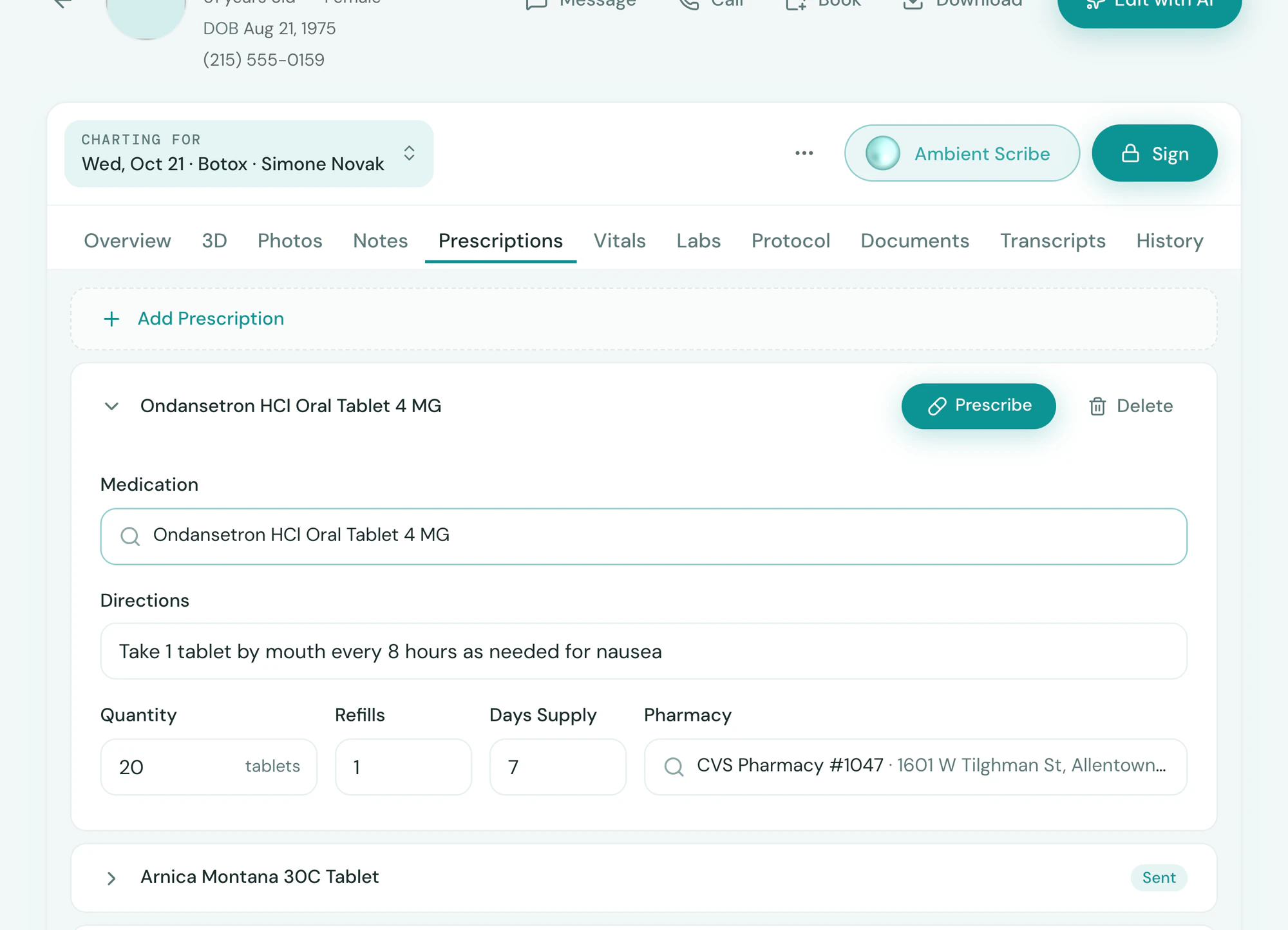
Clinical
Qualiphy
Good faith exams on video.
- Exam requests from the chart or the booking
- Cleared exams and their expiry on the client
- Reminders before an exam lapses
To connect. Enter your Qualiphy credentials from Integrations and pick which services need an exam. Per-exam fees are Qualiphy’s.
See Qualiphy in Tepali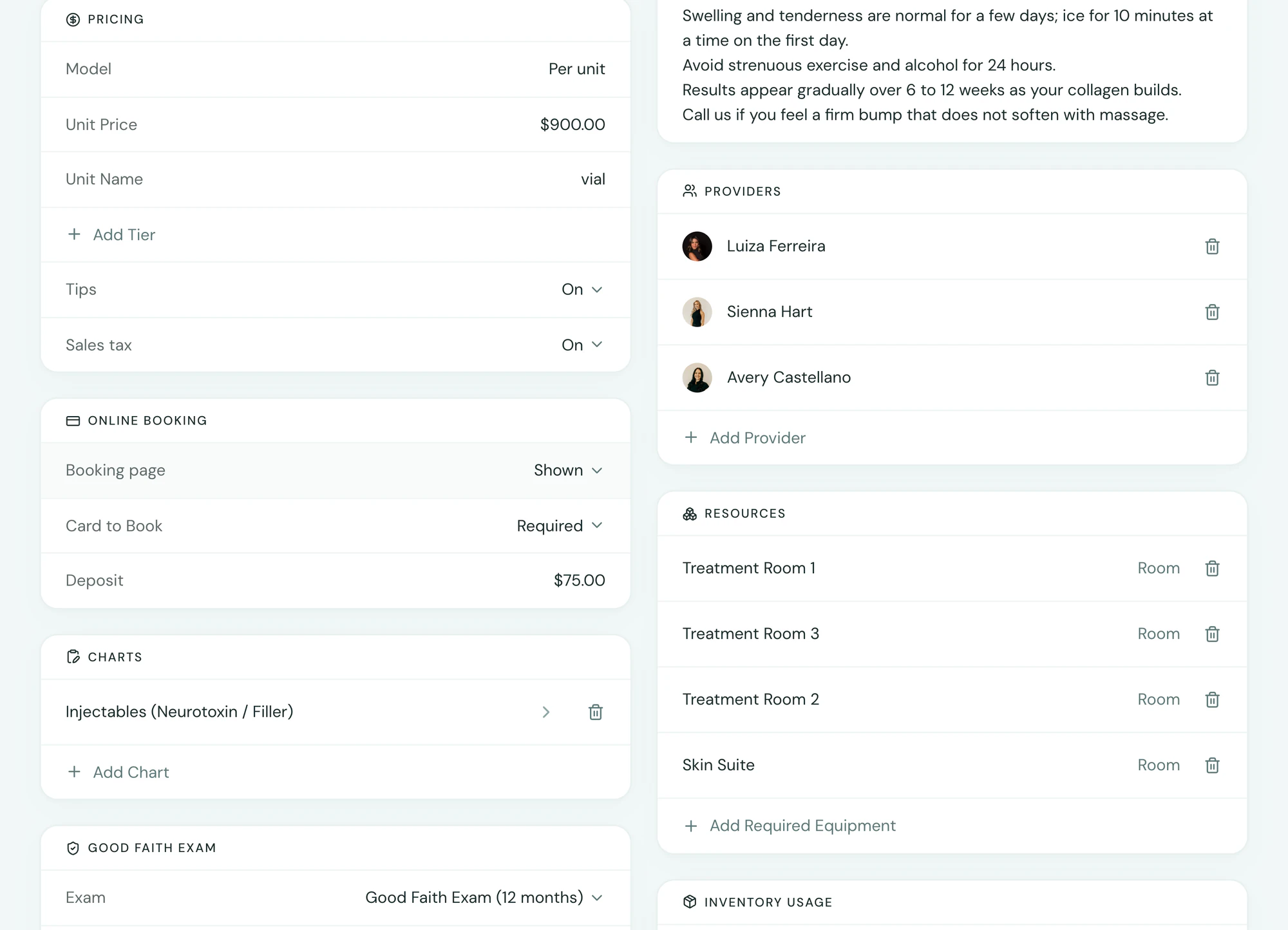
Clinical
Quest Diagnostics
Lab orders and results in the chart.
- Orders from the chart to Quest
- Results back on the client, out-of-range values flagged
- In-clinic draws or any Quest patient service center
To connect. Turned on from Integrations with your lab account. Per-order fees are in your quote.
See Quest Diagnostics in Tepali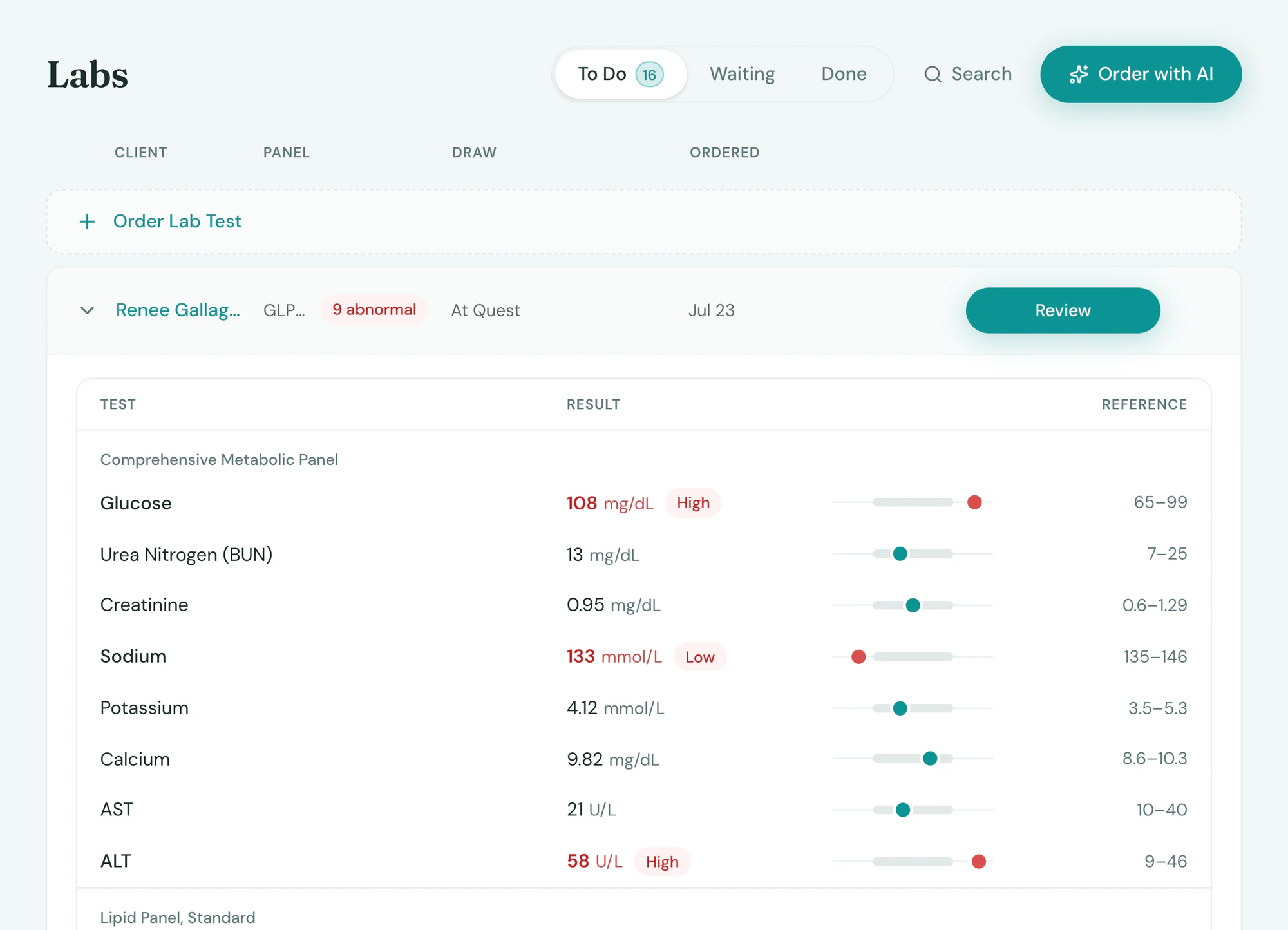
Clinical
Labcorp
Lab orders and results in the chart.
- Orders from the chart to Labcorp
- Results back on the client, out-of-range values flagged
- In-clinic draws or any Labcorp patient service center
To connect. Turned on from Integrations with your lab account. Per-order fees are in your quote.
See Labcorp in Tepali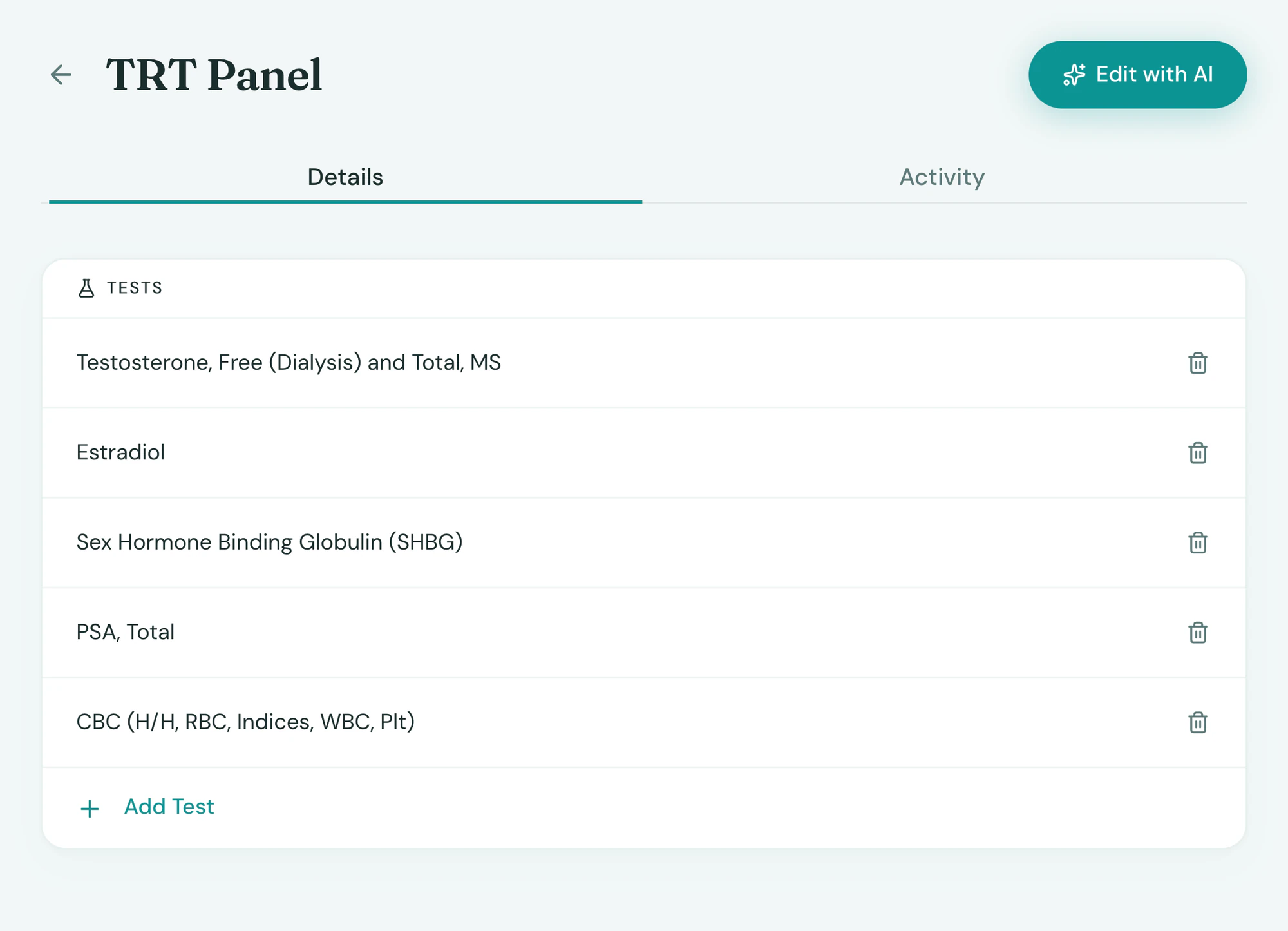
Frequently asked questions
Book a demoWhat does Tepali integrate with?
Tepali’s Integrations connect your medspa EMR to the tools a practice already runs on: Stripe, Affirm and Authorize.net for payments, QuickBooks Online for the books, Gmail for email, Instagram and Facebook for messages and leads, and DoseSpot, Qualiphy, Quest Diagnostics and Labcorp for clinical work.
Does Tepali integrate with QuickBooks?
Yes. Tepali posts one journal entry per location per day to QuickBooks Online, covering sales, sales tax, tips, card and cash payments and refunds. Your bookkeeper gets daily totals, and no client names leave Tepali.
What payment processor does Tepali use?
Stripe runs the front desk: card readers, Tap to Pay on iPhone, texted payment links and deposits, with Affirm for clients who want to pay over time. Wellness items that Stripe won’t take, like peptides and hormone programs, bill through a second merchant account on Authorize.net, on the same checkout and receipt.
Does Tepali connect to Instagram and Facebook?
Yes. Instagram and Messenger conversations arrive in the same inbox as your texts, and lead ads drop straight into Leads with the campaign attached. One Facebook sign-in covers both, and ad spend is shown against the revenue it produced.
Can I e-prescribe, order labs and run good faith exams from Tepali?
Yes. Prescriptions go from the chart to the pharmacy through DoseSpot, controlled substances included. Lab orders go to Quest Diagnostics or Labcorp with results back on the client, and good faith exams run on video through Qualiphy.
Do you integrate with Allē or ASPIRE?
Not yet. Ask on your demo call and we’ll tell you where it stands.
Do I need Zapier or a developer to connect these?
No. Each integration is built into Tepali and connects from Settings, Integrations, most with a sign-in and a click. For DoseSpot and the Authorize.net merchant account, we walk you through the setup during onboarding.
Are integrations included?
Connecting is included on every plan. Partner fees, like per-exam or per-order charges, are set in your quote.
Connect what you already use