Staff App
The whole practice,
from your phone
Every staff member gets the app: the business line, the calendar, client texts, Tap to Pay and the AI Operator by voice. Clients use your booking link and the patient portal, no download.

Front desk
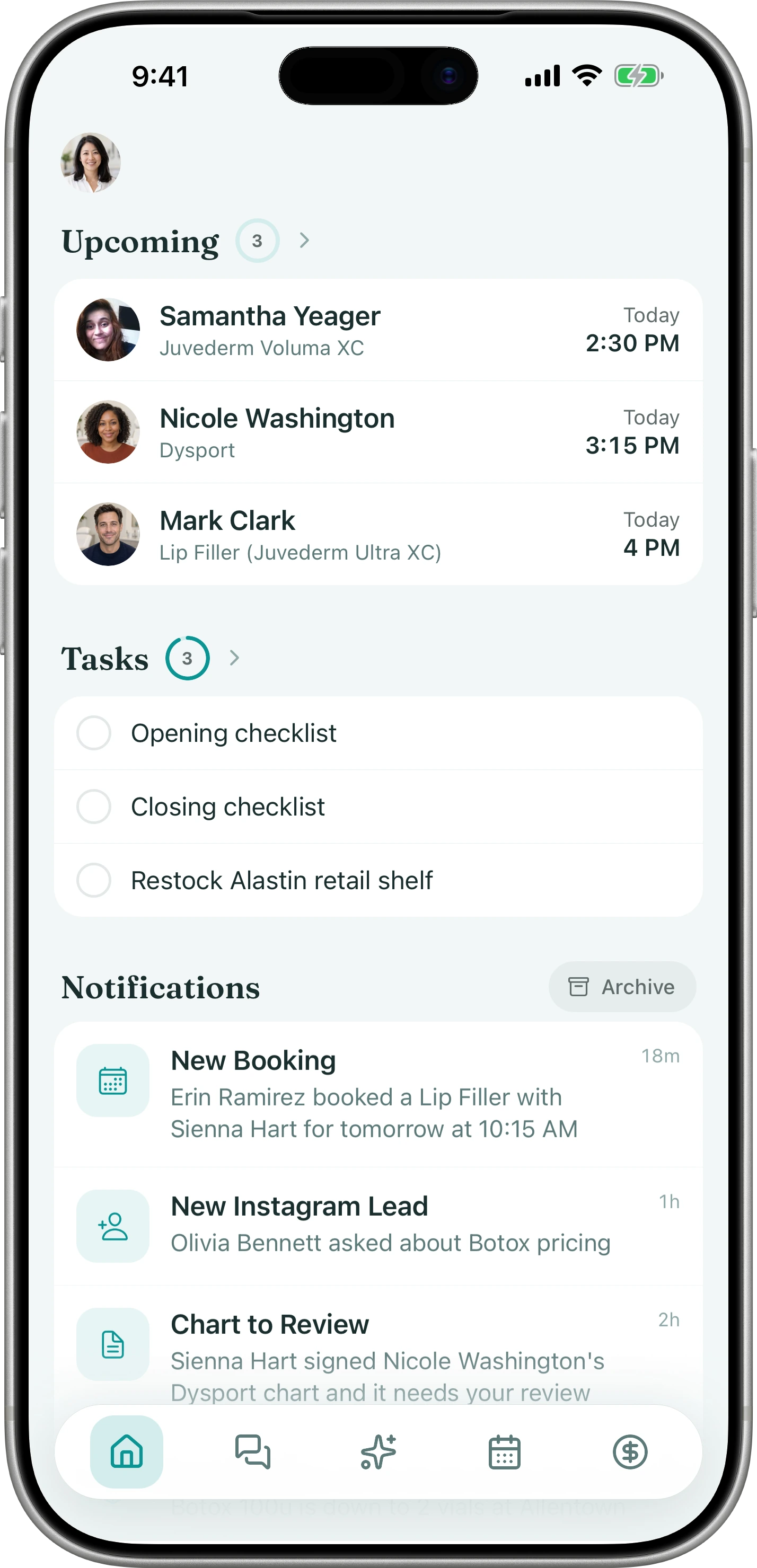
The front desk, in your pocket
The Tepali Staff App rings your medspa’s business line on your phone, so new clients get answered when the desk is empty.
- Inbox texts from the practice number, not yours
- Book, reschedule and block time from the calendar
- Push notifications each person chooses
Payments
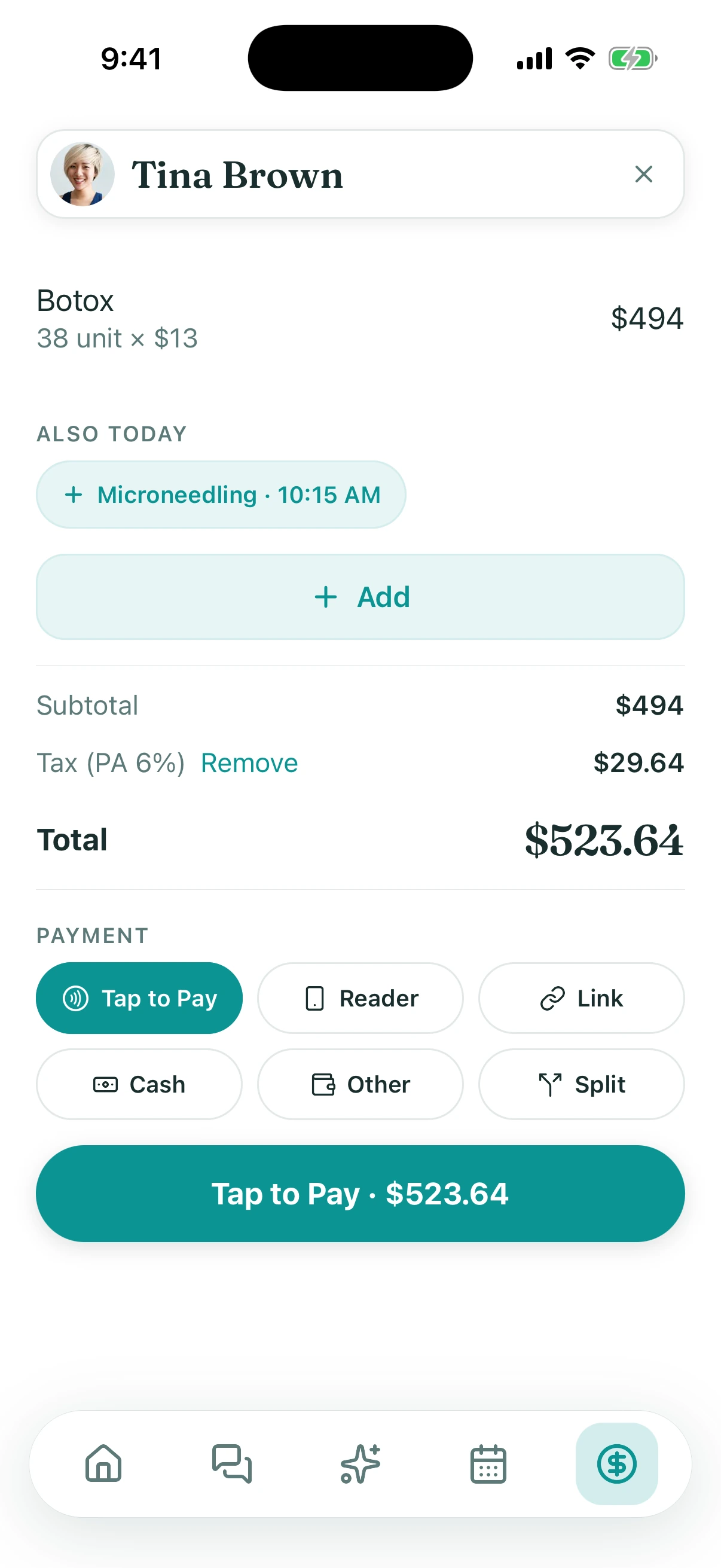
Tap to Pay, no reader
The Tepali Staff App takes a card on the iPhone itself, so clients check out before they leave the treatment room.
- Contactless cards and wallets, on the phone
- Payment links and cards on file
- Receipt texted to the client
In the room
Charted before the next client
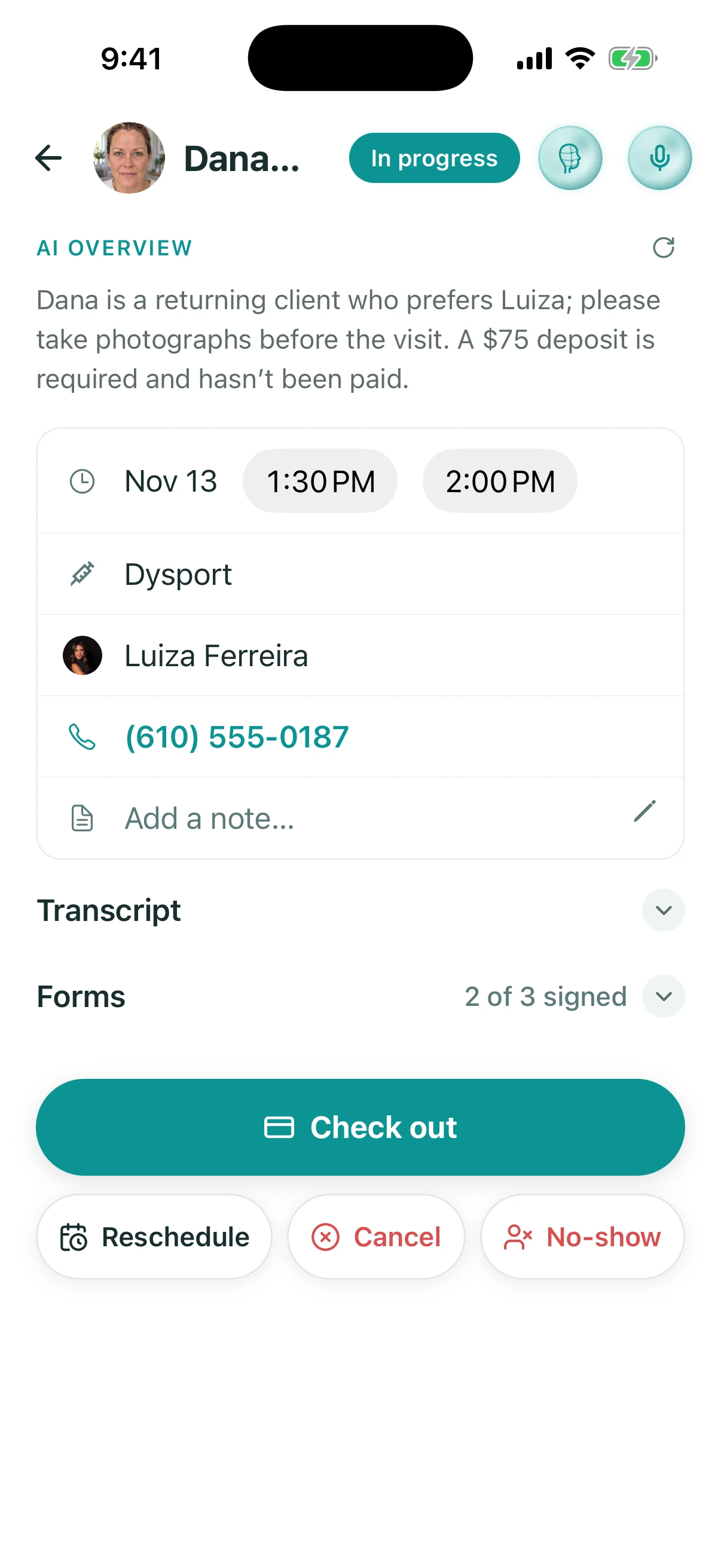
Providers open the chart in the Tepali Staff App, where the Ambient Scribe writes the note and the phone takes the photos.
- Ambient Scribe started from the appointment
- Before and after photos, saved to the chart
- 3D Twin capture with the iPhone camera
AI Operator
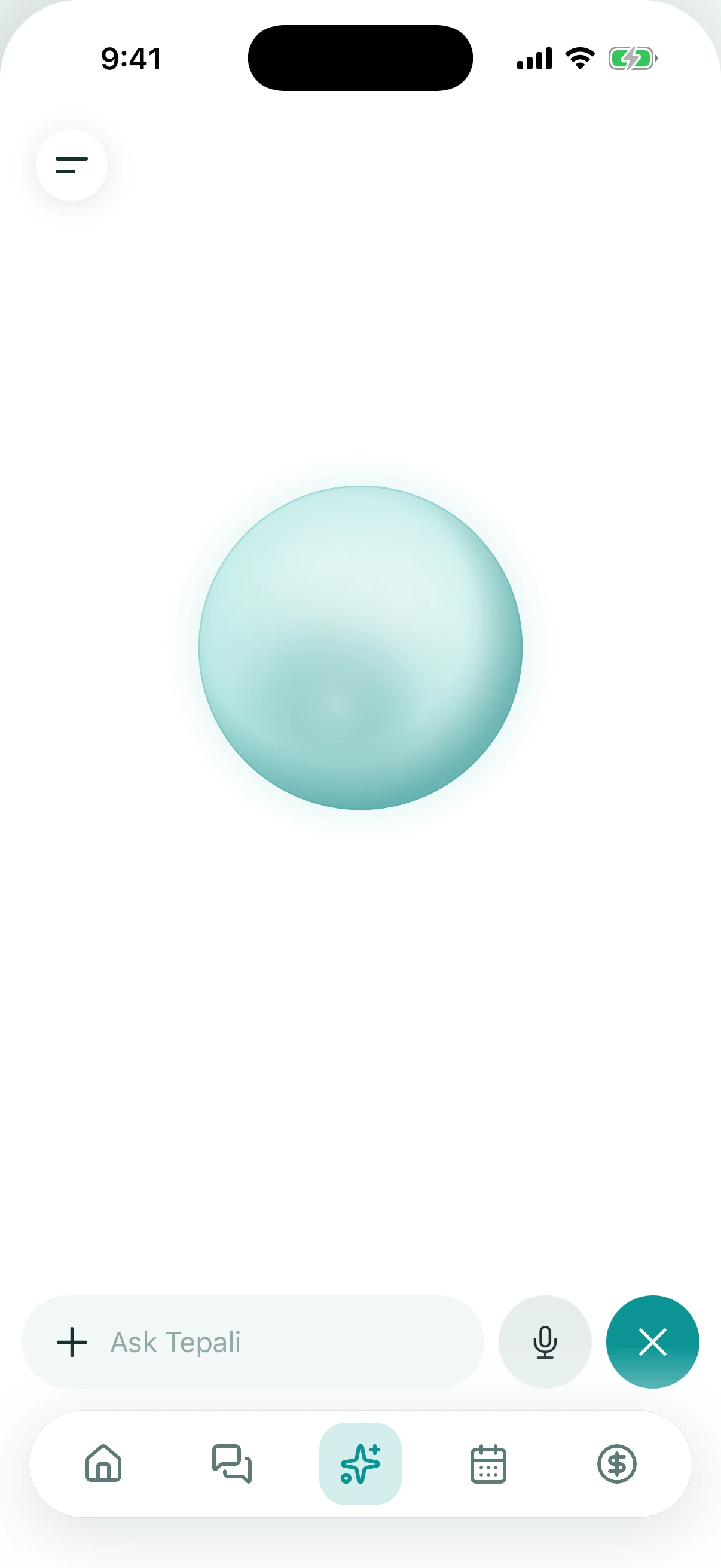
Ask the AI Operator between rooms
Tap the mic in the Tepali Staff App, ask a question out loud, and the answer is spoken back.
- Your week, who is overdue, a client’s last visit
- Same answers as at your desk
- Changes still wait for your approval
Frequently asked questions
Book a demoWhat is the Tepali Staff App?
Tepali’s Staff App is the mobile app for the team at a medspa, plastic surgery or wellness practice. It puts the business phone line, the calendar, client texts, charts, checkout with Tap to Pay and the AI Operator on each staff member’s phone.
What can my staff do in the app?
Answer and place calls on your business line, text clients, run the calendar, chart with the Ambient Scribe, take photos, check clients out with Tap to Pay or a link, clock in, manage tasks and ask the AI Operator by voice. Each person sees only what their role allows, the same as on the web.
Can I answer my business phone line from my cell phone?
Yes. Incoming calls to your practice number ring the app with the caller’s name and chart, and calls you place go out from the practice number. Staff never give clients a personal number.
Can I take card payments on my phone without a reader?
Yes. Tap to Pay on iPhone takes a contactless card or wallet on the phone itself, with no reader. You can also text a payment link or charge the card on file, and the receipt is texted to the client.
Why not let staff text clients from their own phones?
A personal phone keeps the conversation off the client’s record, and it leaves with the employee. In the Staff App every call and text goes through the practice number and lands on the client’s thread, where the rest of the team can see it.
Do my clients need to download an app?
No. The app is for staff. Clients book from your booking link and see their visits, forms and photos in the patient portal, with nothing to download.
How does my team get the app?
We send your staff the download link during onboarding. It runs on iPhone, iPad and Android, and each person signs in with their mobile number and a six-digit code, so there are no passwords to share.
Is the Staff App included?
Yes. The Staff App is part of every plan, for every staff member, with no per-seat charge.
Run the practice from your pocket