3D Twin
The 3D consult,
inside your EMR
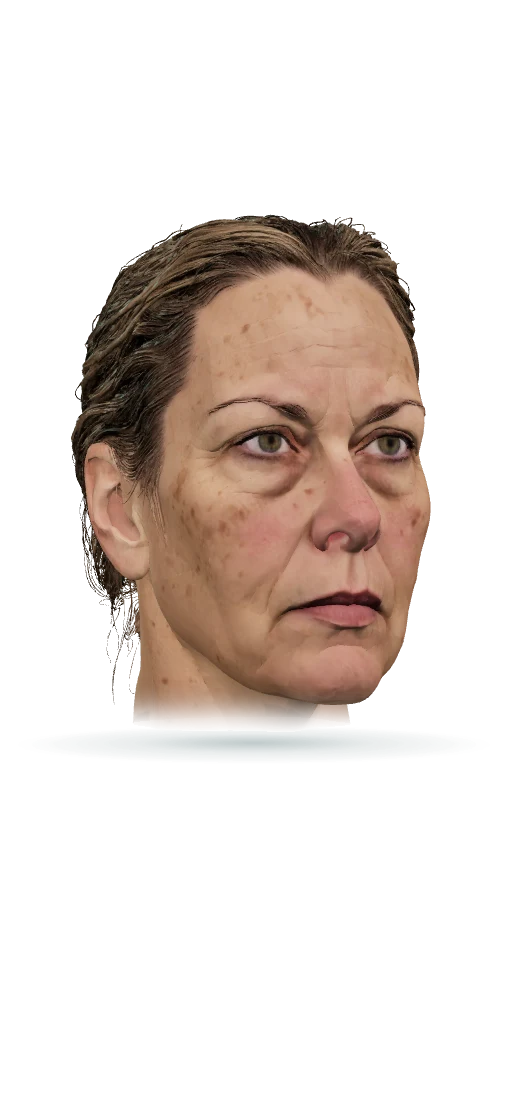
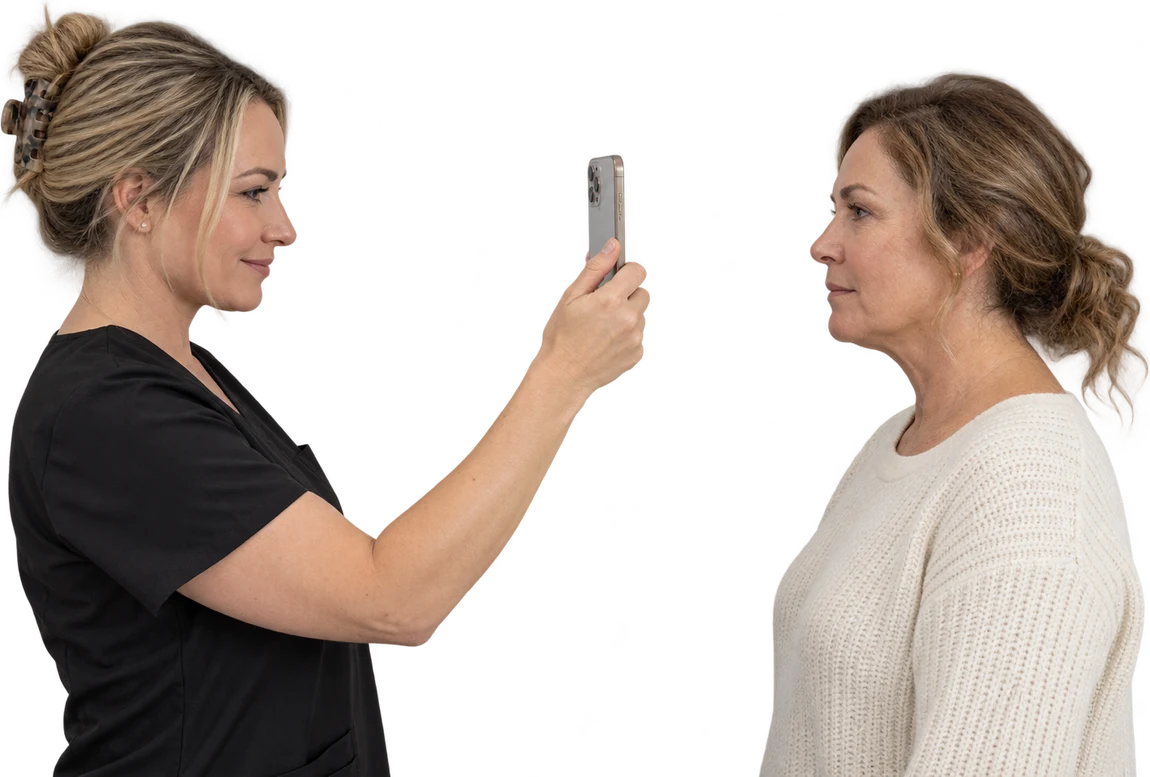
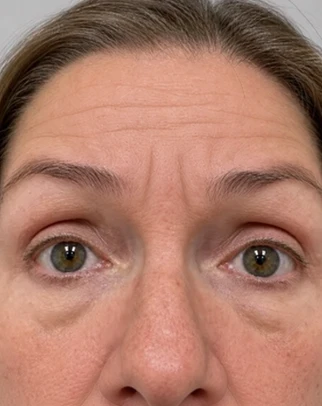
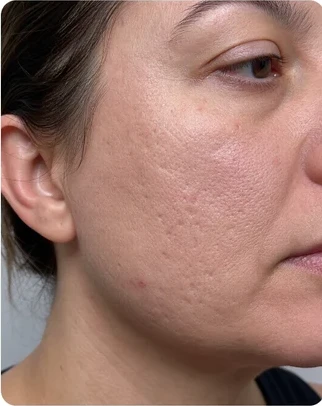
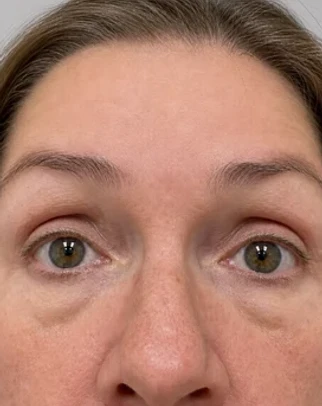
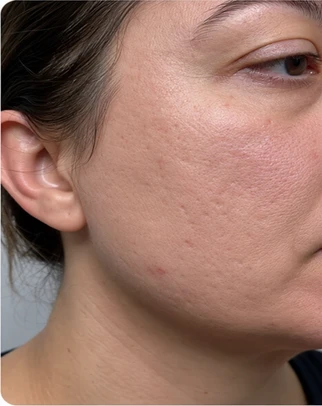
A true 3D model of every client from a 10-second phone scan. Score the skin, show the treatment on their own face, and text home a report they can book from.
See 3D TwinFront desk, chart, register and marketing in one EMR, with AI on the follow-ups, phones and notes.
3D Twin
A true 3D model of every client from a 10-second phone scan. Score the skin, show the treatment on their own face, and text home a report they can book from.
See 3D TwinAI Operator
Ask it anything about your practice and it answers from your data. Then tell it what to do, build the package, launch the campaign, and it’s done.
See AI OperatorAI Employees
They text new leads, rebook no-shows and recover declined cards, so no follow-up waits on a busy front desk. Every text goes out from your own number, in your practice’s voice.
See AI EmployeesAI Receptionist
Knows your clients, services and openings and answers every line in your practice’s voice.
See AI Receptionist
Ambient Scribe
It listens to the visit and writes the chart note, so charting is done when the visit is. The prescriptions, lab orders and vitals it hears are drafted too, ready for you to sign.
See Ambient ScribeAI Visualization
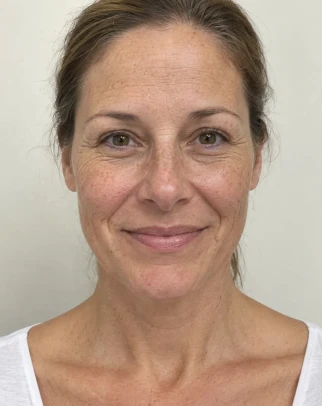
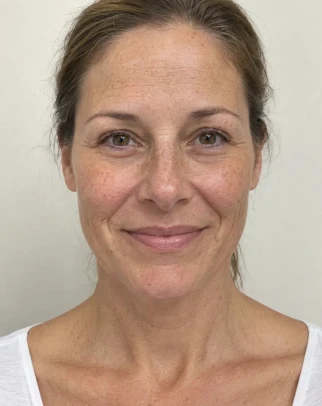
Describe the treatment, or outline exactly where it goes, and watch the client’s before photo become a realistic after. It is their own face, changed only where you would treat, and labeled a preview.
See AI Visualization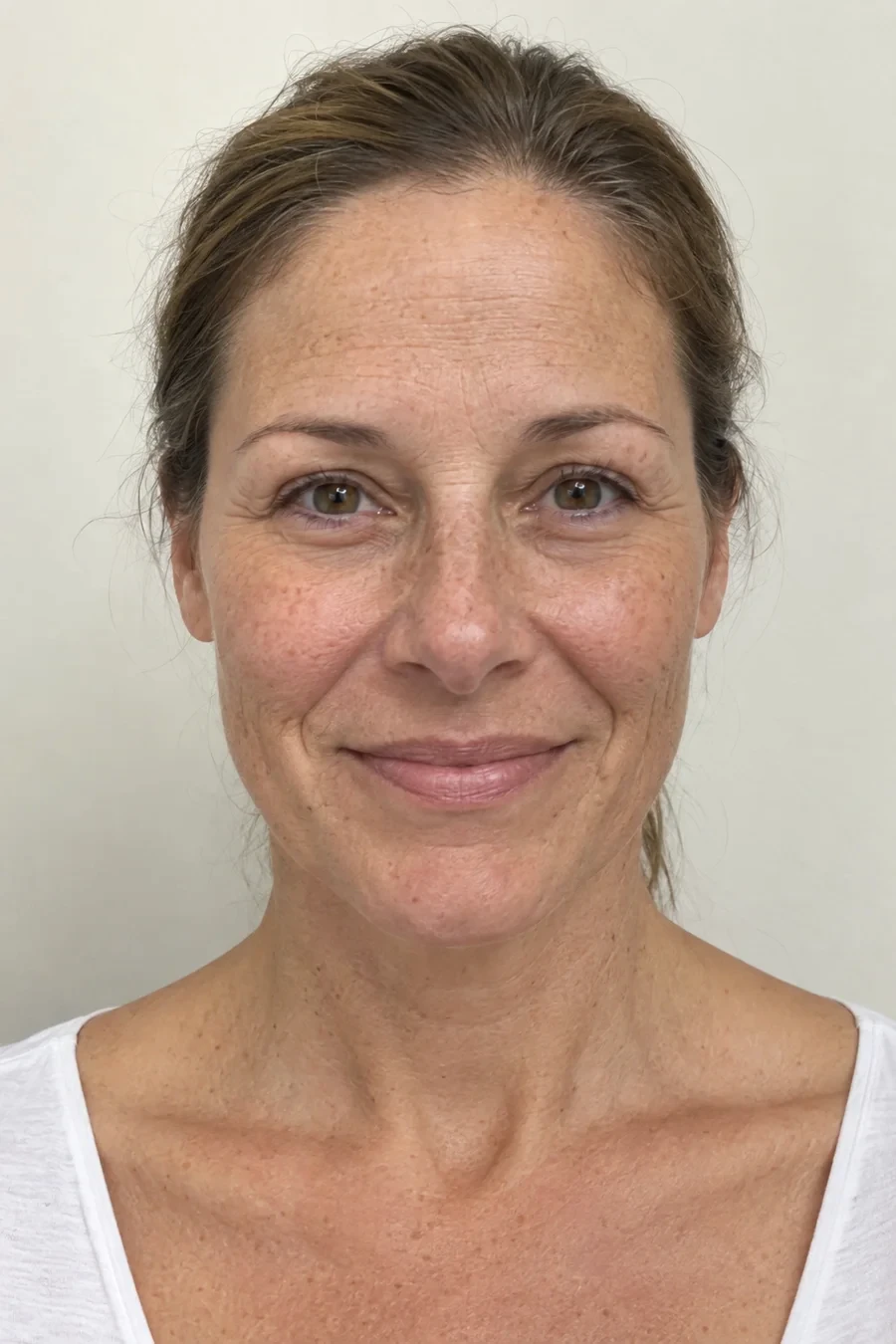
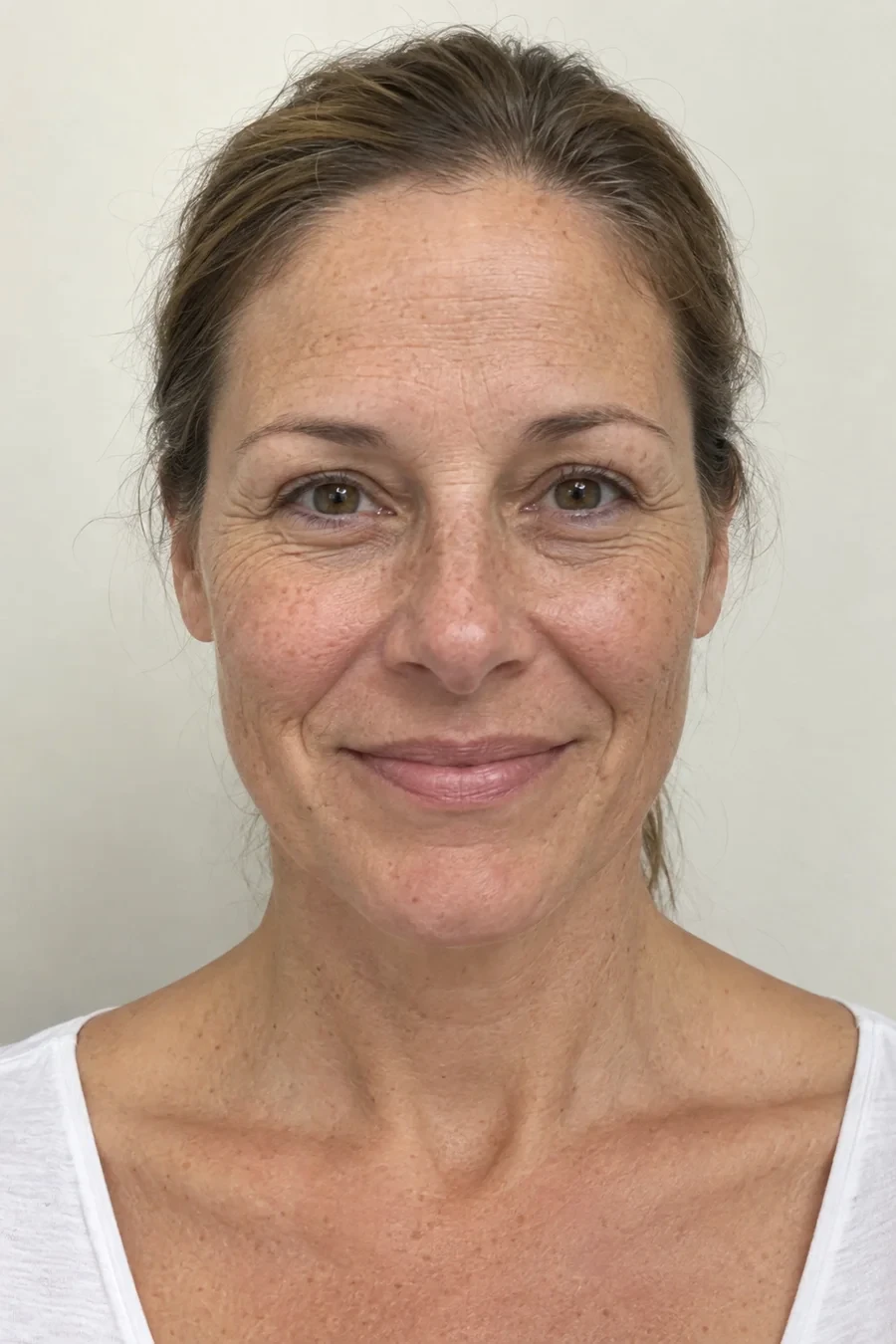 BeforeAI After
Lead Management
Leads from Meta ads, forms, texts and Instagram DMs in one list, ranked by likelihood to book and worked by your AI employees. Nobody goes cold waiting for a call back.
See Lead ManagementUnified Inbox
Texts, Instagram DMs, calls and email in one place, answered by your AI employees. Your whole team sees the same conversation, and no message sits unread.
See Unified InboxCalendar
See every booking across providers and rooms, color-coded by service and tagged by client. Each one checks the provider, the room and the device, so nothing collides.
See CalendarOnline Booking
Clients book online in a page that looks like yours, with the same rules your front desk follows. A deposit or card on file holds the slot, so a booking made at 11pm is a real one.
See Online BookingInterest Form
Every website inquiry becomes a lead, ranked and followed up by an AI employee. The reply lands within a minute with real openings, before they fill out a form somewhere else.
See Interest FormPhone System
See who’s calling before you pick up, and find the recording and summary in their thread afterward. Your team rings first, and the AI Receptionist picks up what they miss.
See Phone SystemCharts
Every note, photo, treatment map, consent, prescription and lab from every visit sits on one chart. You see what is still unsigned, and what gets charted becomes the checkout.
See ChartsNotes
Every visit gets a structured note in your own template, drafted by the ambient scribe and ready to sign. Unsigned notes stay on top, and the ones that need a physician queue for your medical director.
See NotesForms
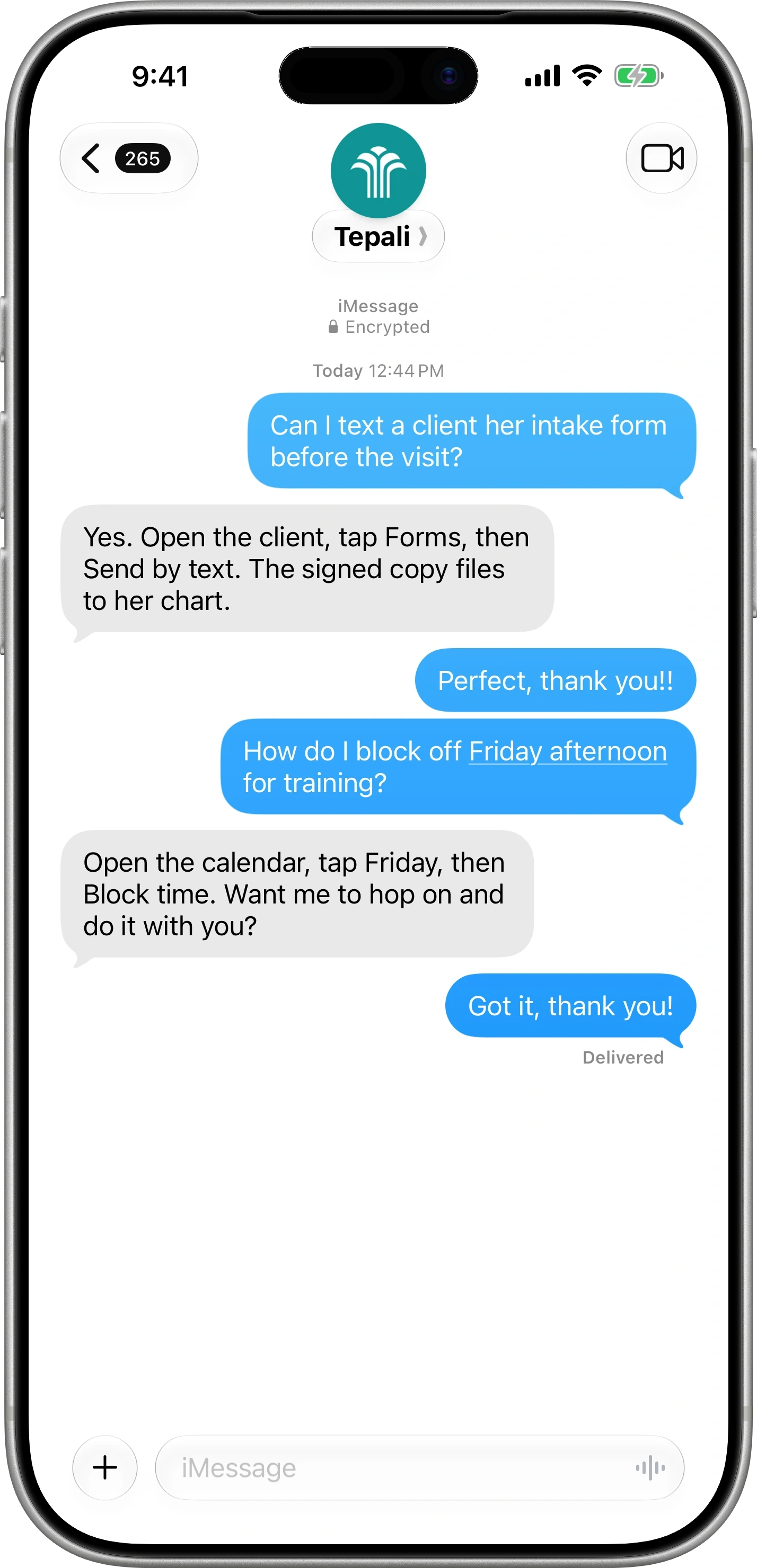
Intake and consent forms go out by text with the booking and come back signed before the client arrives. Every signed copy is filed to the chart, and you can see who has not finished.
See FormsTreatment Maps
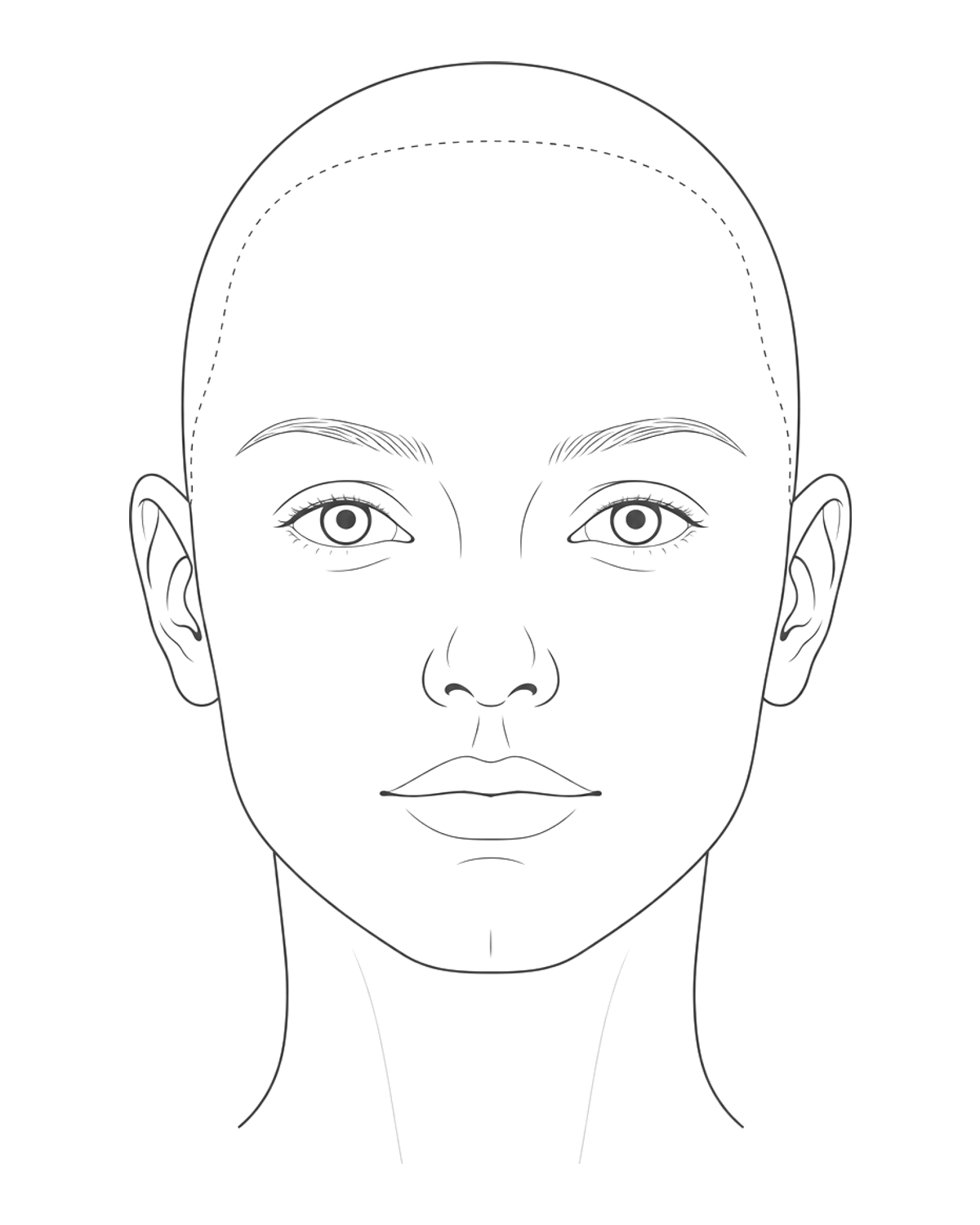
Mark each injection point with units, product and lot number, and the chart, checkout and inventory automatically update. Every unit stays traceable to its vial if a recall or a complaint ever comes.
See Treatment MapsPhoto Gallery
Ask for women in their 40s who had lip filler and see every matching before and after. Every photo is filed to the client’s chart and visit, not left on someone’s phone.
See Photo GalleryVitals
Weight, blood pressure, heart rate, temperature and oxygen are charted at each visit and graphed over time. An AI read tells the provider what changed before they walk in.
See VitalsLabs
Order labs from the chart and the results come back onto it, with the provider notified. Draw in clinic or send the client to Quest or Labcorp, with no fax to file and no second login.
See LabsTelehealth
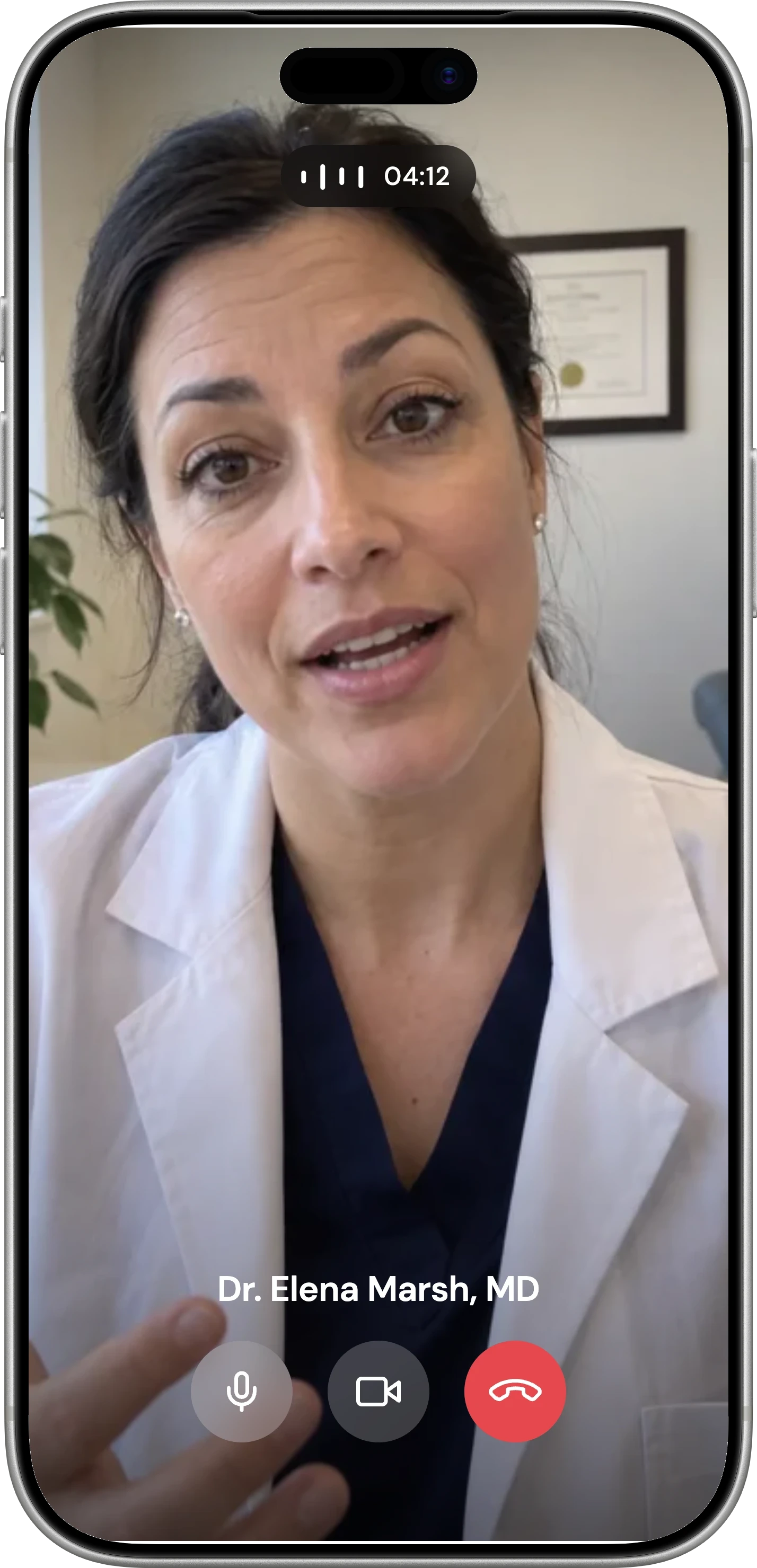
Consults, follow-ups and the good faith exam on video, with licensed providers from our partner network. The link goes out by text, and the approval lands on the chart.
See TelehealthE-Prescribing
Write and sign prescriptions from the chart through a certified partner, sent straight to the client’s pharmacy. No second app, no retyping the patient, and every prescription stays on the chart.
See E-PrescribingProtocols
Start any client on a protocol and their visits, labs and prescriptions queue up on the schedule you set. When a visit comes due and is not booked, an AI employee texts the client and books it.
See ProtocolsSign-Off
Every note that needs your medical director waits in one queue, ready to review from anywhere. Each sign-off is recorded on the chart with their name and the time.
See Sign-OffPatient Portal
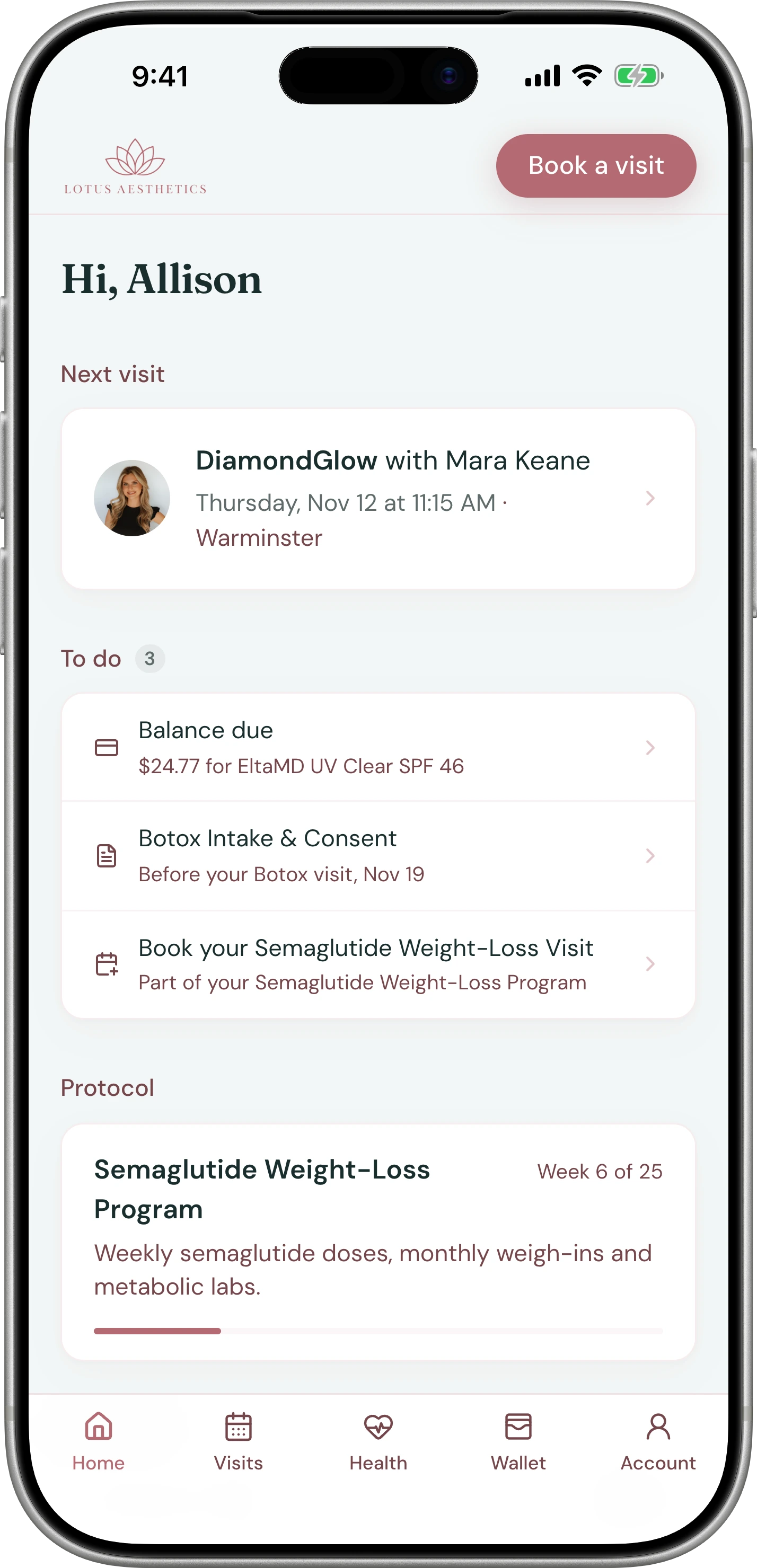
Clients book, finish forms, pay a balance and see their labs, prescriptions and photos in one place. It opens with a code sent to their phone, with no password and no app.
See Patient PortalCheckout
Every unit charted is on the bill before the client reaches the front desk. Packages, memberships, credit and deposits apply themselves, and payment is a tap, a text or the card on file.
See CheckoutService Menu
Each service carries its own price, units, deposit, forms, providers and pre- and post-care. Set it up once, and booking, charting and checkout all follow it.
See Service MenuPayments
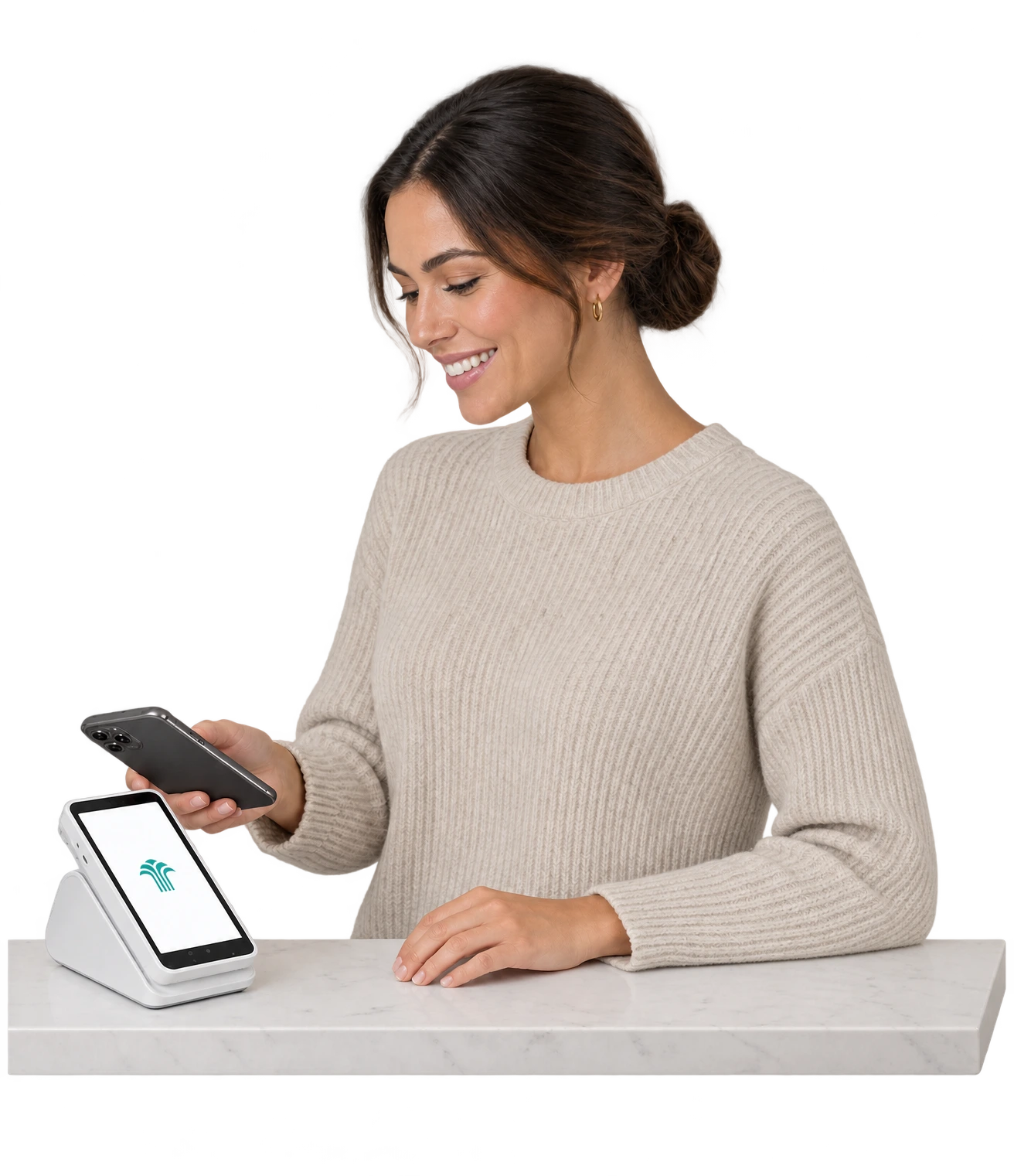
Card, Tap to Pay, payment links, buy now, pay later, and anything else, like Zelle or Allē.
See PaymentsMemberships
Include units, banked credit, discounts or any mix, with benefits applied automatically at checkout.
See MembershipsPackages
Sell a six-pack of laser and collect the whole series up front. Each visit takes one session off at checkout, and what’s left shows on the client’s chart.
See PackagesGift Cards
Sent by text, redeemable by anyone at checkout.
See Gift CardsRefunds & Disputes
When a chargeback comes in, the signed consent, the visit record and the client’s texts are already assembled.
See Refunds & DisputesAutomations
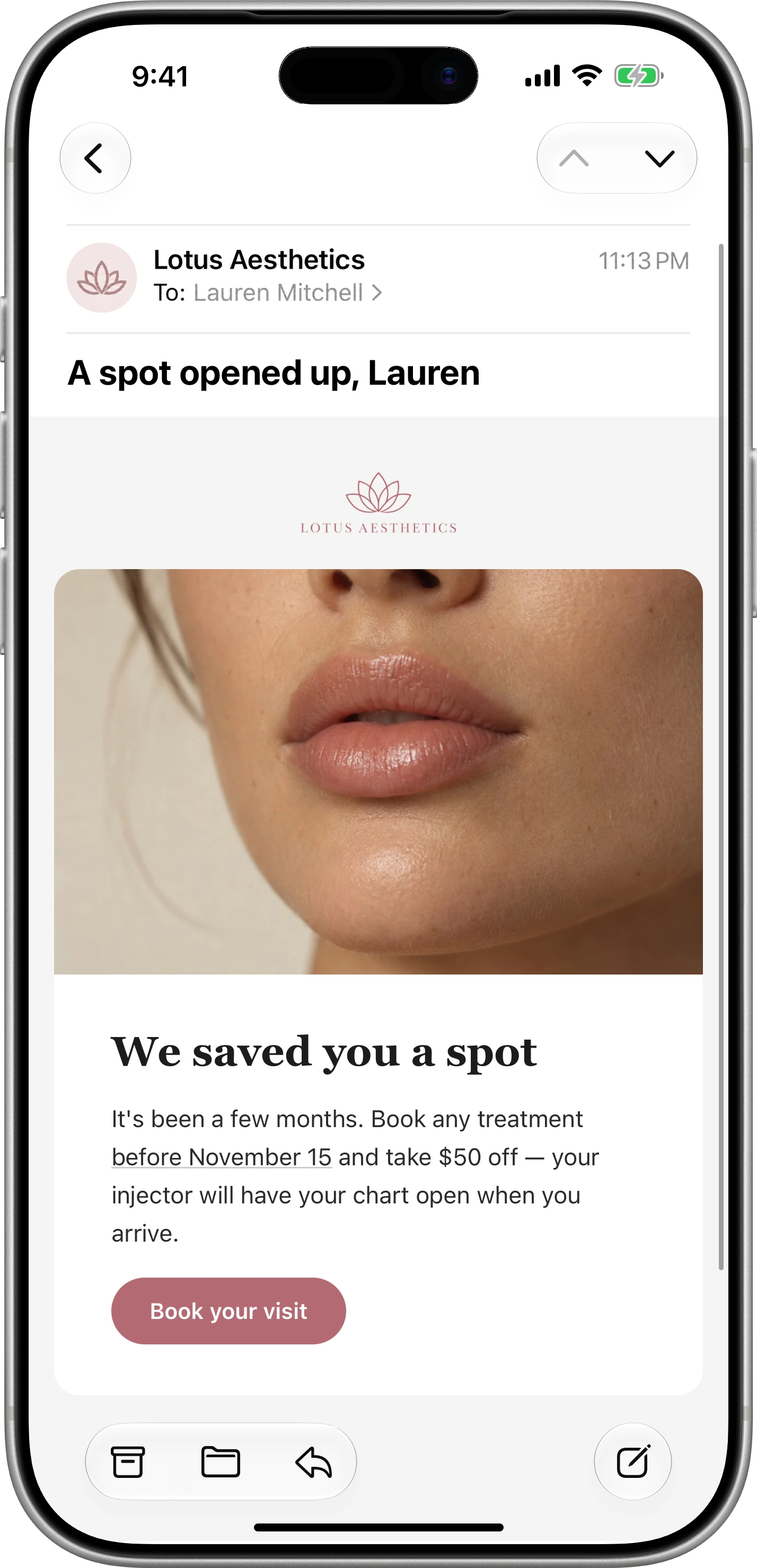
Every appointment gets its confirmation, its forms and its aftercare text without your front desk sending one. Describe any other follow-up in a sentence and it’s built, with quiet hours and daily limits already on.
See AutomationsGroups
Clients who haven’t visited in 90 days, VIPs who’ve never tried filler, anyone due for a touch-up. Describe the group and it stays current on its own.
See GroupsEmail Campaigns
Ask for the email and it’s written in your brand, ready to send to every client or one group. Then see what it did: opens, clicks and the bookings that followed.
See Email CampaignsCreative
Describe the graphic, a lip filler special for Instagram, and Creative makes it in your logo, colors and fonts. It’s ready for a post, a story, an email or an ad, with no designer to wait on.
See CreativeAd Attribution
See what each ad cost and what the clients it brought have spent since. Every lead keeps its source, so your budget goes to the campaigns that bring paying clients, not just clicks.
See Ad AttributionReviews
Each client gets a text after the visit with a link straight to your Google page. You choose the timing, and a request never lands in the middle of a complaint.
See ReviewsTeam & Roles
Decide what every person on your team can see and do, from refunds to chart notes. Each login gets a role, and the AI follows the same rules.
See Team & RolesStaff Scheduling
See who is working every day this week, front desk and providers, on one screen. Change a shift and online booking, the calendar and the timesheet all follow.
See Staff SchedulingPayroll
Every hourly shift, card tip and commission is added up for you by pay period. Download one CSV and hand it to Gusto, ADP or whoever runs your payroll.
See PayrollTasks
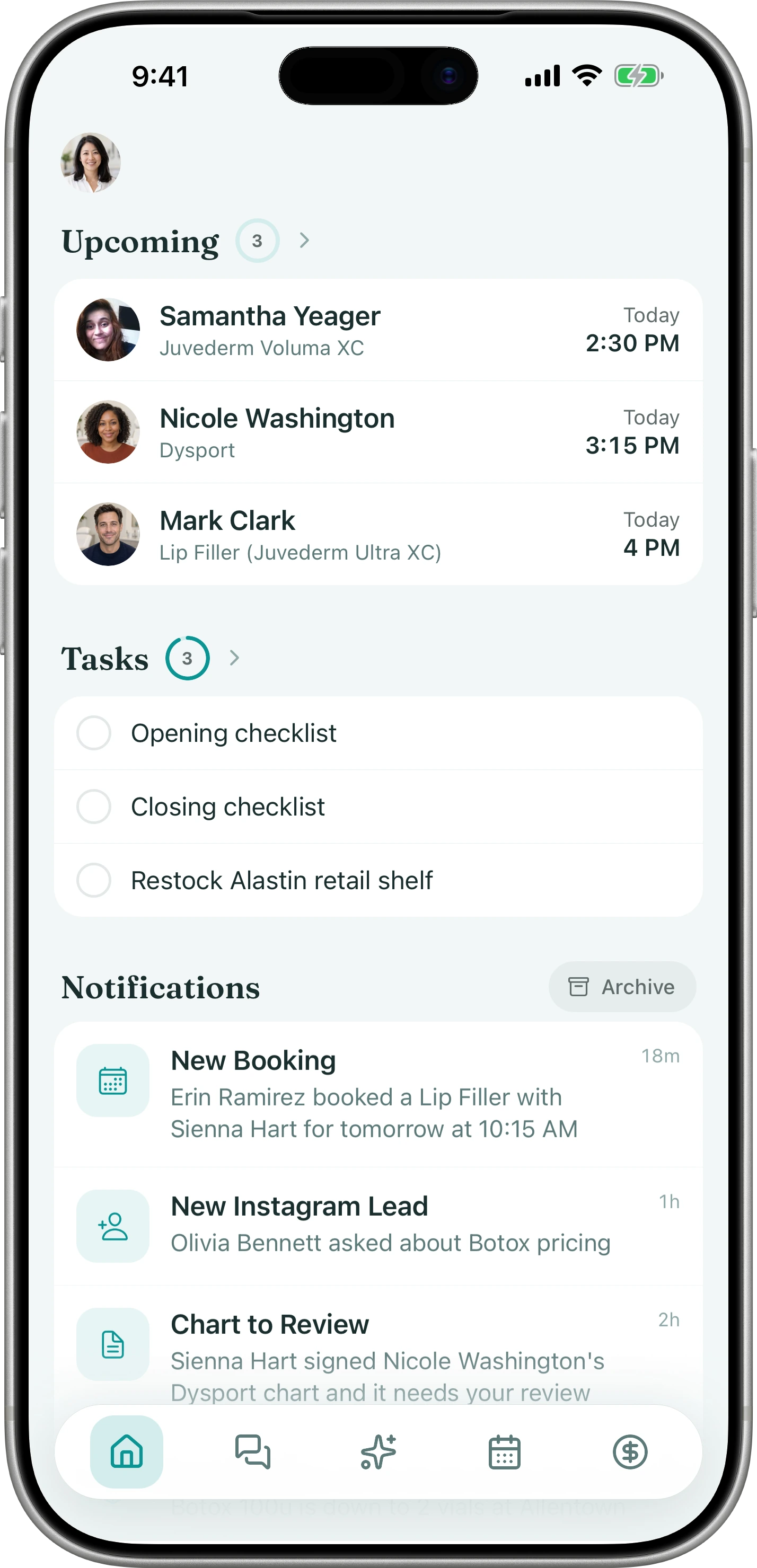
The opening checklist, the fridge count and the laser wipe-down get done, with a name on each one. You see what was skipped without walking the floor.
See TasksTeam Chat
Your staff message each other inside Tepali, beside the client threads, with a push to the phone. Client details stay off personal phones and out of the group text.
See Team ChatInventory
Every charted unit comes out of the right lot when the note is signed, so the screen matches the shelf. New stock goes in from a photo of the packing slip.
See InventoryRooms & Equipment
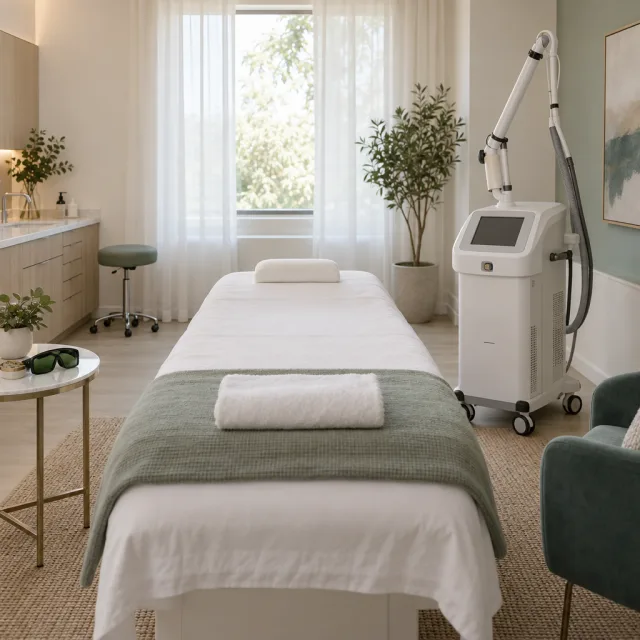
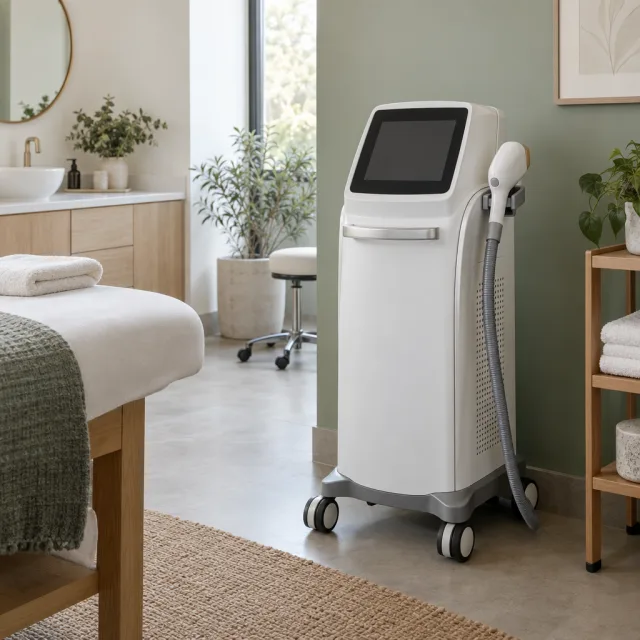
Every booking reserves the room and the device along with the provider, so nothing double-books. Set up each room and machine once, with the services it supports.
See Rooms & EquipmentReports
Describe the report you want and it is built, run and saved to your list. Every report opens with a written read of what the numbers say, above the table.
See ReportsMulti-Location
Run every location from one login and see which site is ahead and which is leaking money. Each one keeps its own calendar, prices, phone number and books.
See Multi-LocationStaff App
Every staff member gets the app: the business line, the calendar, client texts, Tap to Pay and the AI Operator by voice. Clients use your booking link and the patient portal, no download.
See Staff AppIntegrations
Sales post to your books, leads arrive from your ads and lab results land on the chart, with nothing typed twice. Payments, email, social, exams, prescribing and labs each connect from one page.
See IntegrationsCompliance
Tepali is HIPAA compliant, and it keeps your practice compliant as you work: good faith exams, medical director Sign-Off, consents and lot numbers are recorded on every visit. When a board, an insurer or an inspector asks, AI Operator has the answer in one question.
See ComplianceMigration & Onboarding
Your clients, history, notes, photos and balances are imported for you. A founder then sets up your practice with you and rehearses a real day with your front desk before the switch.
See Migration & OnboardingSupport
Every practice gets a group text with the Tepali team. Questions get answered by the people who build the product.
See Support


























 Mark Lentz