Patient Portal
Their own portal,
in your brand
Clients book, finish forms, pay a balance and see their labs, prescriptions and photos in one place. It opens with a code sent to their phone, with no password and no app.

Book
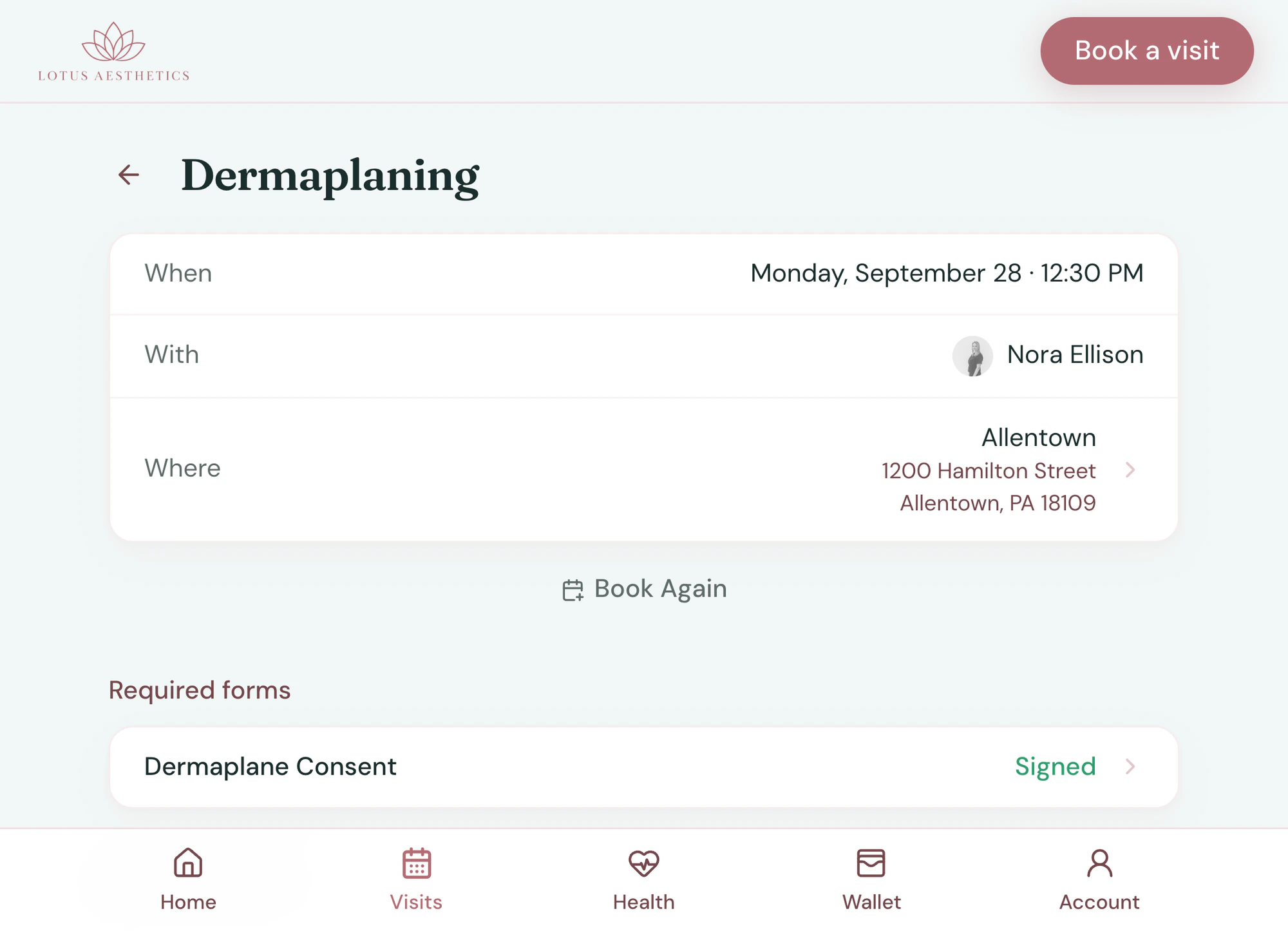
Book again in two taps
The Tepali Patient Portal shows each client their upcoming and past visits, so rebooking is not a call to your front desk.
- Book Again from any past visit
- Reschedule or cancel within your policy
- Add a visit to their own calendar
Wallet
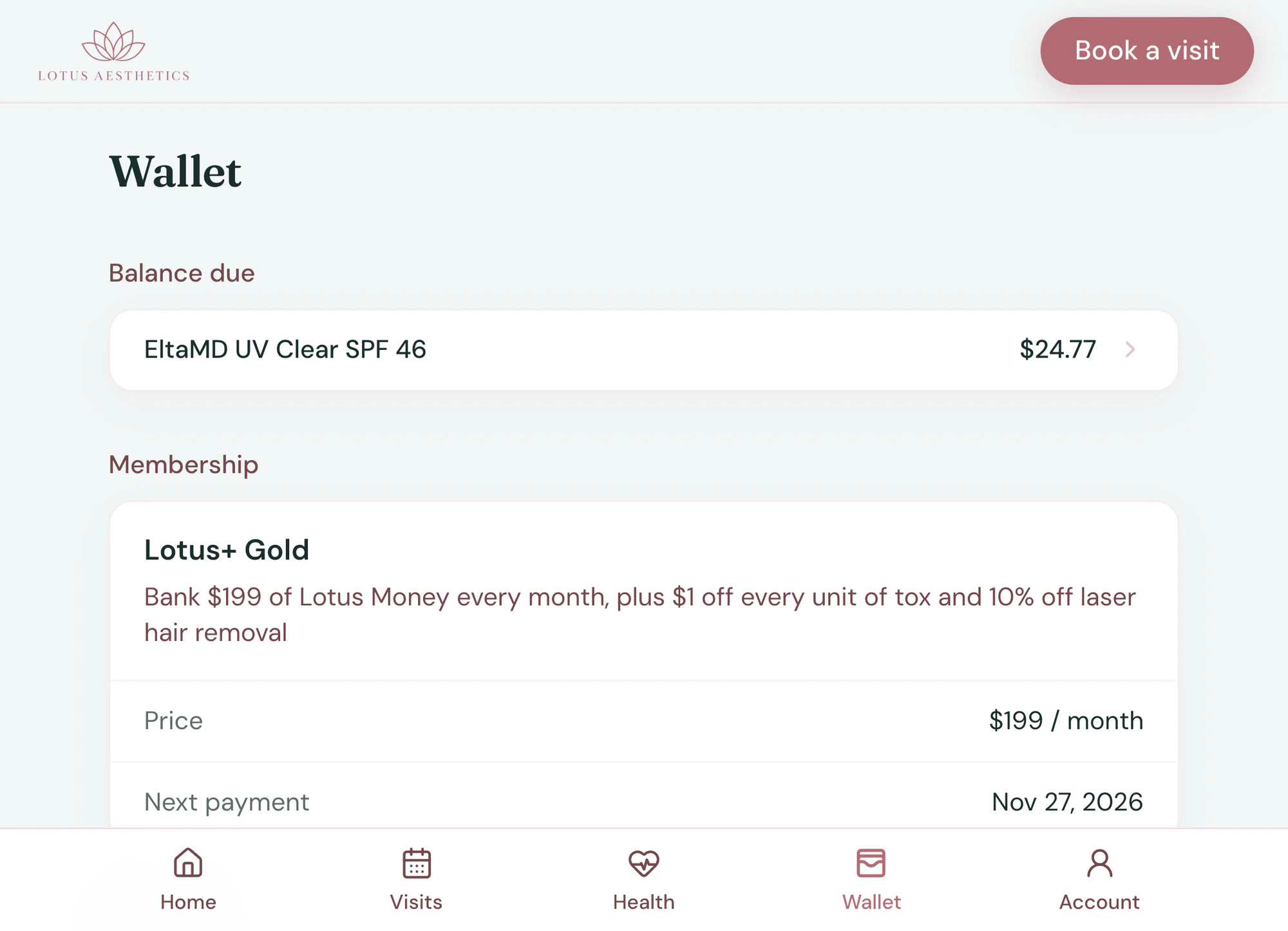
Balances, packages and memberships, in the open
In the Patient Portal, clients see what they have left and pay a balance due right there.
- Package sessions, membership status and credit
- Add or change a card
- Every receipt, saved as a PDF
Before the visit
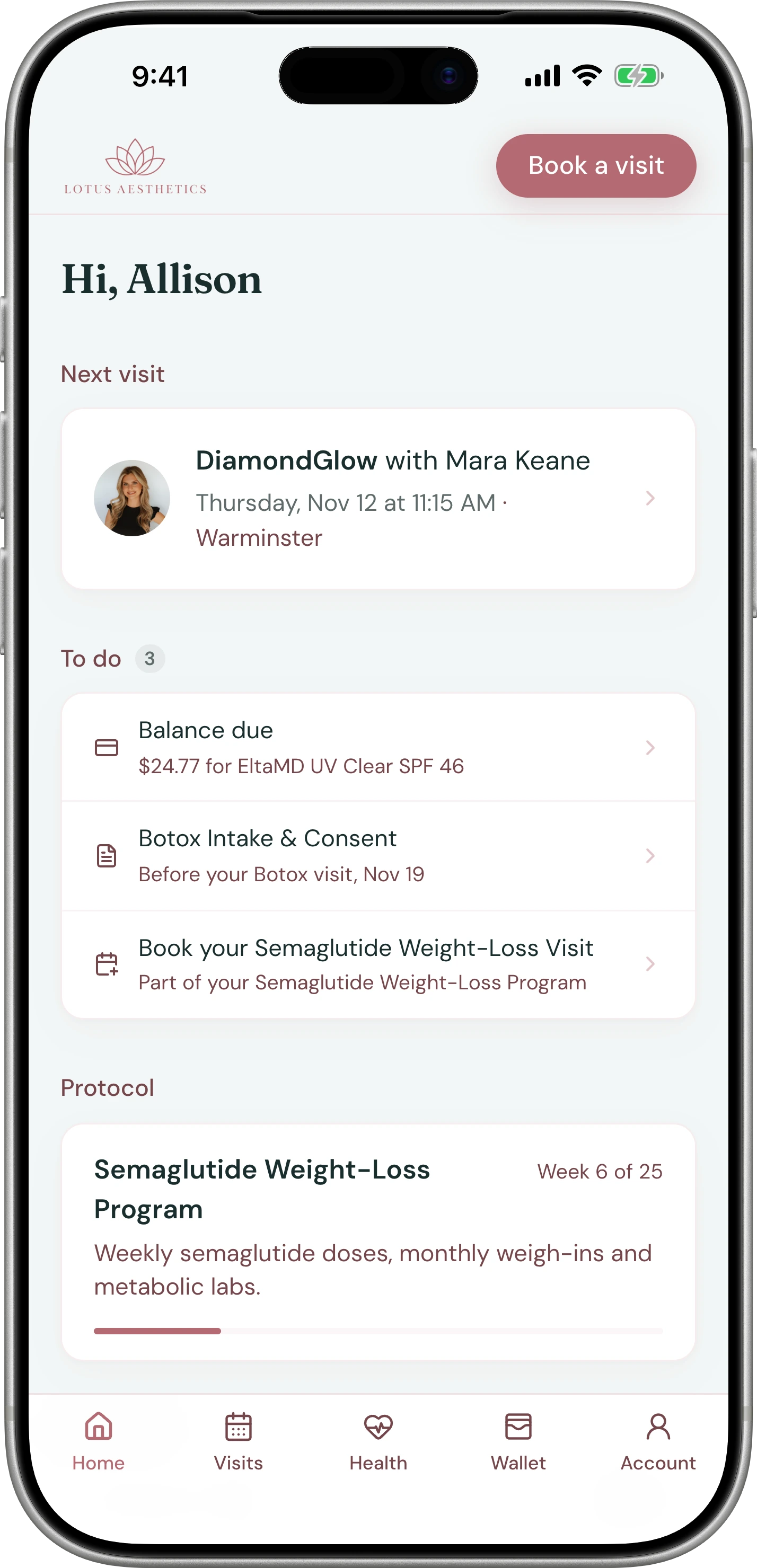
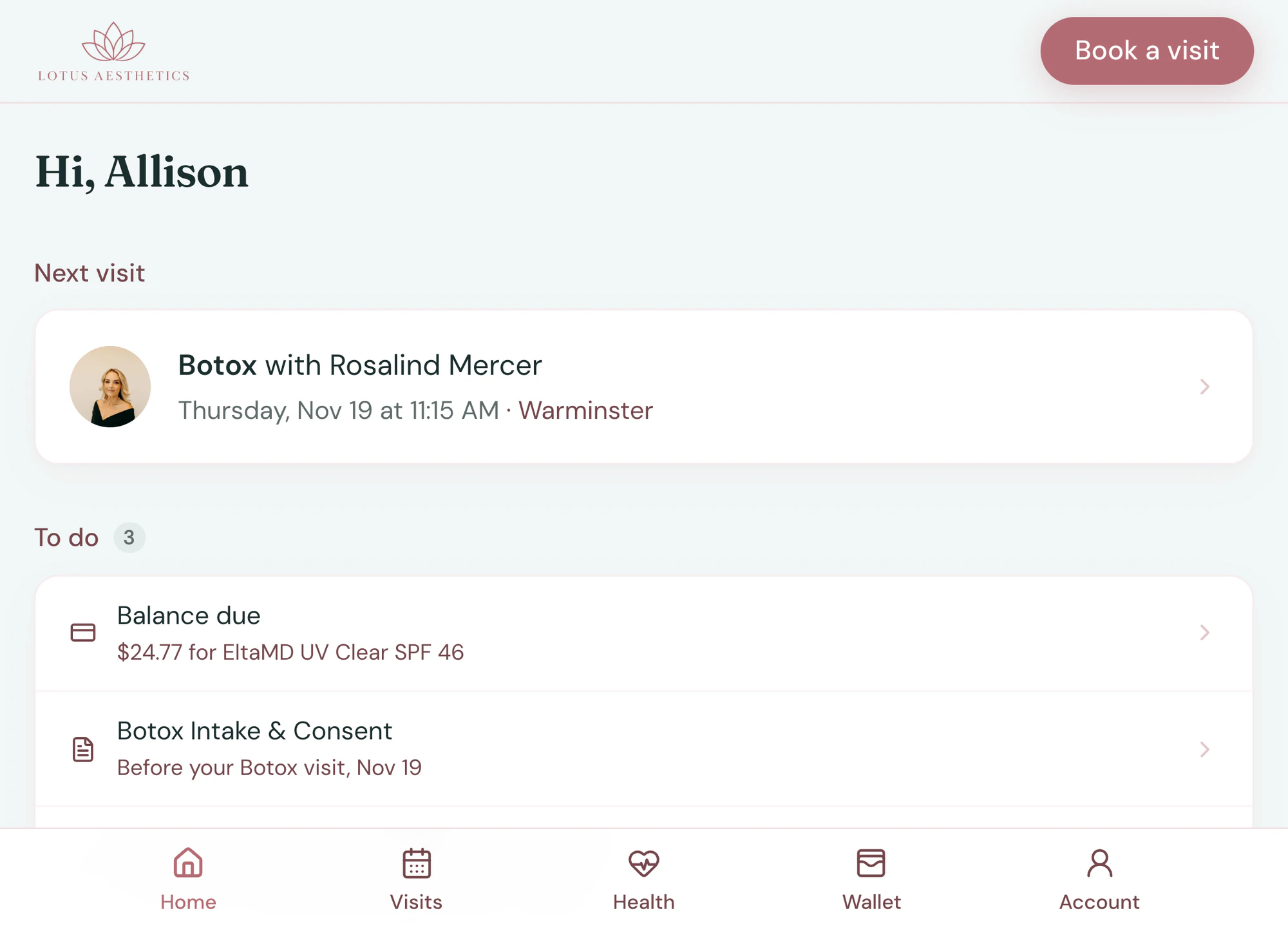
Everything you need, done before they arrive
The Patient Portal opens on what your practice still needs: the intake form, the consent, the good faith exam, the deposit.
- Finished on their phone
- Signed copies kept to read back
- Deposit paid from the same list
Health records
Their results, where they can find them
The client can open the Patient Portal’s Health tab any time, instead of calling to ask.
- Labs and photos appear only when you share them
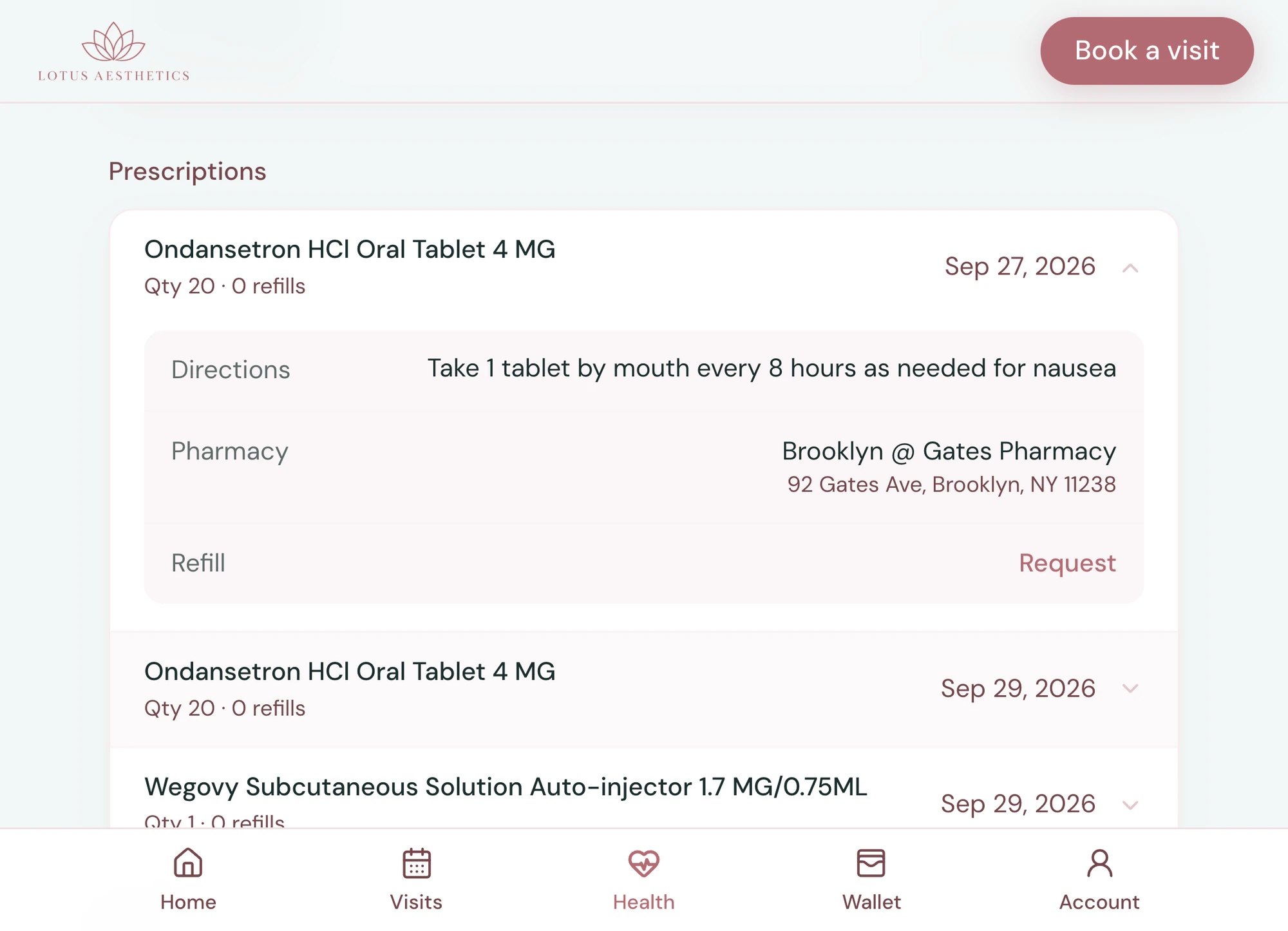
- Prescriptions and the pharmacy on file
- Protocol, aftercare and documents
Frequently asked questions
Book a demoWhat is a patient portal for a medspa or wellness clinic?
Tepali’s Patient Portal is a website in your practice’s brand where clients sign in to book, reschedule, finish forms, pay a balance, update a card and see their visits, packages, credit, membership and health records. It is part of the Tepali EMR, so it always shows what is on the chart.
Can clients see their lab results and prescriptions?
Yes, once you share them. Labs, prescriptions, the current protocol, aftercare and the before and after photos you choose to show appear under Health in the portal.
Do clients need a password or an app?
No. The portal is a website, not an app. A client enters the mobile number or email you have on file and types the six-digit code that is texted or emailed to them.
Can clients reschedule or cancel on their own?
Yes, outside your cancellation notice window. Inside it, the portal does not offer the change, so your policy holds without the front desk enforcing it.
How do clients get to the portal?
From a link. Text it, add it to your website, or put the QR code at the front desk and at checkout. When a provider shares lab results, the client is texted the link automatically.
Is it branded?
Yes. It carries your name, logo, colors and fonts, on your own subdomain.
Is a patient portal the same as online booking?
No. Online Booking is the public page where anyone can book a visit. The Patient Portal is a signed-in space for an existing client, with their own visits, forms, balance, packages and health records, and they can book from it too.
Is the portal included?
Yes. The portal is part of every plan.
Log in as your own patient