Treatment Maps
Map every treatment
on the face and body
Mark each injection point with units, product and lot number, and the chart, checkout and inventory automatically update. Every unit stays traceable to its vial if a recall or a complaint ever comes.
The map
On their face, not a diagram
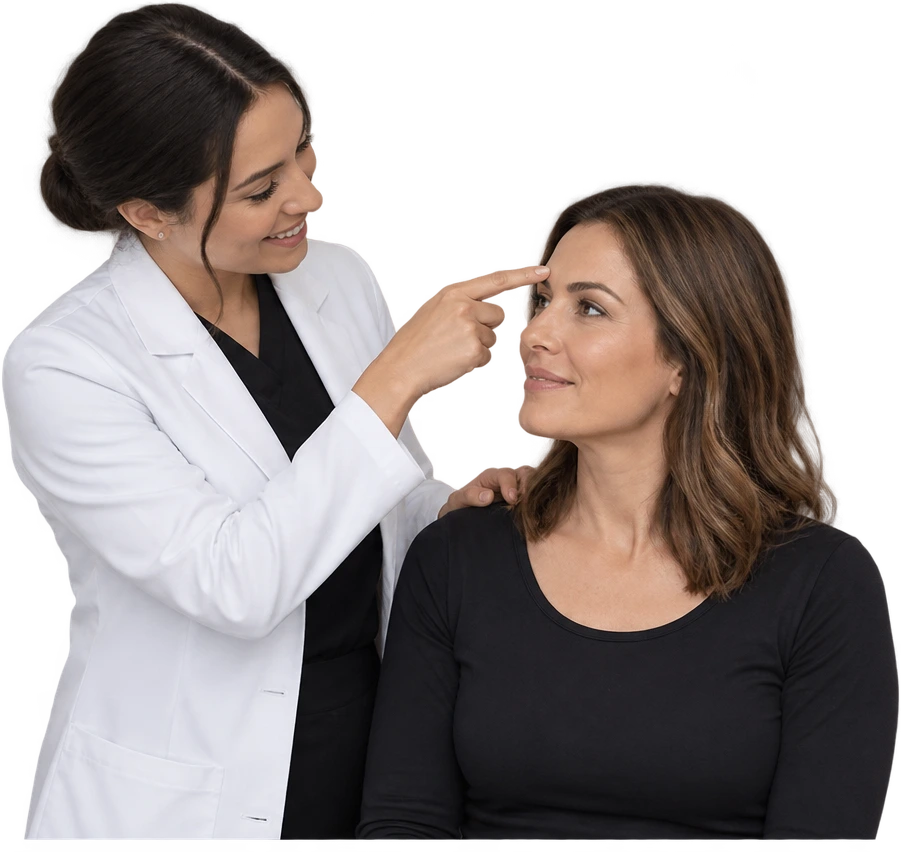
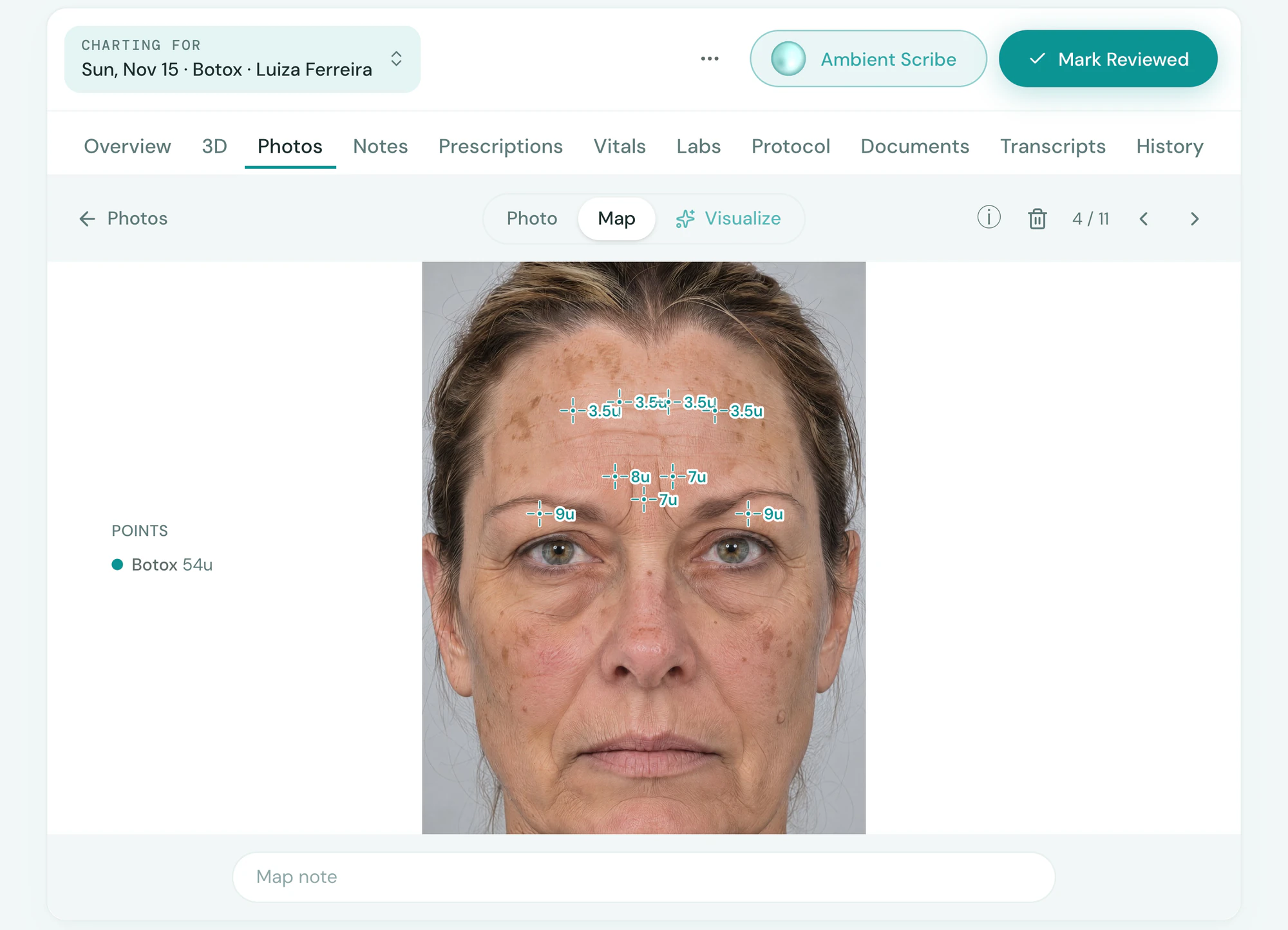
Tepali’s Treatment Maps let an injector mark each point on the client’s own photo with product, units and lot number.
- Tap to place a point, drag to outline an area
- Each point reads its units, and a new one starts from the last
- Any photo: before or after, face, breasts or body
Diagrams
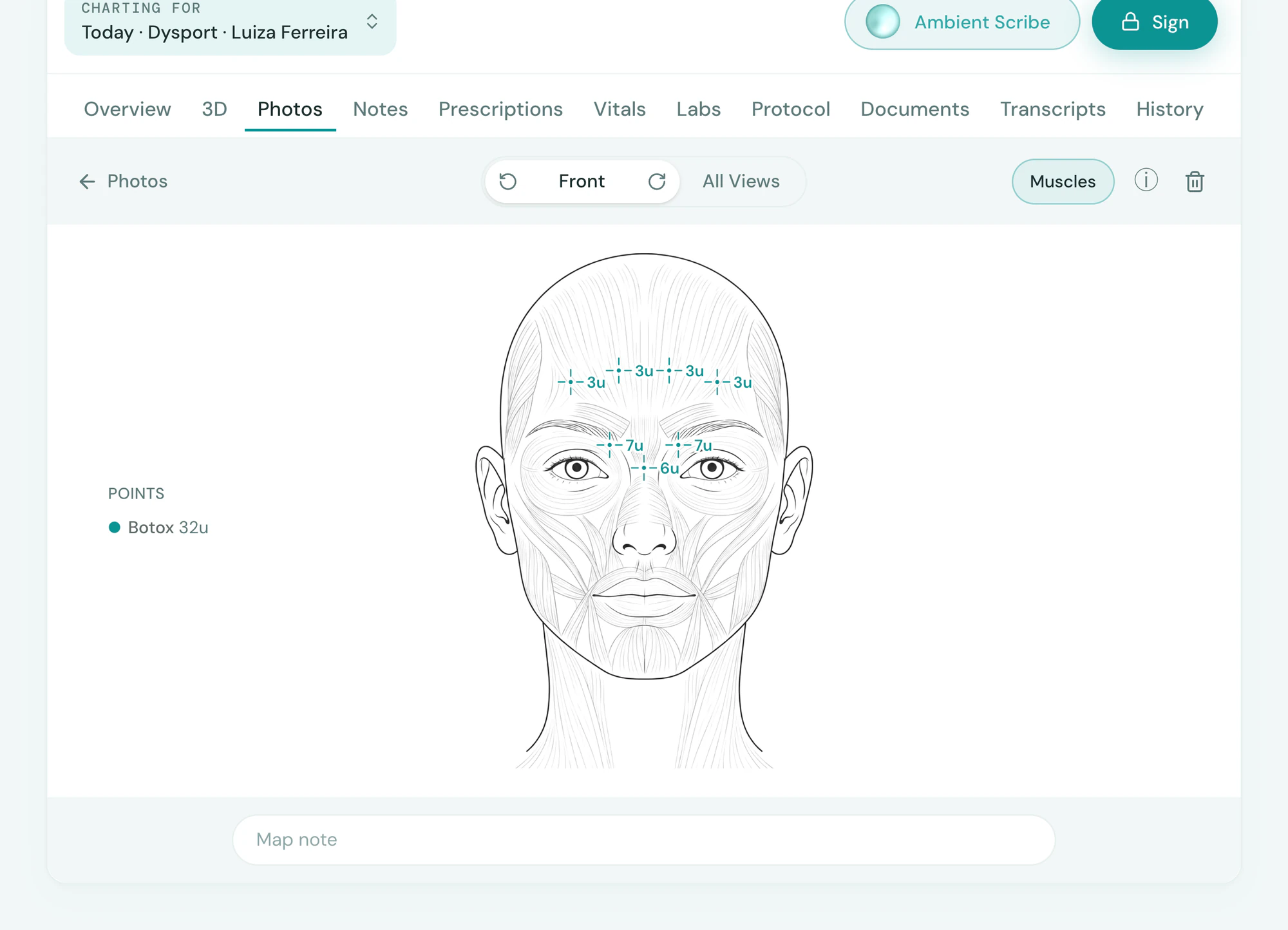
No photo? Turn the diagram
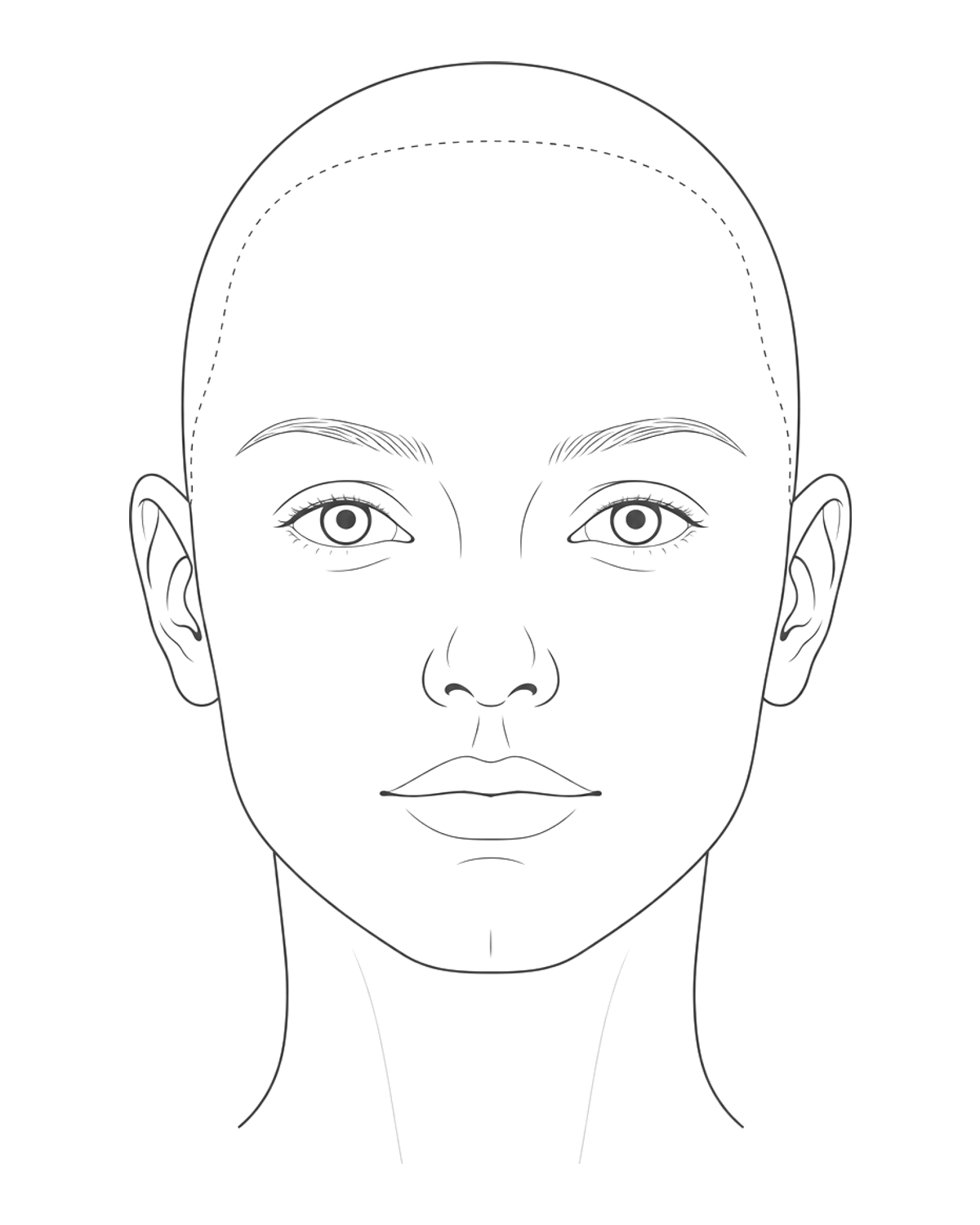
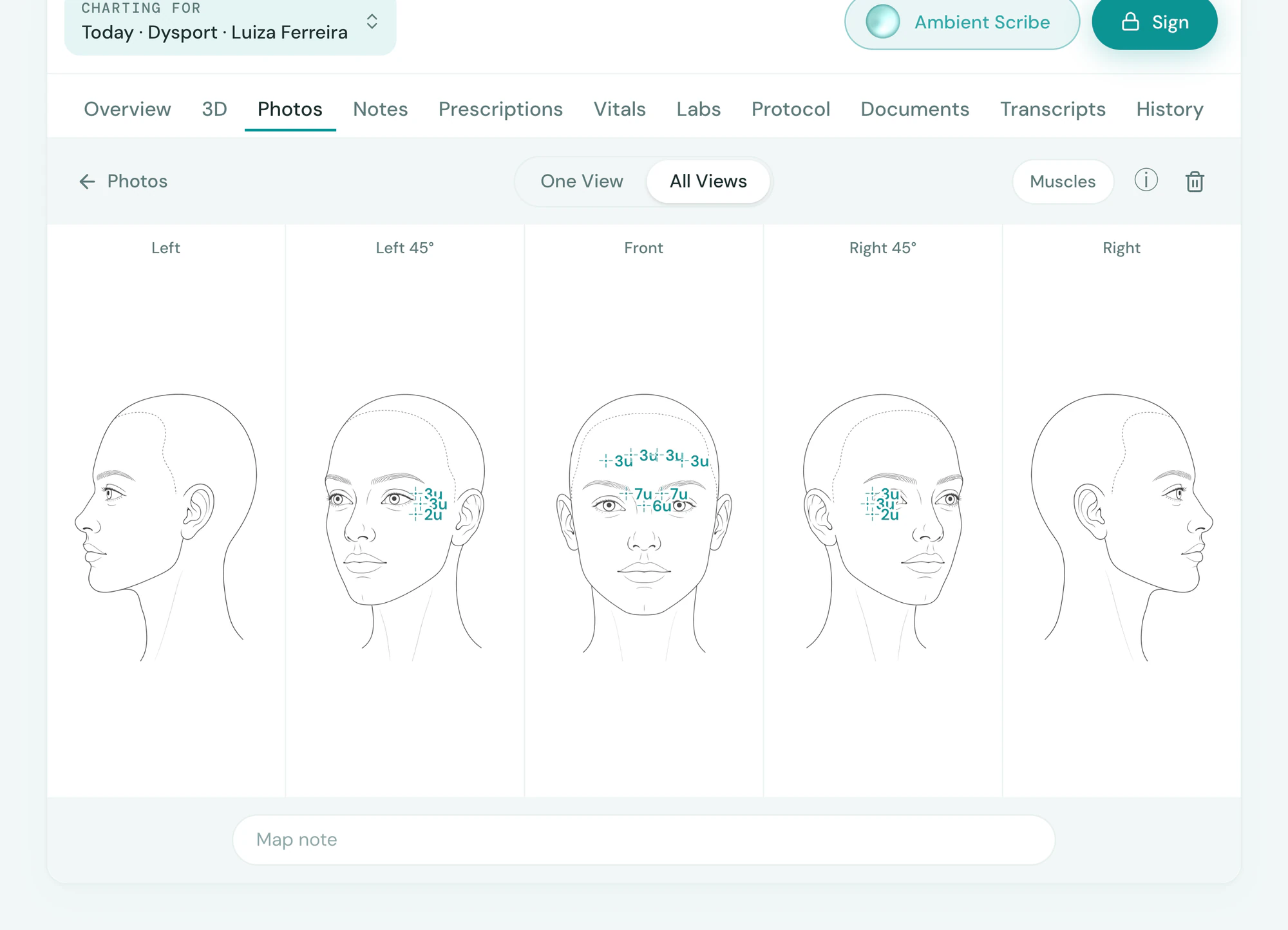
Tepali’s face, breast and body diagrams turn through every view, and each view keeps its own marks.
- A face in five views, profile to profile
- Muscles under the outlines, for planning
- All Views puts every angle side by side
Checkout and stock
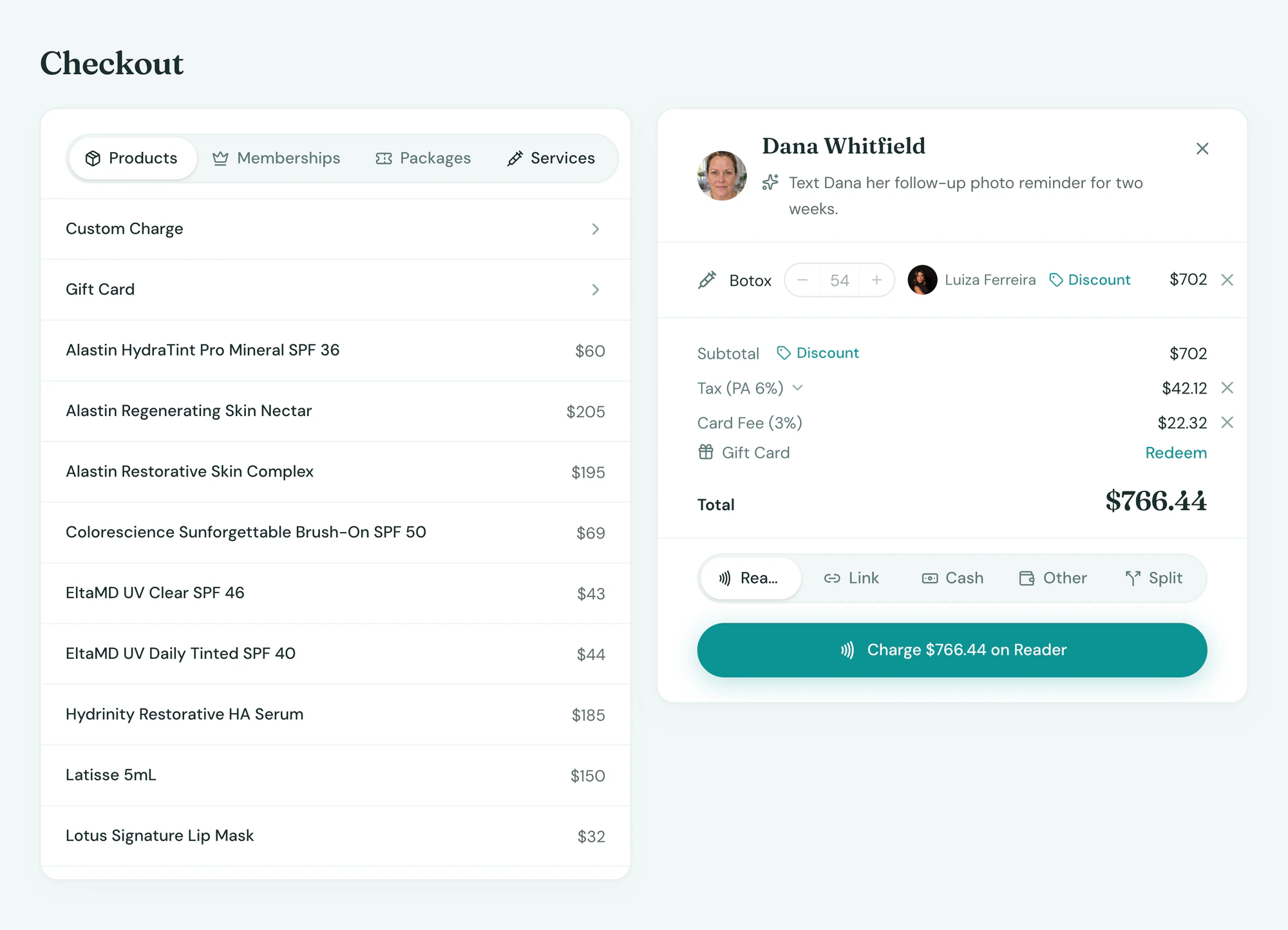
Charted units become the sale and the stock
With a Tepali injection map, nothing given in the room goes unbilled.
- Checkout built from the map
- Inventory deducted by lot on signing
- No second entry at the front desk
On the record
Every map kept, every lot traceable
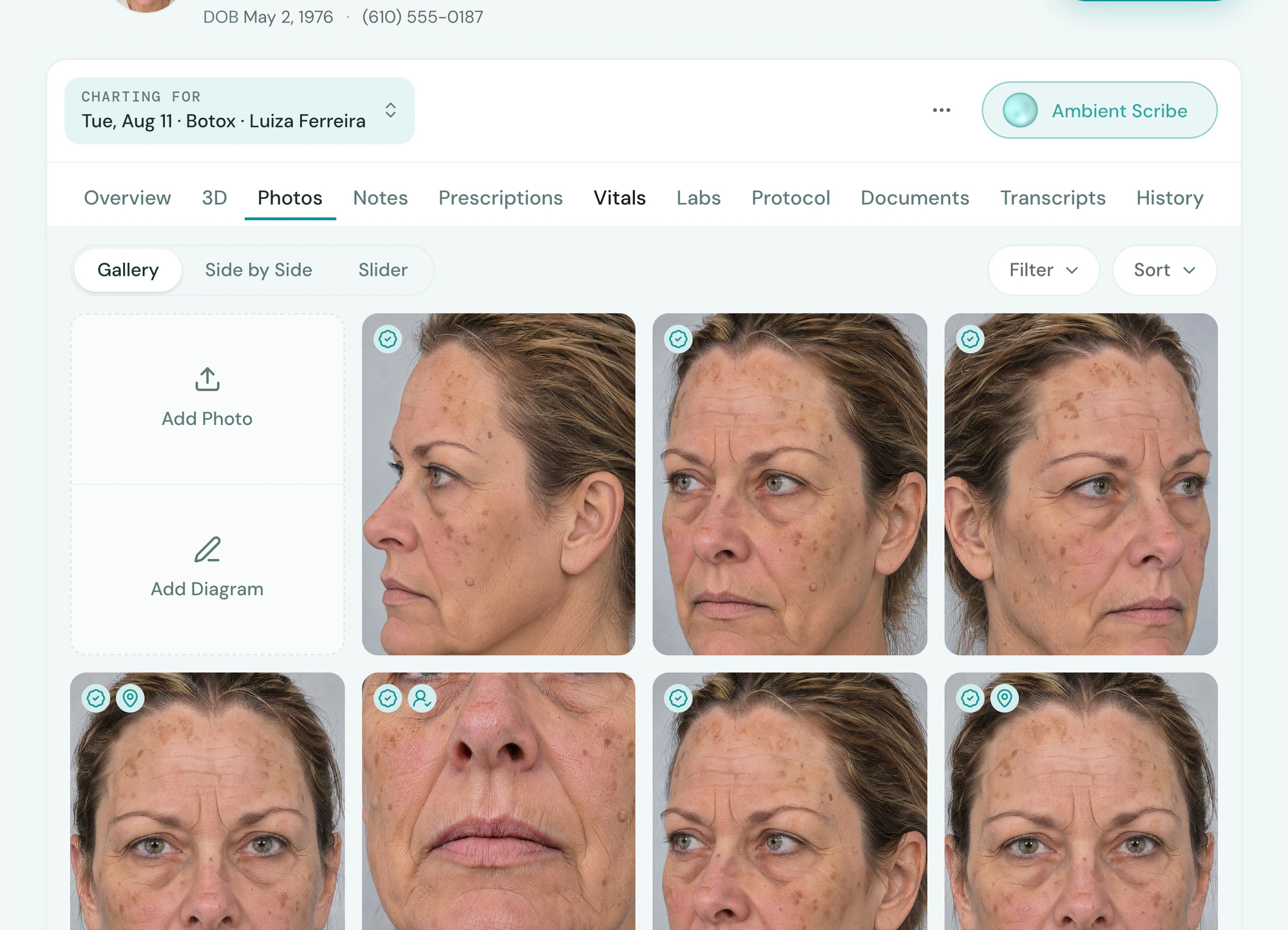
Every Treatment Map stays on the client’s chart, so the provider sees exactly what was done last time and where.
- Map gallery on every chart
- Compare visit to visit
- A reaction or a recall traces back to the vial
Frequently asked questions
Book a demoWhat is an injection map?
Tepali’s Treatment Maps are injection and treatment maps for medspas: a record of where and how much was injected, drawn as points on the client’s face or body with the product, units and lot number. Each map is kept on the photo or diagram it was drawn on, in the client’s chart, and feeds checkout and inventory.
Can I map on the client’s own photo?
Yes. Open any photo on the chart, before or after, and choose Map. Tap to place a point, drag to outline an area, and note what each one is.
What if I have no photo to draw on?
Add a diagram: a face, breasts or a body. A face or chest turns from one profile to the other in five views, a body turns all the way round, and each view keeps its own marks. On a face, Muscles shows the facial muscles under the outlines for planning.
Does it work for filler, lasers and body treatments?
Yes. A point can be whatever you type, such as Botox 12 units, one syringe of filler or an old scar, and you can outline a whole area for a laser or body treatment. Diagrams come as a face, breasts and a body, each in several views.
Does it track lot numbers?
Yes. Product and units are recorded on the map, and the lot is confirmed with them when the note is signed. A reaction or a recall traces back to the vial.
Does an injection map update inventory?
Yes. When the note is signed, the provider confirms the products and units from the map, and they are deducted from the lot in inventory. The same units build the checkout, so the front desk does not re-enter them.
Can a map be changed after the note is signed?
Yes. A map belongs to its photo or diagram, so a provider can add to it later. The products and units confirmed when the note was signed stay with the signed note.
Can I use a paper face chart or mark up a photo instead?
You can, but a drawing on paper or in a photo app does not bill the units, deduct the vial or stay with the chart. A Tepali map is charted once, and the sale, the stock and the record all follow from it.
Are injection maps included?
Yes. Treatment Maps are part of every Tepali plan.
Map a treatment on a real face