Migration & Onboarding
Everything comes over,
then we set you up
Your clients, history, notes, photos and balances are imported for you. A founder then sets up your practice with you and rehearses a real day with your front desk before the switch.





Migration
Everything comes over, done for you
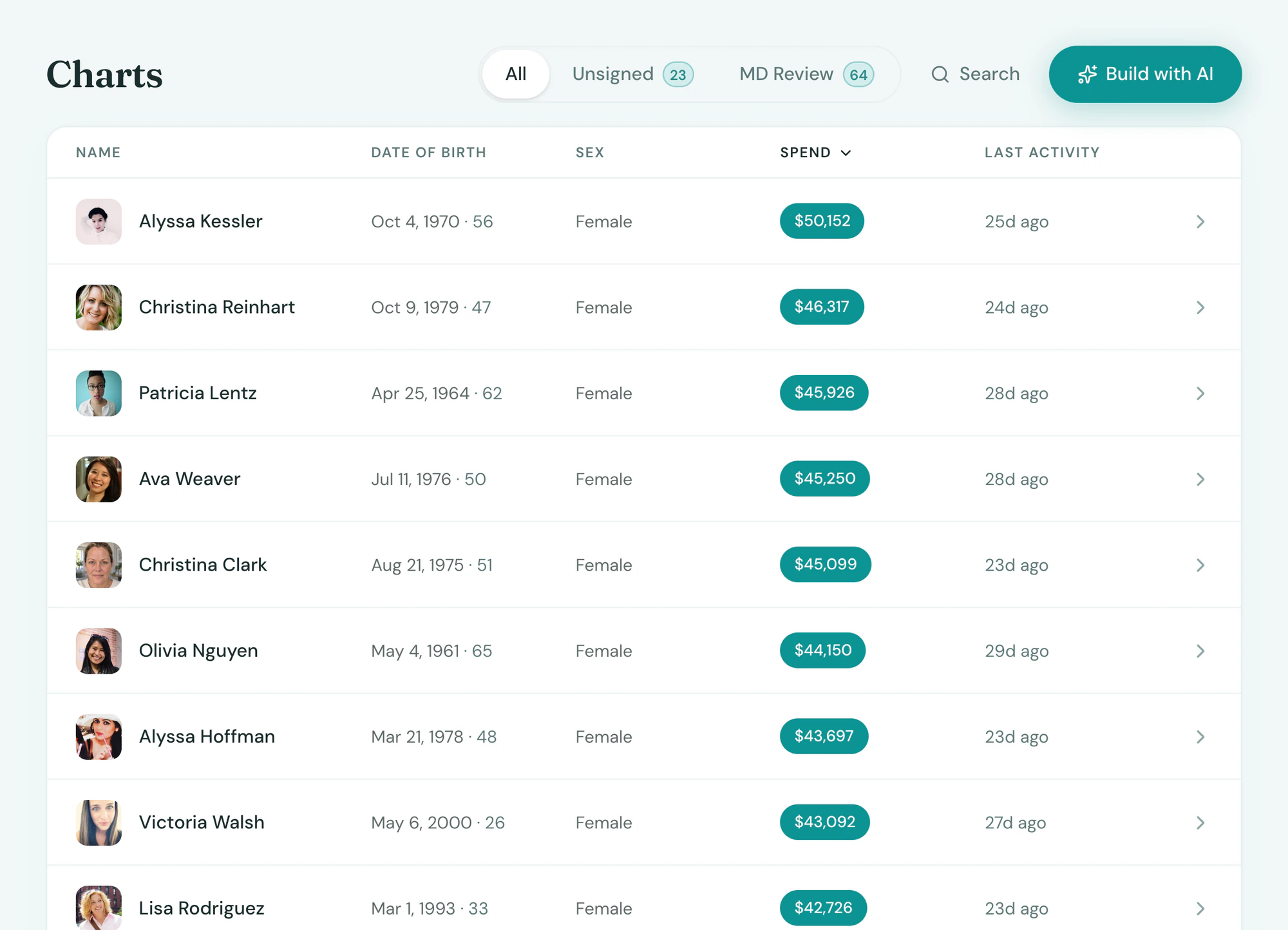
Tepali imports your medspa’s records from Vagaro, GlossGenius, Boulevard, AestheticsPro and others, and checks the totals against your old reports.
- Clients, past and upcoming appointments
- Chart notes, signed forms and photos
- Memberships, packages, gift cards and credit
Onboarding
Set up with you, not for you
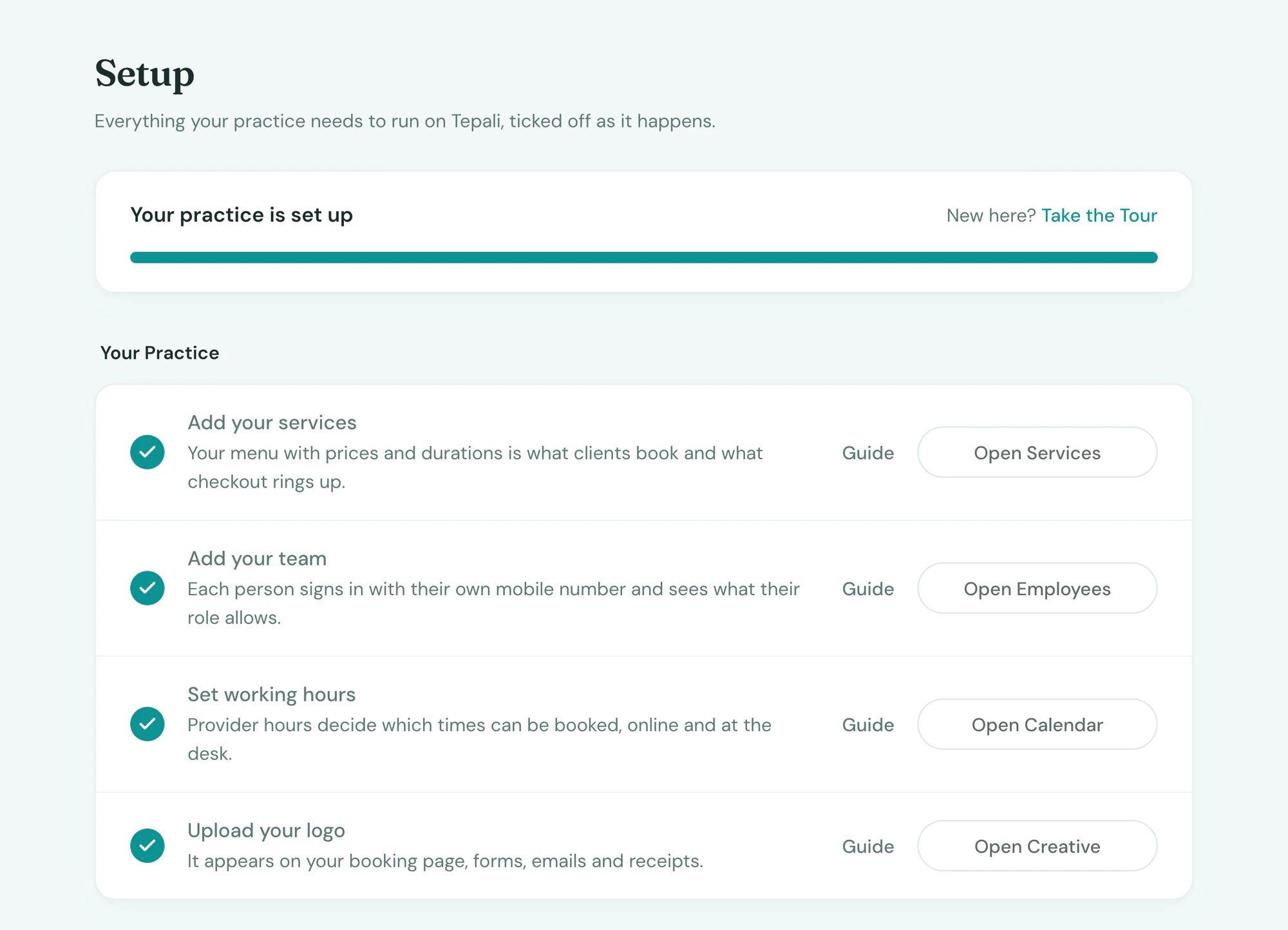
A Tepali founder sets up your medspa with you on a call, then rehearses a real day with your front desk.
- Services, team, roles, booking page and texts
- A rehearsal before go-live
- Your old system stays on until you’re sure
Go-live
Switch on a Monday, without a gap
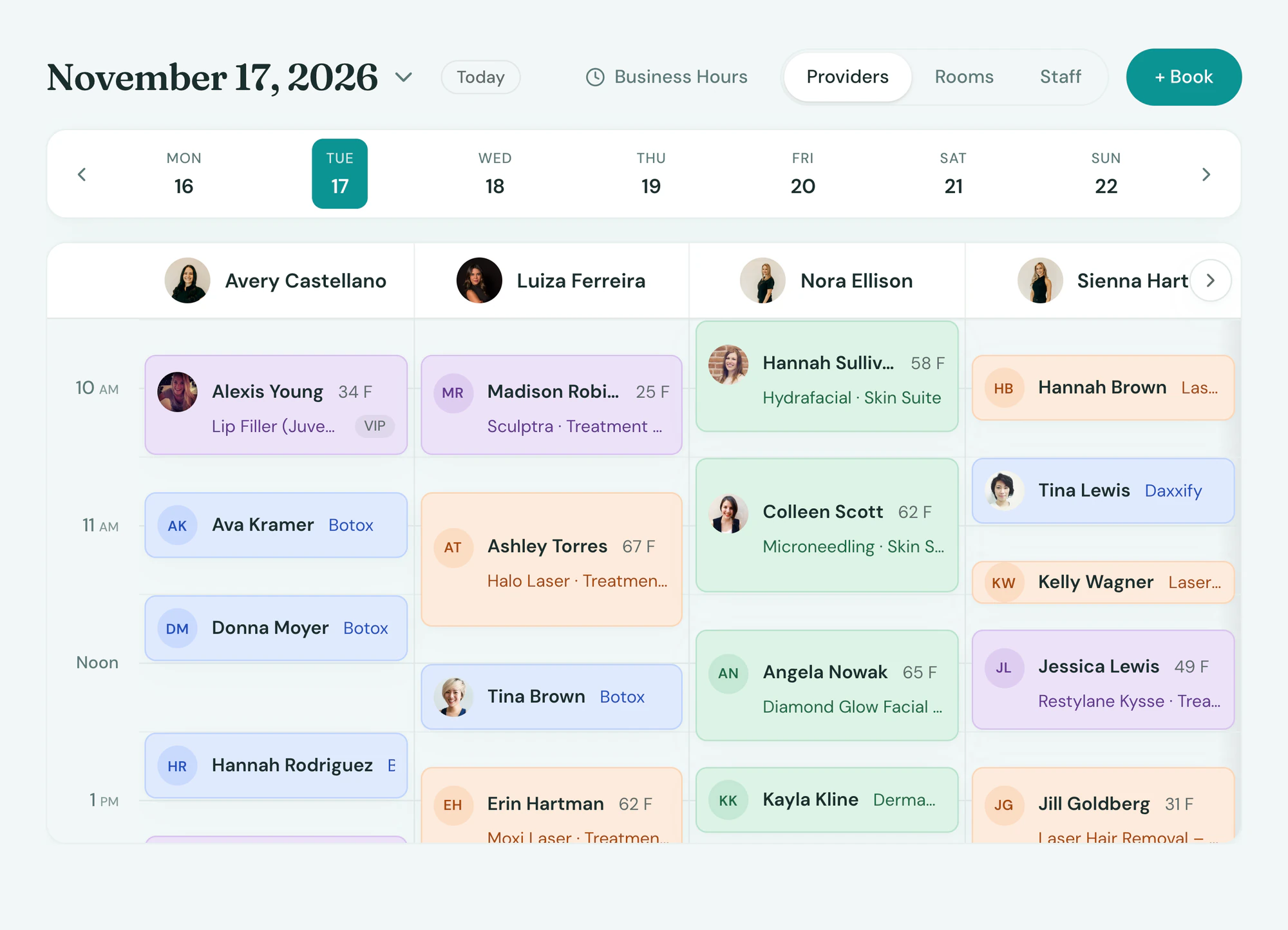
On go-live day, Tepali runs a final sync that picks up anything booked in your old system since the import.
- Keep booking in your old system until go-live
- Booking link and texts live the same morning
- The team on a text thread through the first week
Frequently asked questions
Book a demoWhat moves over when I switch to Tepali?
Tepali’s Migration & Onboarding is a done-for-you move from your old medspa software. Clients, past and upcoming appointments, chart notes, signed forms, photos, memberships, package sessions, gift card balances, account credit, services, products and stock all come over, so the team starts with a full calendar and client history.
Who does the migration?
We do. A founder imports your data from any system for you, including history, notes, photos and outstanding balances.
Which systems can you migrate from?
Vagaro, GlossGenius, Boulevard, AestheticsPro, Aesthetic Record, PatientNow, Mangomint, Jane, Zenoti, Square and most others. If it can export, we can import it.
Do I have to import spreadsheets myself?
No. You give us the export from your current system and we do the import. We then check the totals against your old reports before you go live.
Do saved cards on file transfer?
No. Card networks do not let a saved card move between processors, with any software. Memberships arrive active with billing paused until the member’s card is saved again, and the AI Operator can text every migrated member a card link in one go.
How long does it take to switch?
Most practices go live within two weeks of signing, including the import, setup call and a rehearsal with the front desk.
Will I lose bookings during the switch?
No. Keep booking in your old system until go-live. We do a final sync of anything booked in the meantime, and your old system stays on until you’re sure.
Is onboarding included?
Yes. Migration and onboarding are part of every plan.
See your own data, already moved