QuickBooks
Your books,
posted every night
One journal entry per location per day: sales, tax, tips and fees. Your accountant stops asking for exports.
What it does
Every day, one clean entry
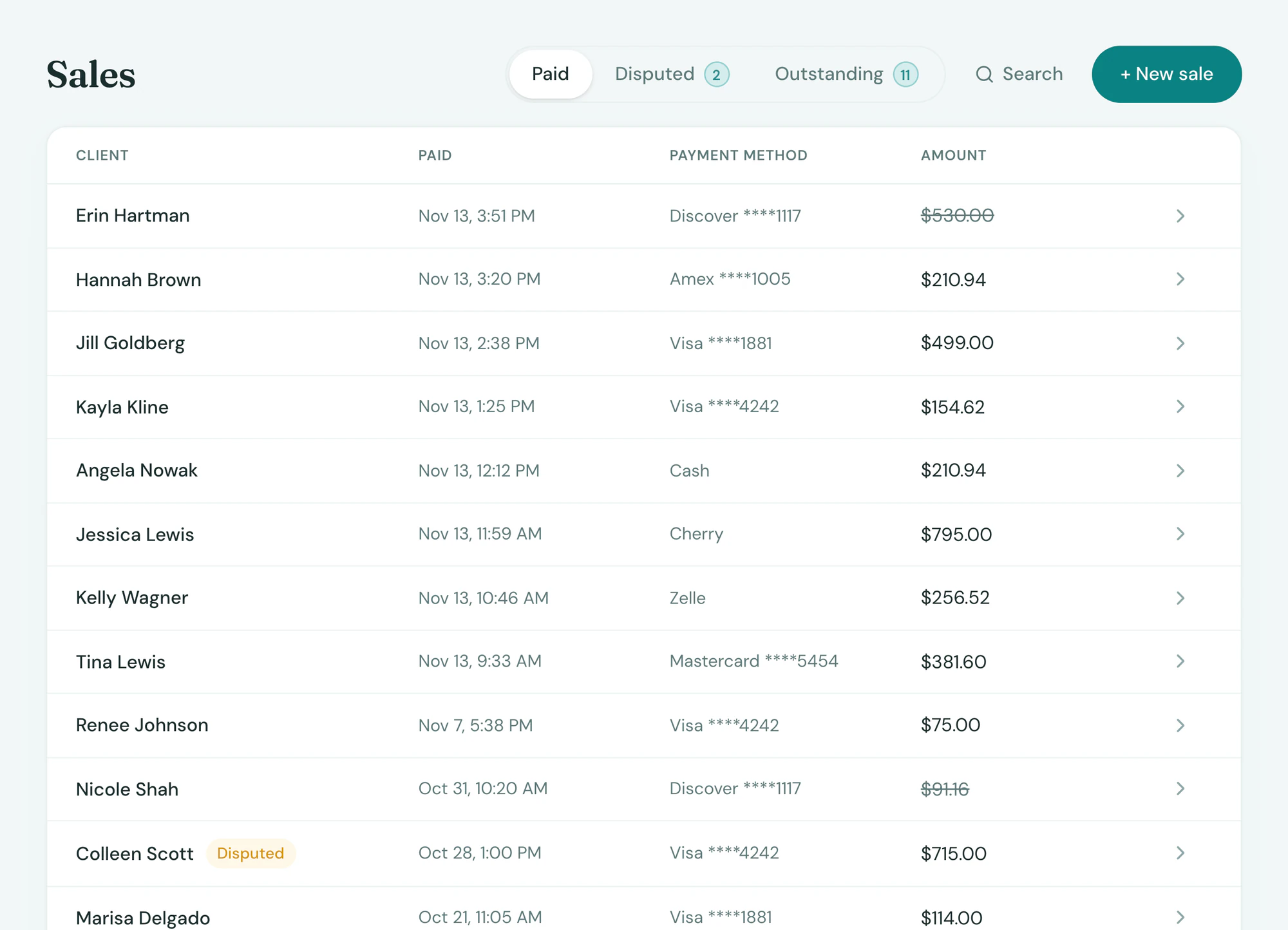
Daily sales posted to your books.
- One journal entry per location per day
- Sales, tax, tips and processing fees, split the way your accountant wants
- Refunds and gift card liability handled
Setup
Connected in minutes
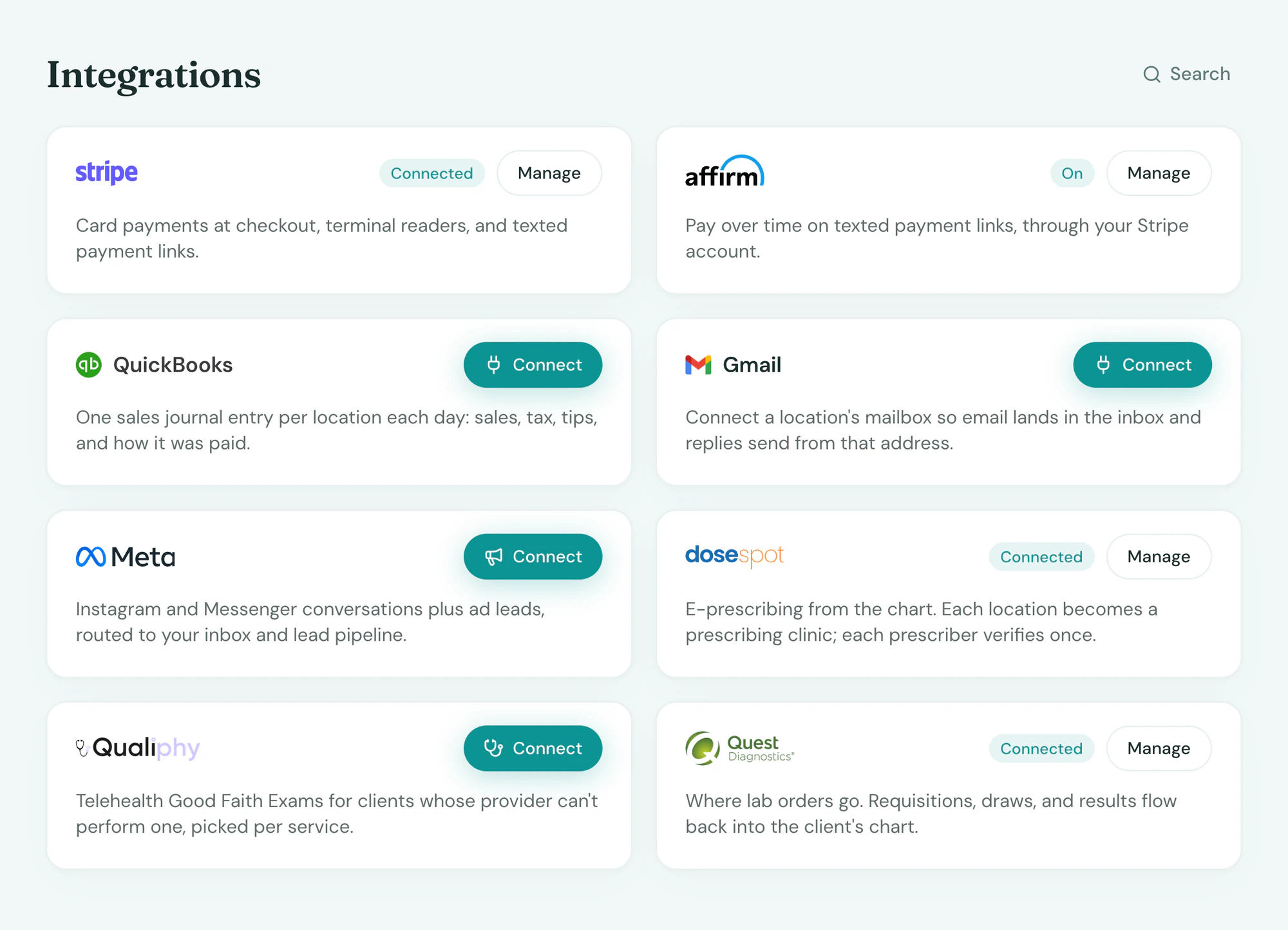
Sign in to QuickBooks Online from Integrations and pick the accounts. Entries post every night from then on.
In the app
On the client, where you look
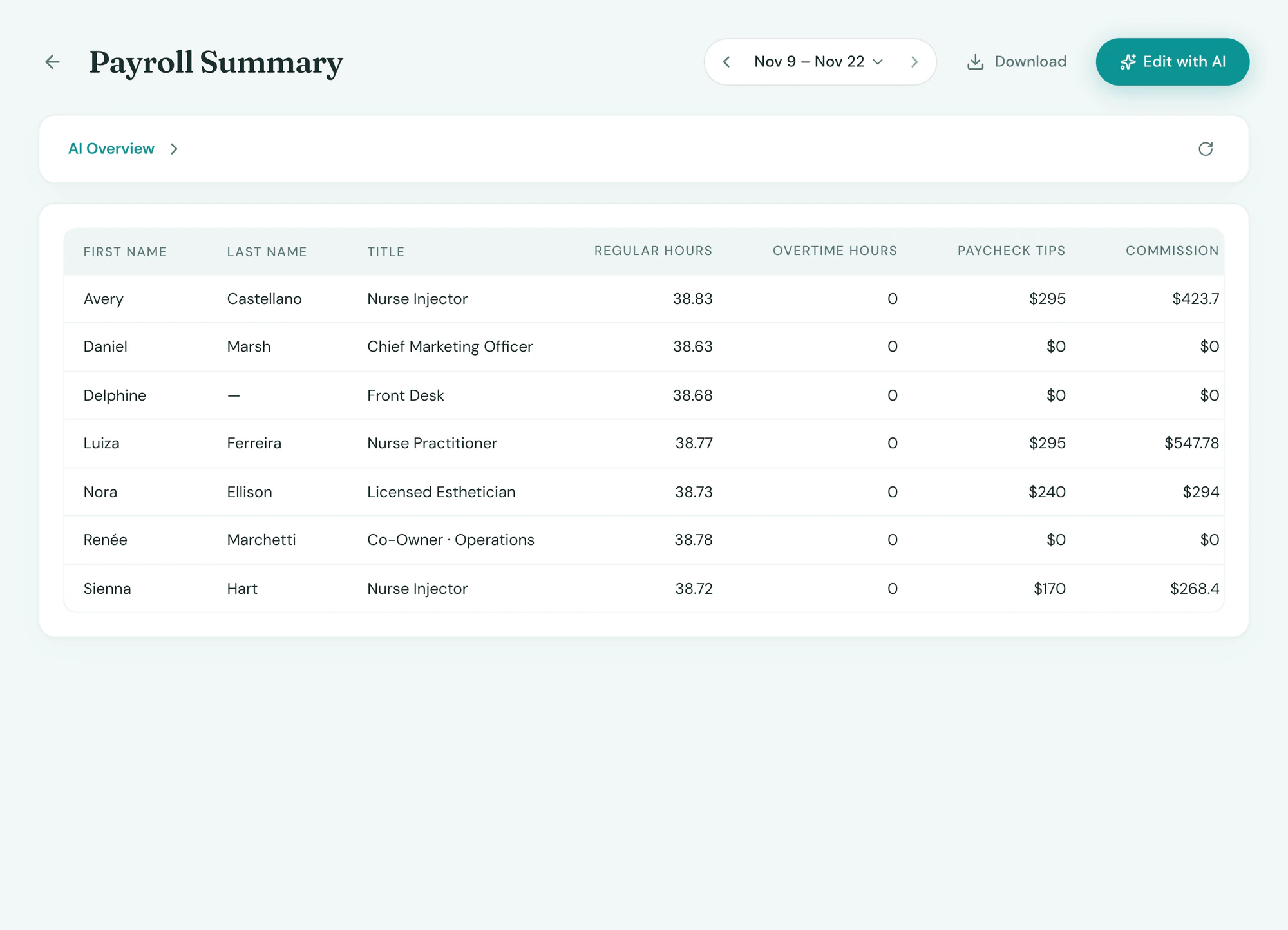
Everything QuickBooks sends back lands on the client’s record and the day’s report, beside everything else, with no second system to check.
Frequently asked questions
Book a demoQuickBooks Online or Desktop?
QuickBooks Online. Desktop is not supported.
Does it post individual sales?
No. One summary journal entry per location per day, split by sales, tax, tips, fees and refunds, which is what accountants ask for.
Can I map the accounts?
Yes. You pick the income, tax, tip and fee accounts once when you connect, and every entry uses them.
Is QuickBooks included?
Connecting is included on every plan. Partner fees, where the partner charges them, are set in your quote.
See QuickBooks on your own data