Quest Diagnostics
Order the panel,
results on the chart
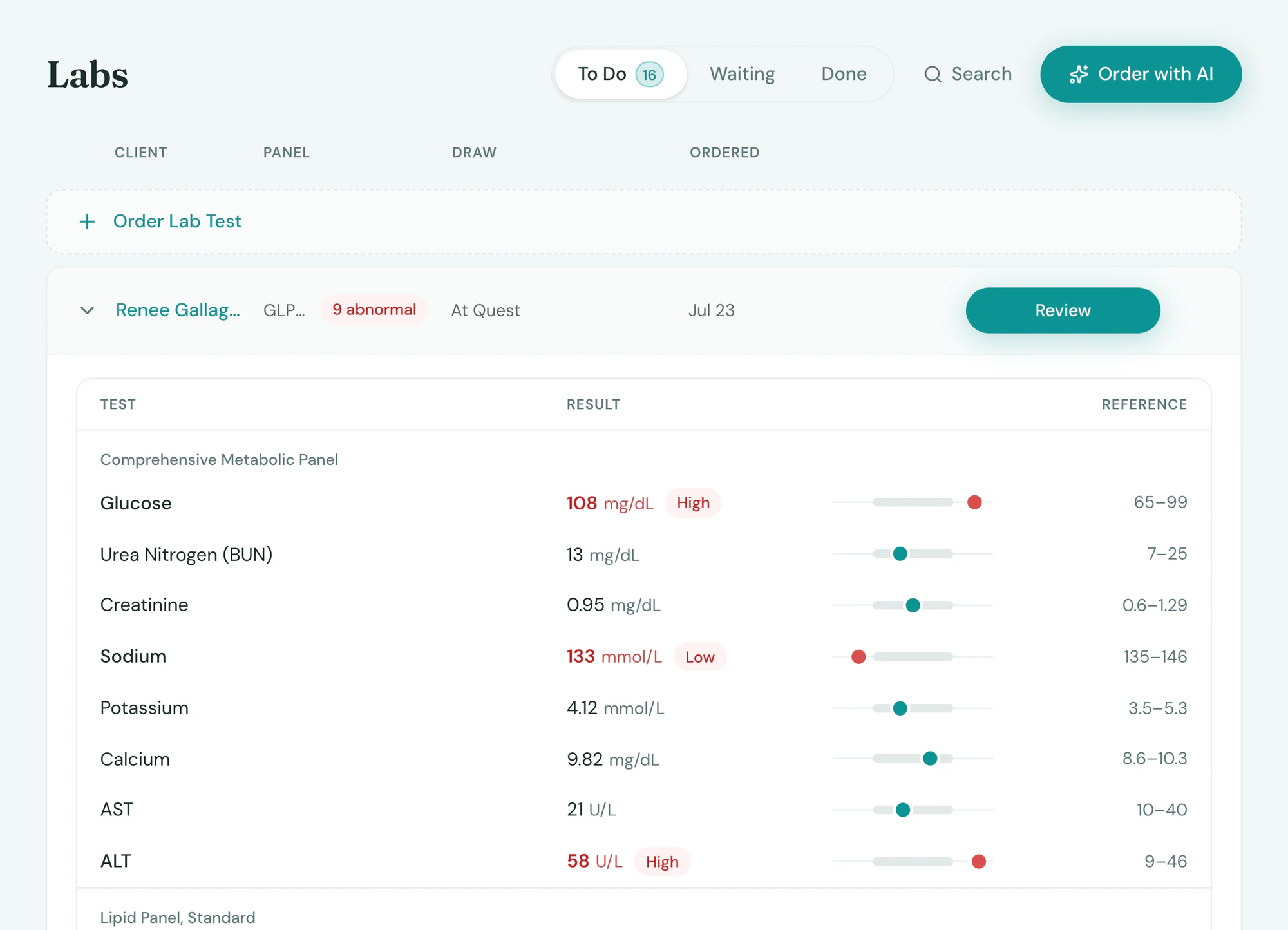
Lab orders go to Quest from the visit and results come back flagged. Draw in clinic or send the client to any patient service center.
What it does
Ordered in the visit, back on the client
Lab orders and results in the chart.
- Orders from the chart to Quest
- Results back on the client, out-of-range values flagged
- In-clinic draws or any Quest patient service center
Setup
Connected in minutes
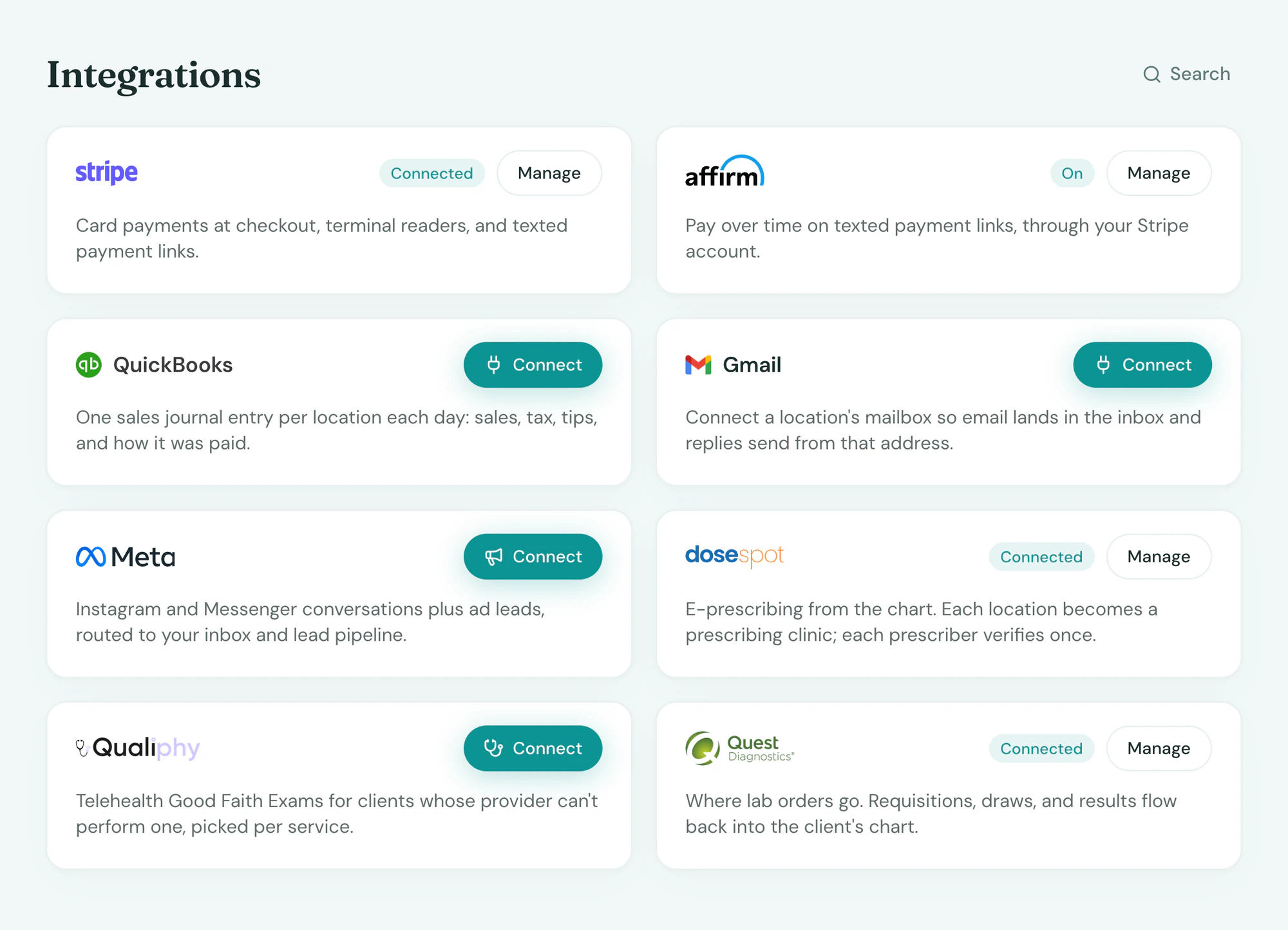
Turned on from Integrations with your lab account. Per-order fees are in your quote.
In the app
On the client, where you look
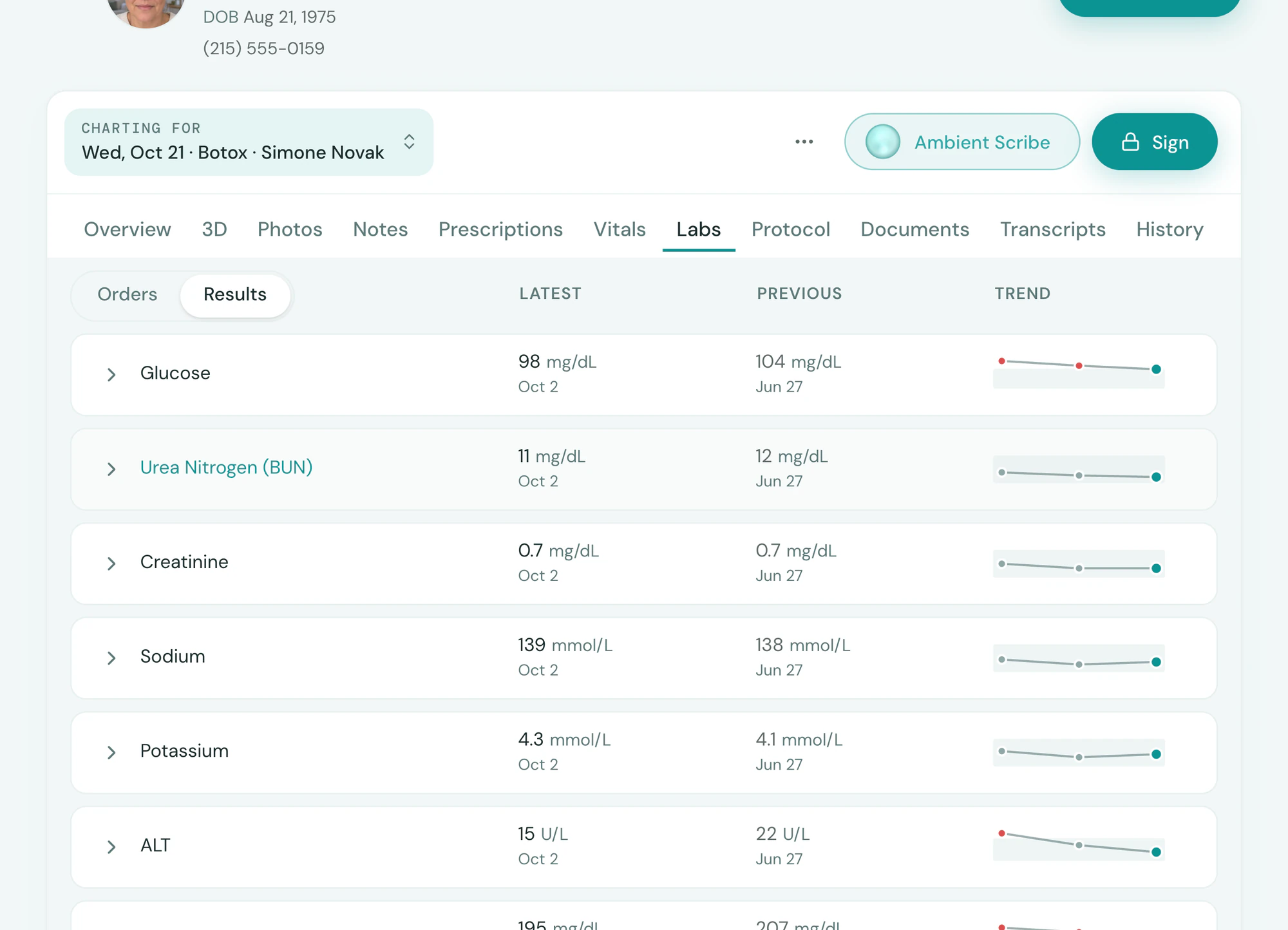
Everything Quest Diagnostics sends back lands on the client’s record and the day’s report, beside everything else, with no second system to check.
Frequently asked questions
Book a demoCan we draw in clinic?
Yes. Print the requisition, draw, and Quest picks up. Or the client walks into any Quest patient service center with the order.
How do results come back?
Onto the client’s Labs tab, each value against its range, out-of-range values flagged, trended across orders.
What does it cost?
A per-order fee set in your quote, plus the panel’s price from Quest.
Is Quest Diagnostics included?
Connecting is included on every plan. Partner fees, where the partner charges them, are set in your quote.
See Quest Diagnostics on your own data