Stripe
Take the card,
any way it comes
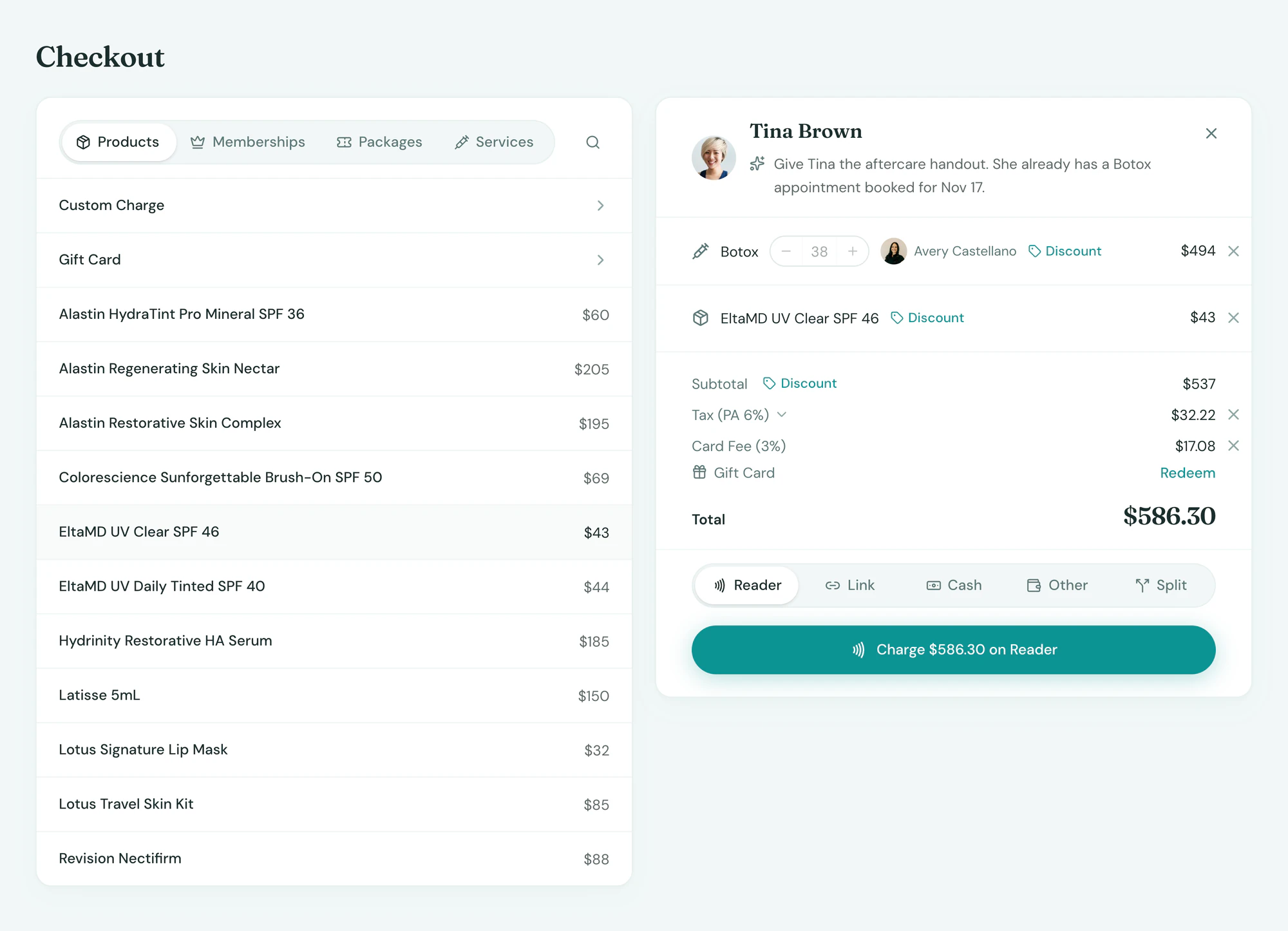
Readers at the desk, Tap to Pay on iPhone and payment links by text, all through your own Stripe account. Every charge lands on the client and on the day’s report.
What it does
One account, every way to pay
Card payments at the desk and by text.
- Readers and Tap to Pay on iPhone at checkout
- Texted payment links and deposits on bookings
- Every sale, refund and dispute on the client, payouts by location
Setup
Connected in minutes
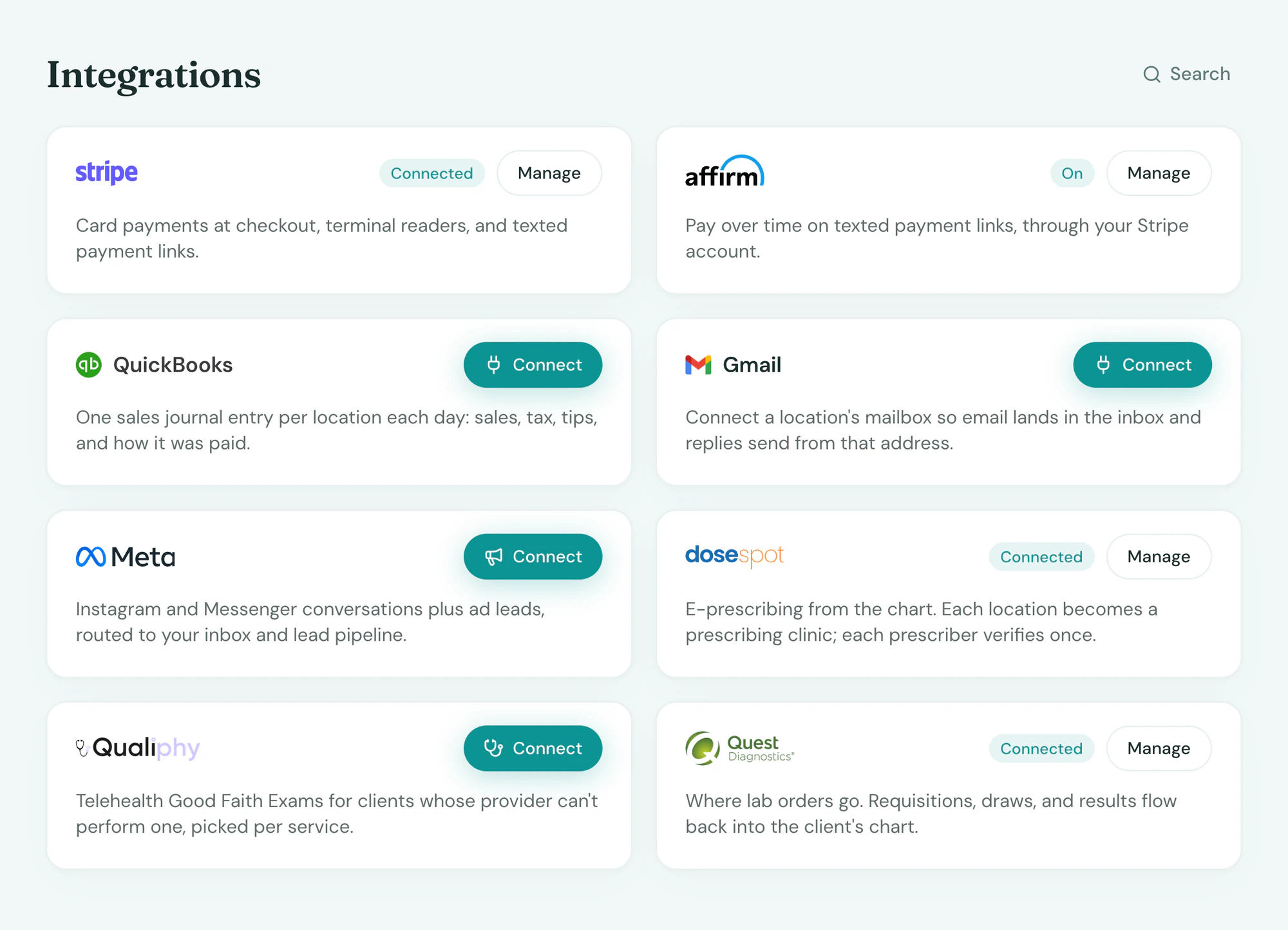
Sign in to Stripe from Integrations. A new account takes about ten minutes; an existing one connects as is.
In the app
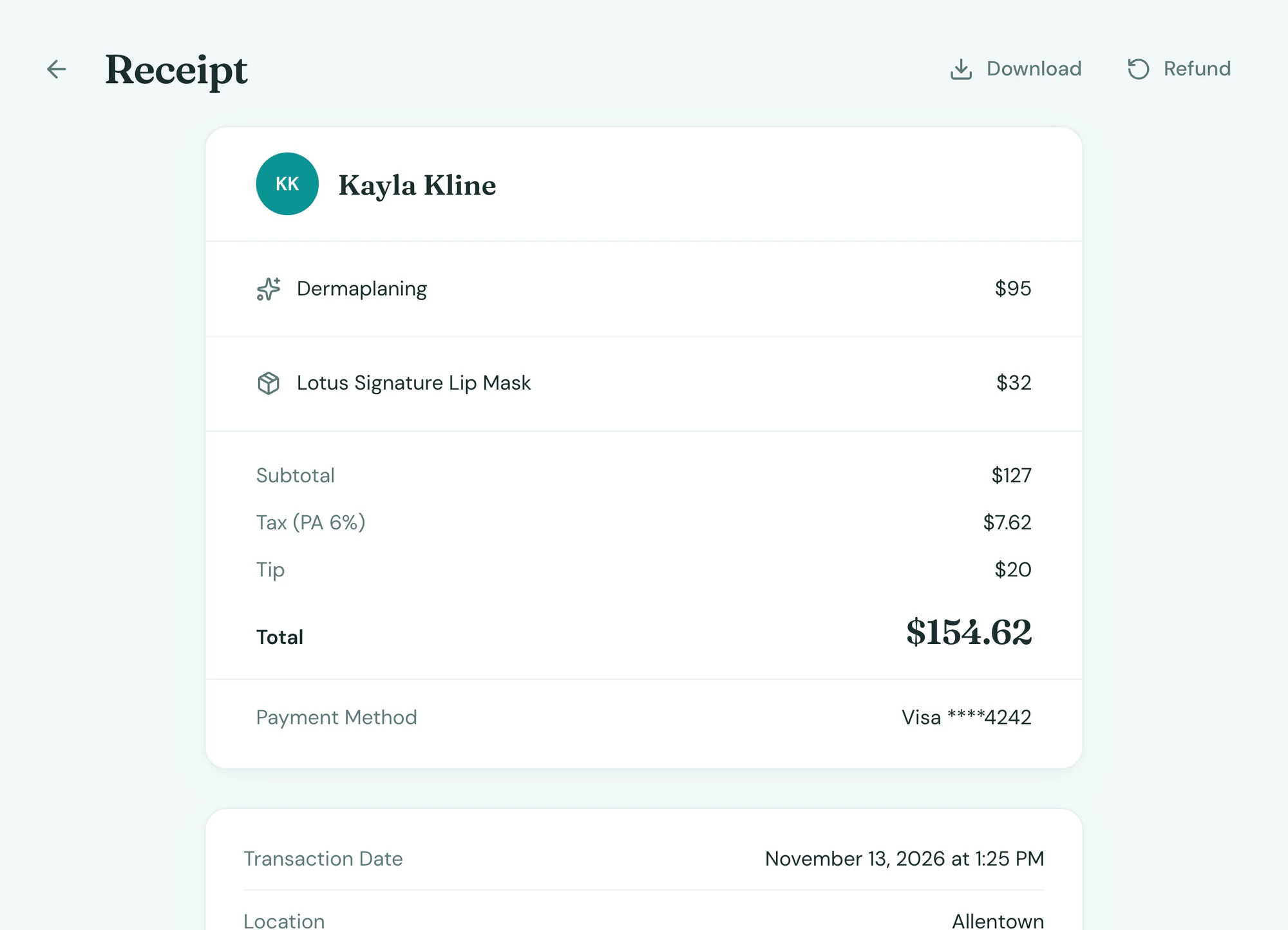
On the client, where you look
Everything Stripe sends back lands on the client’s record and the day’s report, beside everything else, with no second system to check.
Frequently asked questions
Book a demoDo I need my own Stripe account?
Yes, in the practice’s name, so the processing relationship and the payouts are yours. A new account takes about ten minutes from Integrations.
Which readers work?
Stripe’s readers, and Tap to Pay on iPhone with no reader at all. Readers are ordered from Tepali.
What are the processing rates?
Processing rates are set in your quote. Card payments settle to your own Stripe account, on Stripe’s payout schedule.
Is Stripe included?
Connecting is included on every plan. Partner fees, where the partner charges them, are set in your quote.
See Stripe on your own data