Photo Gallery
Search your photos,
in plain English
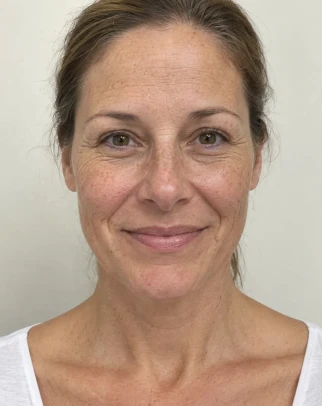
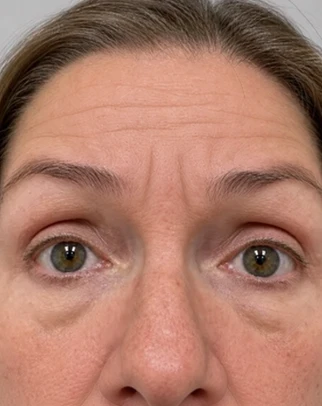
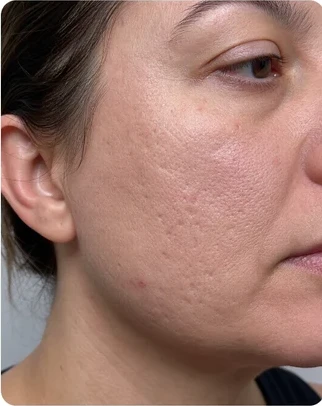
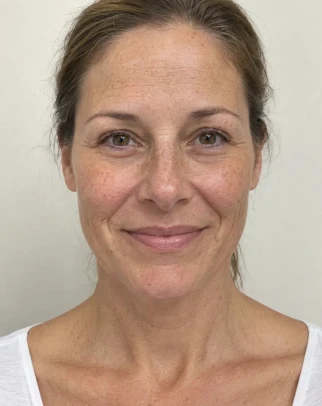
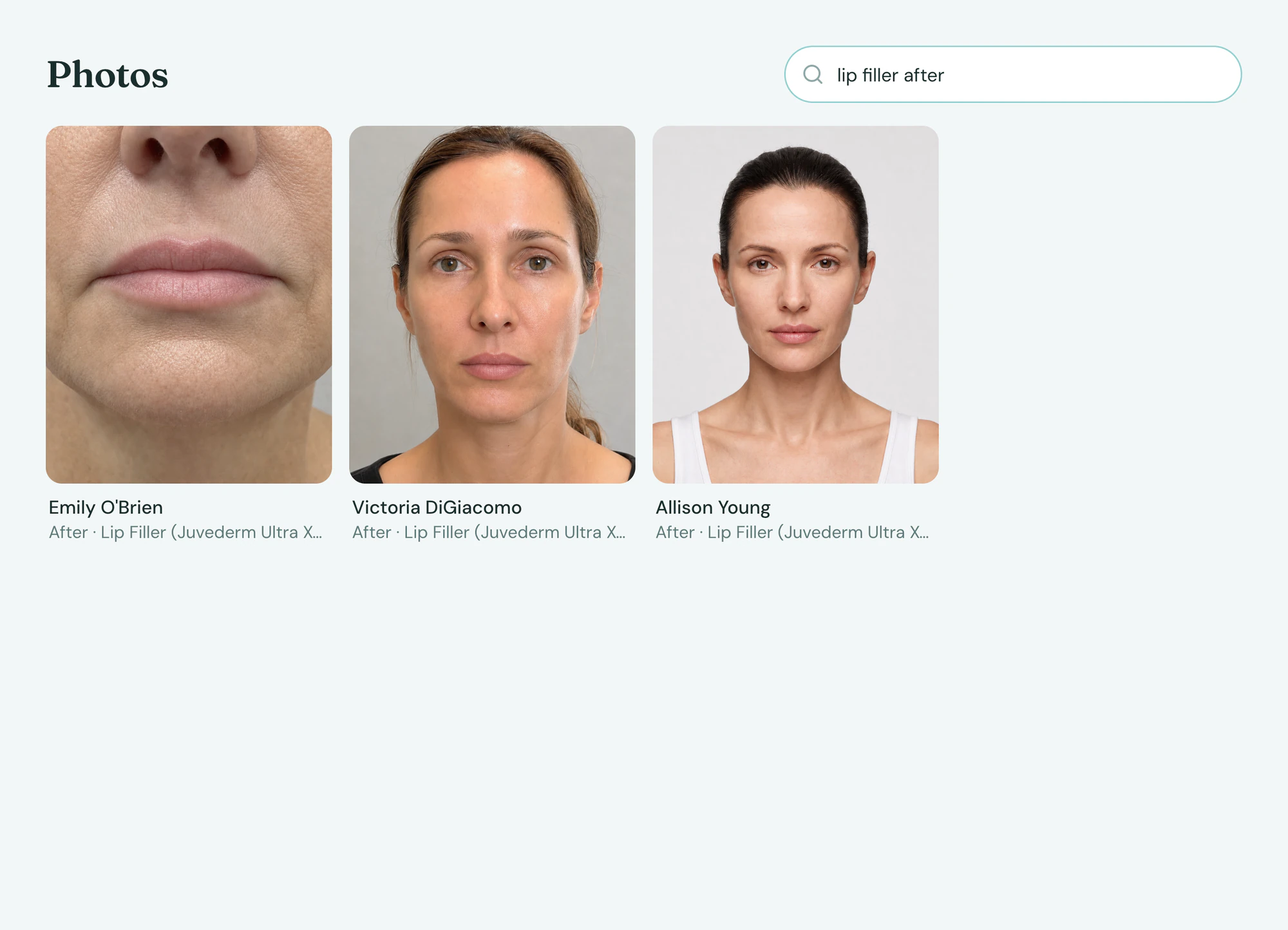
Ask for women in their 40s who had lip filler and see every matching before and after. Every photo is filed to the client’s chart and visit, not left on someone’s phone.
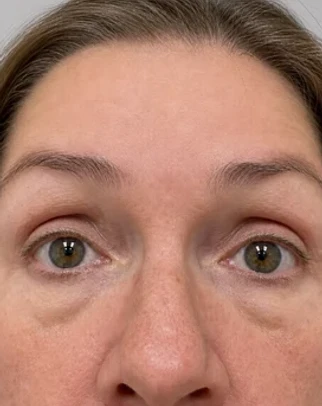
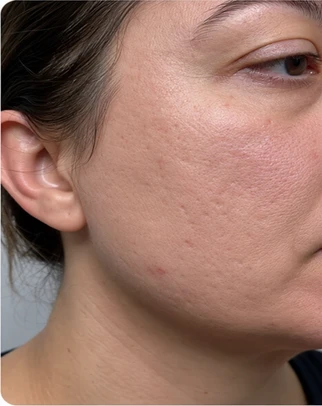

Search
Find the photo by describing it
Tepali’s Photo Gallery holds every before and after photo in your medspa, searchable the way you would say it.
- “Lip filler afters from last month”
- AI describes each photo, so nobody tags by hand
- Photo consent tracked on the client
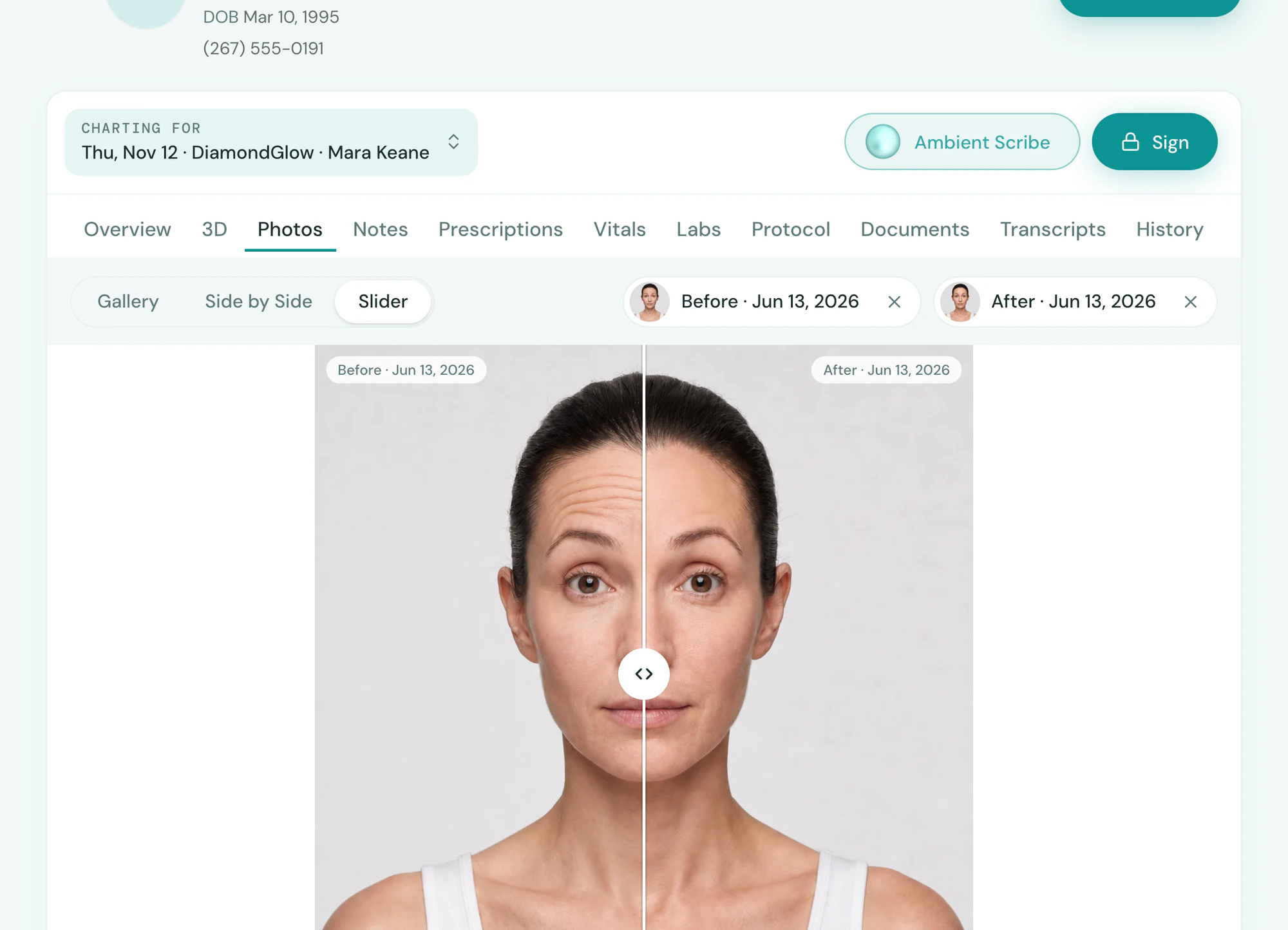
Compare
Slide between then and now
Pair any before with any after in Tepali, the simplest way to show a client what the treatment did.
- Side by side or slider, in the room or a consult
- Across visits, not just one
- Shared to the patient portal when you choose
Capture
Taken on the phone, filed to the visit
With the Tepali staff app, nobody texts photos to the front desk to file later.
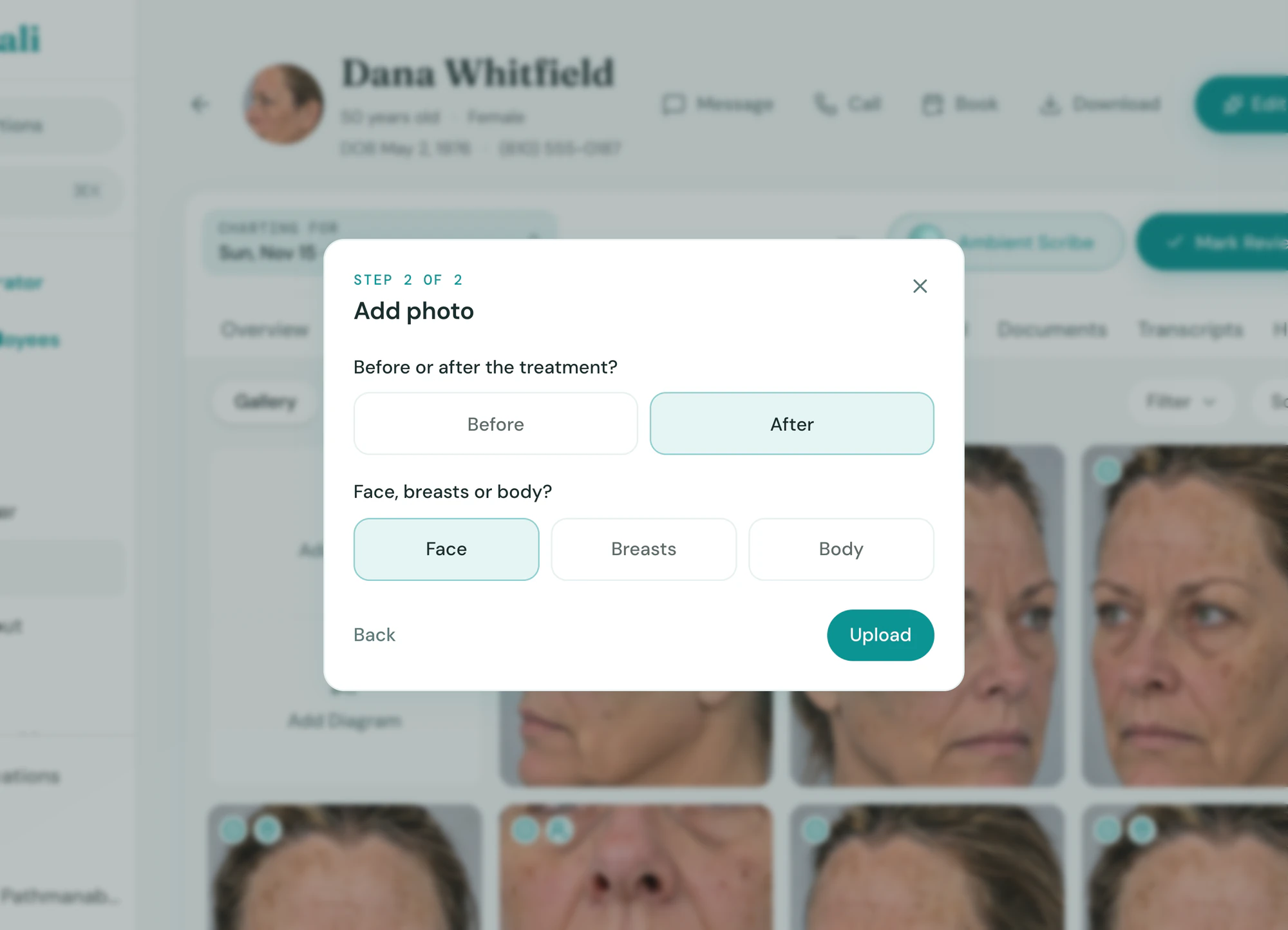
- Before or after; face, breasts or body
- Tied to the visit, its note and its map
- Upload from a computer or shoot in the app
Frequently asked questions
Book a demoWhat is before and after photo software for a medspa?
Tepali’s Photo Gallery is before and after photo management built into a medspa EMR. Every photo is filed to the client’s chart and the visit it was taken on, pairs up for a side-by-side or a slider, and is collected in one gallery you can search in plain English.
How does the plain-English photo search work?
Shortly after upload, AI writes a description of what each photo shows. Your search, such as “lip filler afters from last month” or “forehead lines with raised brows”, is matched against those descriptions and the visit facts: client, provider, treatment, before or after, and date.
Can I compare before and after photos?
Yes. Open Compare on the client’s Photos tab, choose a before and an after from any visits, and switch between a side-by-side and a slider.
Can I take photos on my phone?
Yes. The Tepali staff app shoots or uploads straight to the visit, and photos can also be dropped onto the chart from a computer.
Can I just keep client photos on my phone or in a shared drive?
You can, but photos in a camera roll or a folder are not tied to a chart, a visit or a consent, and they leave with the phone. In Tepali each photo is stored on the client’s record under the same access controls as the rest of the chart, and anyone with permission can find it in seconds.
What about marketing consent?
Photo and marketing consent is recorded on the client and synced from the intake form, so you know which photos you may use before one leaves the practice.
Can clients see their own photos?
Yes, when you choose. Share a photo from the chart and it appears in the client’s patient portal. Nothing shows there until you share it.
Is the photo gallery included?
Yes. Photos and the Photo Gallery are part of every Tepali plan.
Describe a photo and watch it appear